





insomnia417
Members
-
Joined
-
Last visited
-
没上商城,链接放进去手动安装
-
https://raw.githubusercontent.com/insomnia417/Unraid-FileBrowser_Quantum-Plugins/main/FileBrowser_Quantum.plg like this?
-
@Squid Hi, I have completed the development of FileBrowser Quantum and would like to have it added to Community Applications. Plugin URL: https://raw.githubusercontent.com/insomnia417/Unraid-FileBrowser_Quantum-Plugins/main/FileBrowser_Quantum.plg Everything is ready in the GitHub repository. Please let me know if any further changes are needed. Thank you!
-
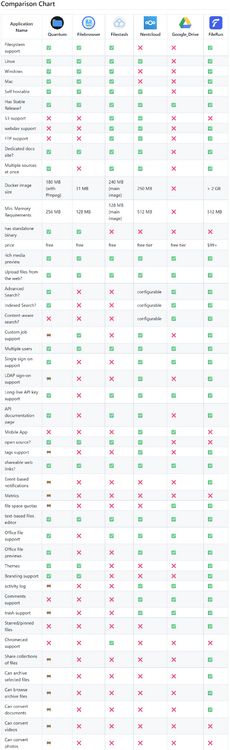
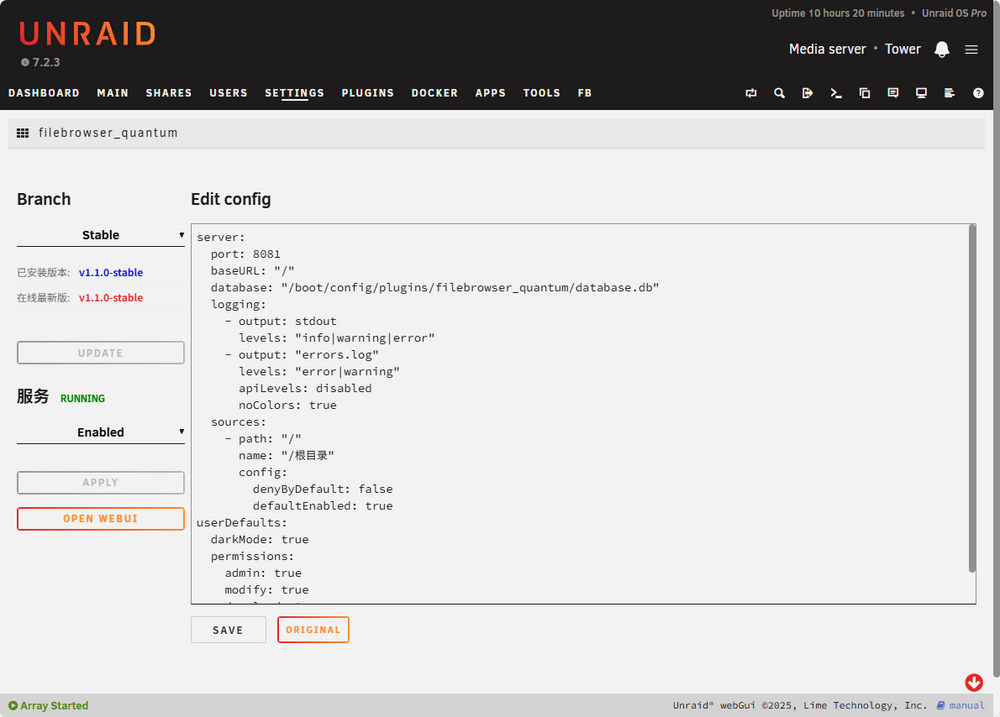
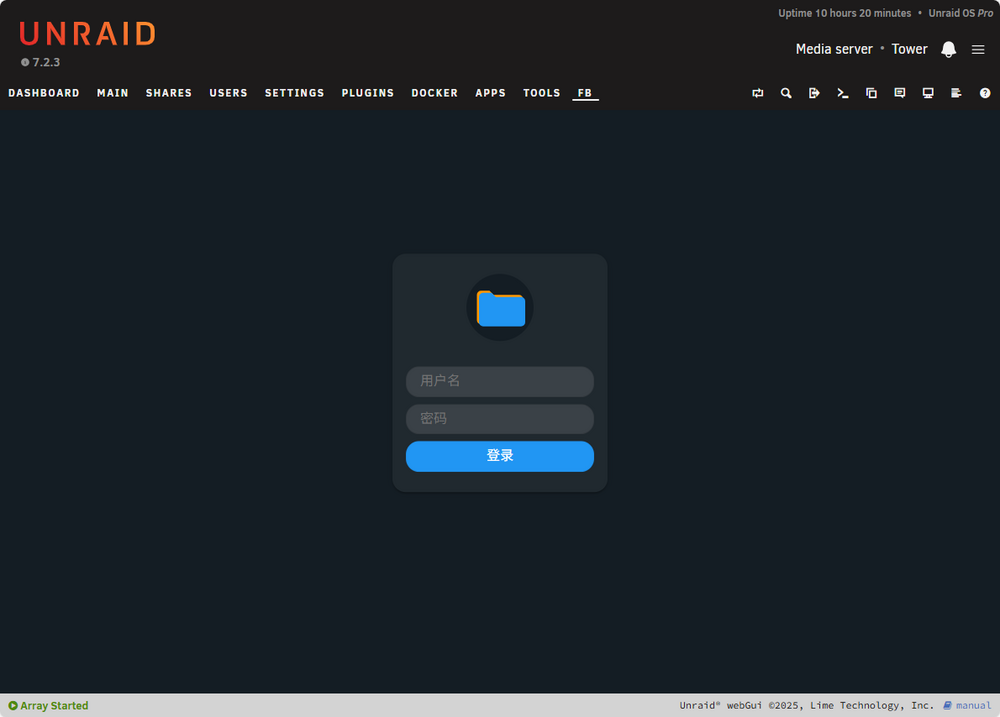
# Description: This is a plugin for FileBrowser Quantum ## FileBrowser Quantum Introduction The best free self-hosted web-based file manager. FileBrowser Quantum provides an easy way to access and manage your files from the web. It has a modern responsive interface that has many advanced features to manage users, access, sharing, and file preview and editing. Ready to try it out? See `https://filebrowserquantum.com/en/docs/` 'https://github.com/gtsteffaniak/filebrowser' ## Plugin implementation In the settings, enable/disable binary startup programs, update programs, modify the config.yaml configuration file, and place the WEBUI on the top bar of UNRAID . # Screenshots: # Installation: UNRAID-PLUGINS-Install Plugin Fill in the link below and click "Install" `https://raw.githubusercontent.com/insomnia417/Unraid-FileBrowser_Quantum-Plugins/refs/heads/main/FileBrowser_Quantum.plg` # GitHub/Source: https://github.com/insomnia417/Unraid-FileBrowser_Quantum-Plugins
-
Here is an easier way to install "FileBrowser Quantum" via plugins. https://raw.githubusercontent.com/insomnia417/Unraid-FileBrowser_Quantum-Plugins/refs/heads/main/FileBrowser_Quantum.plg

-
插件安装URL地址: https://raw.githubusercontent.com/insomnia417/Unraid-FileBrowser_Quantum-Plugins/refs/heads/main/FileBrowser_Quantum.plg 项目地址: insomnia417/Unraid-FileBrowser_Quantum-Plugins: Unraid FileBrowser Quantum Plugins

-
插眼 前排 是个有希望超越filerun的好应用
-
+1
-
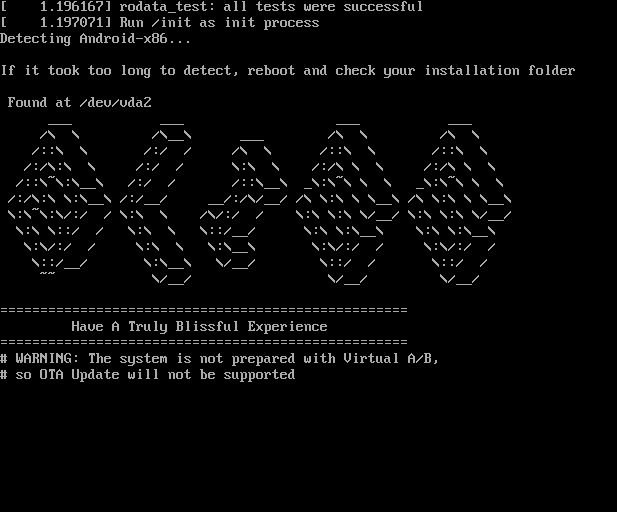
stop in this
-
can u share the kernel?
-
Intel Arc support please
-
still not support for chinese ...
-
待机17-20W,转码峰值50W
-
can this error be fix ? Nov 19 05:29:54 Unraid nginx: 2023/11/19 05:29:54 [error] 10499#10499: *68057 open() "/usr/local/emhttp/plugins/folder.view/langs/zh.json" failed (2: No such file or directory) while sending to client, client: 10.0.0.230, server: , request: "GET /plugins/folder.view/langs/zh.json HTTP/1.1", host: "10.0.0.249", referrer: "http://10.0.0.249/Dashboard" Nov 19 05:29:59 Unraid nginx: 2023/11/19 05:29:59 [error] 10499#10499: *68057 open() "/usr/local/emhttp/plugins/folder.view/langs/zh.json" failed (2: No such file or directory) while sending to client, client: 10.0.0.230, server: , request: "GET /plugins/folder.view/langs/zh.json HTTP/1.1", host: "10.0.0.249", referrer: "http://10.0.0.249/Docker" Nov 19 05:32:19 Unraid nginx: 2023/11/19 05:32:19 [error] 10499#10499: *69905 open() "/usr/local/emhttp/plugins/folder.view/langs/zh.json" failed (2: No such file or directory) while sending to client, client: 10.0.0.230, server: , request: "GET /plugins/folder.view/langs/zh.json HTTP/1.1", host: "10.0.0.249", referrer: "http://10.0.0.249/Dashboard" Nov 19 05:32:27 Unraid nginx: 2023/11/19 05:32:27 [error] 10499#10499: *69947 open() "/usr/local/emhttp/plugins/folder.view/langs/zh.json" failed (2: No such file or directory) while sending to client, client: 10.0.0.230, server: , request: "GET /plugins/folder.view/langs/zh.json HTTP/1.1", host: "10.0.0.249", referrer: "http://10.0.0.249/Docker" Nov 19 05:34:18 Unraid nginx: 2023/11/19 05:34:18 [error] 10499#10499: *71349 open() "/usr/local/emhttp/plugins/folder.view/langs/zh.json" failed (2: No such file or directory) while sending to client, client: 10.0.0.230, server: , request: "GET /plugins/folder.view/langs/zh.json HTTP/1.1", host: "10.0.0.249", referrer: "http://10.0.0.249/Dashboard" Nov 19 05:36:05 Unraid nginx: 2023/11/19 05:36:05 [error] 10499#10499: *72635 open() "/usr/local/emhttp/plugins/folder.view/langs/zh.json" failed (2: No such file or directory) while sending to client, client: 10.0.0.230, server: , request: "GET /plugins/folder.view/langs/zh.json HTTP/1.1", host: "10.0.0.249", referrer: "http://10.0.0.249/Plugins"
-
sorry my english is not good , 非常赞同你的观点,我看过你的帖子"6.12.0-RC4 "MACVLAN CALL TRACES FOUND", BUT NOT ON <=6.11.X" ,并且我也同样在最近2个月时间里面,不断地升级,又降级,又升级,现在最终还是回到了6.11.5(即使6.11.5仍然有可能带来不稳定的因素) , 同时,我也比较赞同引起macvlan错误导致整个unraid奔溃死机的原因 ,可能是因为bridge桥接的问题 根据大部分的说辞看来, 必须要等待linux内核对macvlan这个问题进行修复,然而,unraid的RC更新,不停地进行内核更新,我想这可能是个无尽的未知等待,真的太折磨人了!!! 我可能不会很快升级到正式版的6.12,也许半年,也许一年以后吧,



