






david279
Members
-
Joined
-
Last visited
Everything posted by david279
-
Thanks for the write up. If i leave my current x370 board the next up would probably be this one.
-
You do better using Penryn or IvyBridge because it's gonna be a pain Getting Mac to boot using that CPU as a host. Every hackintosh post I have seen with people trying to use that CPU with Mac has been trouble.
-
You don't need the rcu_nocbs thing anymore. That's was a 1st Gen ryzen problem.
-
sounds like its stuck in reset. Rebooting the server should get it back. Looks like you got bit by the AMD GPU reset bug.
-
Chrome really needs hardware acceleration to work well. In VNC you get no hardware acceleration because you have no GPU. Because of this chrome will suck. 👍
-
Also make sure you have the latest version of the lilu kext without it whatevergreen won't work.
-
Put it in the kext/other folder Sent from my SM-N960U using Tapatalk
-
Install the whatevergreen kext to your VMs EFI
-
Anyone try one of these? https://www.amazon.com/dp/B07T3RMFFT/?coliid=I1YYBO4Q1UA8X1&colid=36Q4O0OOPOV8&psc=1&ref_=lv_ov_lig_dp_it Seems like a pretty good use for a empty m.2 slot.
-
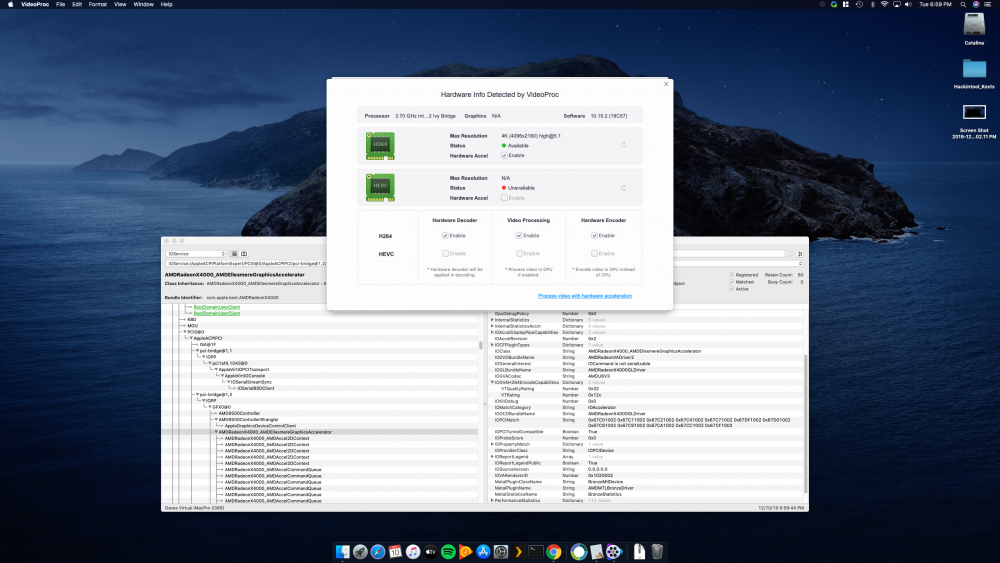
I had to use this dummy kext to get HEVC acceleration back in 10.15.2 HEVCEnabler.kext.zip
-
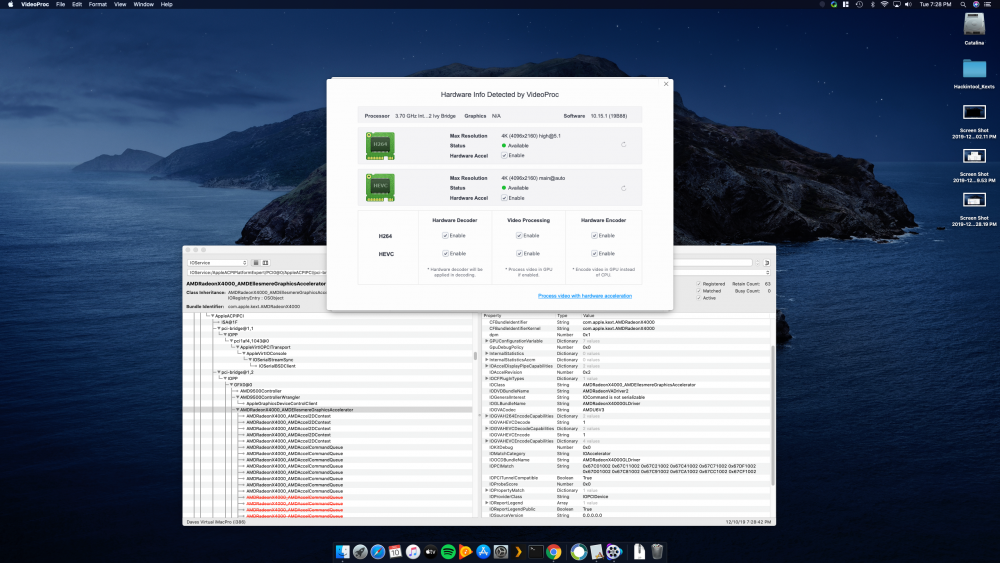
This is 10.15.1 Just moving the mouse around was choppy that why i knew something was wrong in 10.15.2.
-
Do you still have the Hardware GPU support? I have it for H264, but for HEVC its gone now after the update. Im on the Latest opencore 0.5.3.
-
All good here also
-
10.15.2 Out! Back up your VMs and be careful.
-
Try legacy mode instead of UEFI boot mode of that's what you are using.
-
When you install the Nvidia GPU driver that driver for the USB c port on the rtx card will install. For some reason I thought you were talking about amd chipset drivers. Sent from my SM-N960U using Tapatalk
-
Dont have to install any chipset drivers when using Vms
-
1.0.0.4B for the Gigabyte ax370 gaming has working passthrough. Still one of the best motherboards on the platform even after all these years. Now it ready for a 3000 series CPU. I went from F25 to F31 then flashed the ecw firmware tool using freedos then to F50a. All went smooth. Passing through a rx 570 to my Hackintosh VMs.
-
I would really suggest you take a look at the opencore vanilla guide just to get a sense at what is different compared to clover.
-
@tpruszin any reason you mapped your pci devices in your opencore config? It does not seem to make a difference with our VM hackintoshes.
-
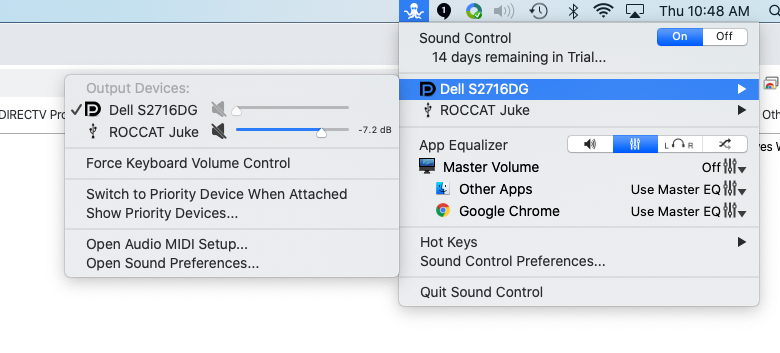
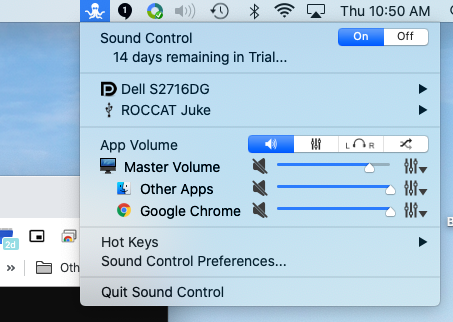
If i unplug the cable i lose the DP audio in the sound prefs. The app im using sound control allows me to control the volume from the DP port or the USB device. Its actually a decent app. I can still use the volume wheel on my keyboard and it looks just like the volume display like a built in device.
-
Ok downloaded a app called sound control to control the master volume of my GPU
-
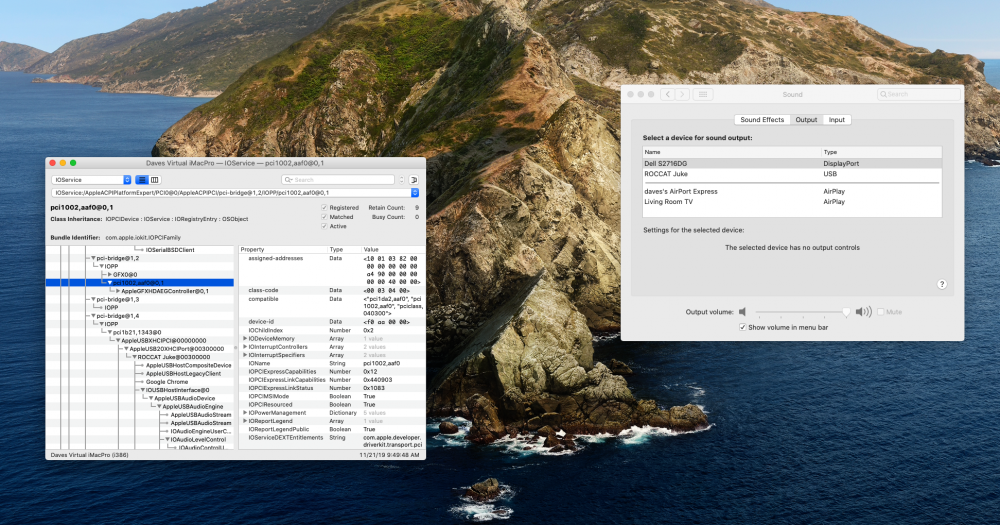
AppleALC kext fixed up the device but i get no actual sound controls so i cant change the Volume so a win and a lost.
-
This is what the sound out for my GPU looks like. My monitor has no speaker but has a audio out port i will try.
-
I use a usb audio device right now that works out the box without any kext needed. Just looking to free up a usb port. The device has worked in every Mac version i have used without issue. Audio controls work and everything.




