orlando500
Members
-
Joined
Everything posted by orlando500
-
im guessing the plugin does not handle ÆØÅ signs in the script name. I cant even delete the script...
-
hi, trying out pulse. But scared the shit out of me the first time i run the agent on unraid. Says i have 21 missing disks... where is it getting that from? My server is fine. (same on the other one but there its only missing 6 disks)

-
thanks for the writeup on how to solve this for now... for some reason this does not work for me. i have the questionmark file in images: i still get this blinking missing icon even after reaplying the docker settings. But it does not give any warnings in the log anymore

-
i was away and didnt see your reply before now, but tried the new version and icons are back :-)
-
so after i had some problems with my usb key, im back with a backup of the key. But now i get this when reinstalling the plugin: How do i make the icons visible again? tnx

-
hi, great idea for a plugin. Is there a way to configure open code to use the local ollama ? in normal setup i can use ollama launch opencode as ollama has integration and inserts the integration (it emulates openai) but when i do it on unraid it says open code not installed
-
Hi, anyone gotten mousehole to work with qbittorrentvpn? what steps did you take to make it work? tnx
-
+1
-
yeah but make sure you have everything ready to reclaim your server. I had to spend 2,5 hours to get my server online again because the "documentation" didnt work for me the first 5-7 times.
-
i had to remove Preferences.xml in the config directory, then made a new claim code and added a variable to the docker template added the key PLEX_CLAIM and added the claim key. Then i got into my server again. Had to repin librarys. Maybe you dont need to remove the xml file, but that worked for me after i just tried to remove the token from the xml failed.
-
hope so, it was a nightmare for a couple of days before i got my hands on a new usb drive. (it allways happends on weekends and ofc when im at my cabin)
-
anyone having problems reclaiming server after the "log out all clients" in the wake of the security issues plex had now and sent an email to get us to change password. Well i did that stupidly just before bedtime. But now i cant see my server even if i have gotten a new claim key and restartet server with that parameter i just cant see my server for like 2 sec before its gone from the list.

-
yeah for me the usb key is the weakest link right now
-
But the reason for using like command node to call on a python script is to get the results back to the flow, is there a way to do that any other way running the script outside of n8n?
-
I removed some plugins, same result. And then i removed unraid connect and then everything went back to normal. Strange stuff, never happend to me before.
-
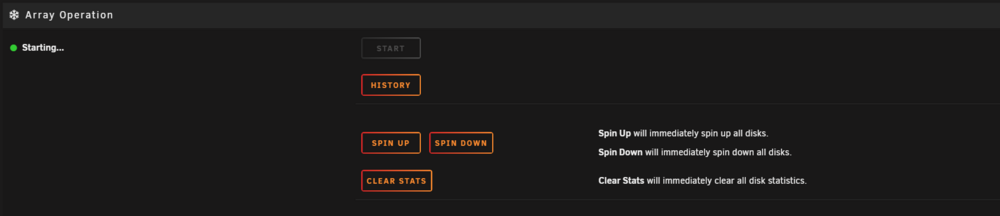
i did a /etc/rc.d/rc.nginx restart and then the main information is back, but the array is still starting status But its not really working. cant press any buttons like spin down drives etc on the main page
-
This is the diag from the command line hal-diagnostics-20250415-2331.zip
-
yes
-
i would if i could get to it... it just sits there when i try to go diag. Will try another reboot
-
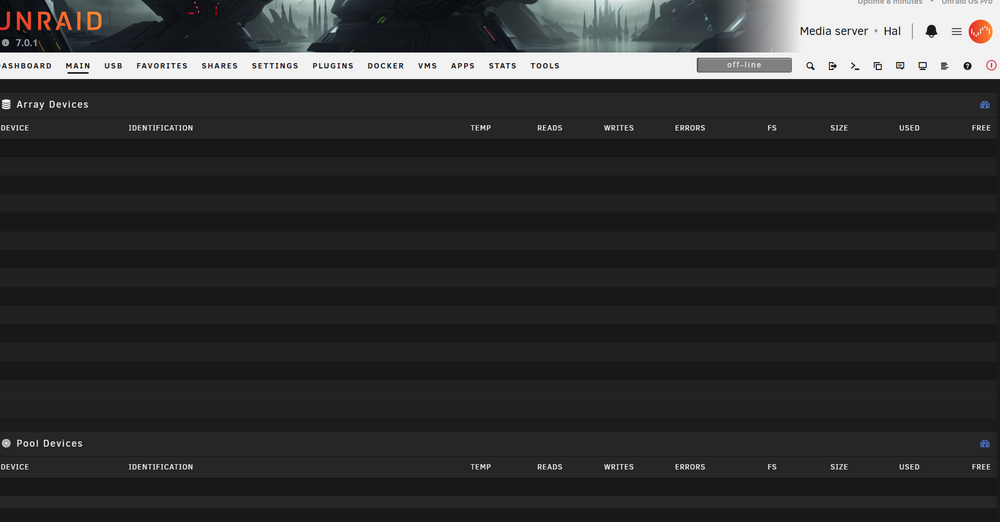
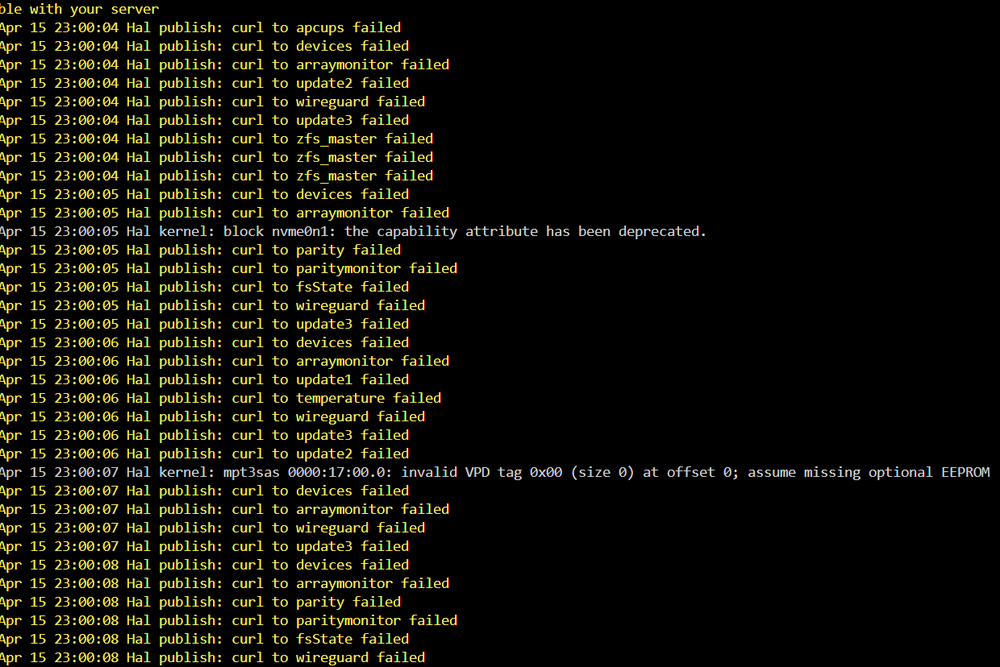
Was working just fine 5 min ago, just did a reboot and then i got this. Same happend last night and i did a new reboot and it was ok. Now its not going ok it seems also log is full of these
-
i also got this 2 times in the last 24 hours... reboot didnt fix it either..., maybe need a hard reset. But its hard to to as im remote from the server atm
-
@SpaceInvaderOne are the script beeing maintained still?
-
anyone know if this still works? the github is 2 years old
-
YES, thats a good hire. love it. Can't wait for more content. Grats to unraid and Ed 🙂
-
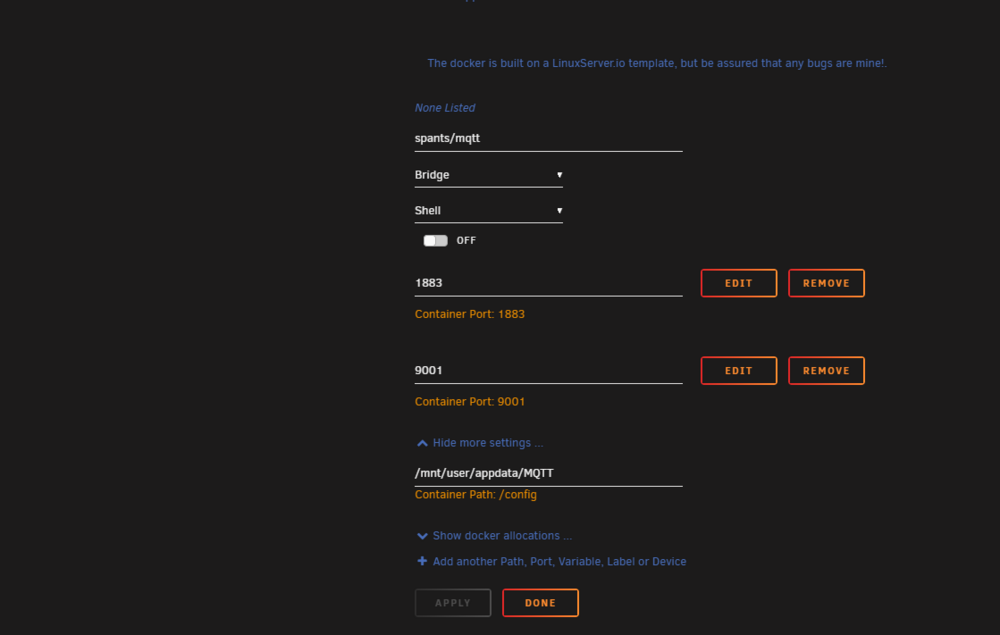
Anyone seen this from the log? 1738585922: Saving in-memory database to /config/data/mosquitto.db. 1738585922: Error saving in-memory database, unable to open /config/data/mosquitto.db.new for writing. 1738585922: Error: Permission denied. My config: 6.12.14