





SpencerJ
Administrators
-
Joined
Everything posted by SpencerJ
-
What do you suggest? The ones listed are known to work. SanDisk were the main ones that customer’s were having issues with.
-
Done! Thanks for testing and recommending.
-
It should redirect. Longer term, we will likely integrate the OS and docs.
-
We've mothballed our old, outdated wiki and are pleased to bring you a whole new home for Unraid Documentation. Using a new static-site provider with fast client-side navigation and an interactive interface powered by React, we're stoked to bring you a cleaner, more modern Unraid Docs experience that is fully searchable, versioned to OS releases, lightning-fast, mobile-friendly, and accessible to all. Even better, Unraid users can now submit page edit Pull Requests, helping us ensure that the docs keep up as the Unraid OS ecosystem grows and changes. More New Features New Site and Page Nav bars on every page of the Docs Easy URL linking to specific page sections Light and Dark themes Coming Soon Ability for users to create new community Docs pages Submit and share Unraid Guides 🌍 Internationalization: Ability to help translate the Unraid docs into multiple languages such as Spanish, French, German and Chinese. https://docs.unraid.net/ We hope you enjoy our new Docs experience.
-
Hot off the press, docs.unraid.net is live as our new Documentation site: https://unraid.net/blog/new-unraid-documentation
-
Please contact support for this.
-
the form or licensing@ (not license@) should work. Please let me know if you continue to have issues.
-
We haven’t done any forum updates for a number of months. Personally, I haven’t noticed anything but we will be performing an update to invision hopefully at the end of our next dev cycle.
-
Hello, I replied a few days ago to your ticket and have sent another reply in case you missed it. Cheers
-
Hey there- if you can start a trial, you are good to go with the paid version. You should be fine here but if you have any issues, please contact support. What part of the world are you in? Thanks
-
hey - we haven’t updated the forum recently (5-6 months at least) - did you just notice this or has it been an issue for you for awhile?
-
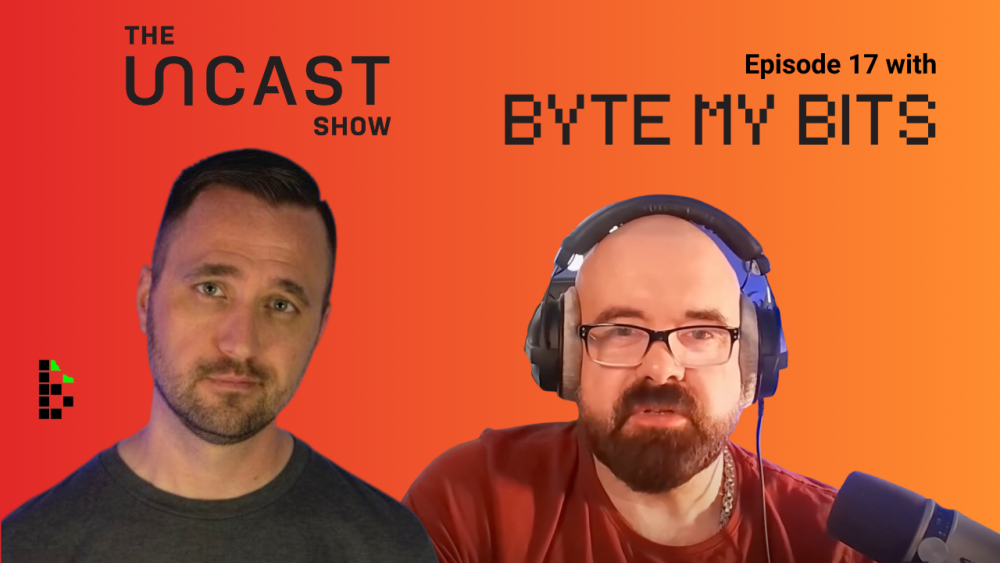
Thanks to everyone who submitted questions! This episode is now live for your listening and viewing pleasure. Please rate the pod, like and subscribe on youtube to help us to continue to grow. 🙂 https://unraid.net/blog/uncast-17
-
custom Unraid engraving 👀👀
-
Please let us know!
-
tagging @zspearmintto investigate. In the meantime, could you try a different browser and contact support if the issue persists? Thank you in advance
-
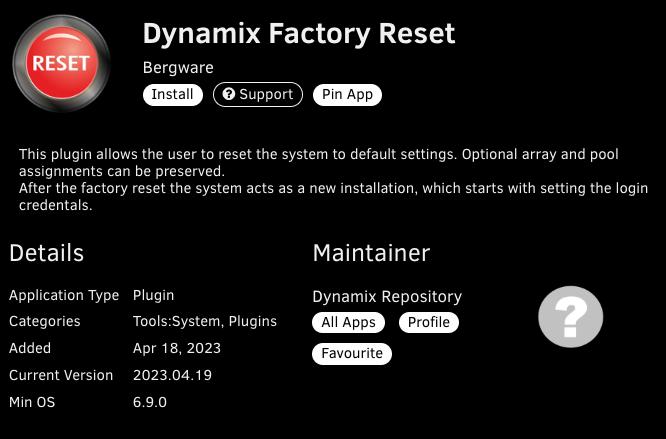
This plugin just dropped!
-
maybe you’re more social anti-social? 😉
-
Hi there, could you try a different browser and/or disable any Adblockers or VPNs. If those don’t work, please contact support. apologies for the inconvenience.
-
Cc: @ich777 re: "du" / "Sie" und @bonienl re: Ich denke längerfristig würde es für viele auch einfacher sein Dienste wie Crowdin, POEditor oder Weblate für die Übersetzung zu nutzten. Thank very much for your recent submission- I merged!
-
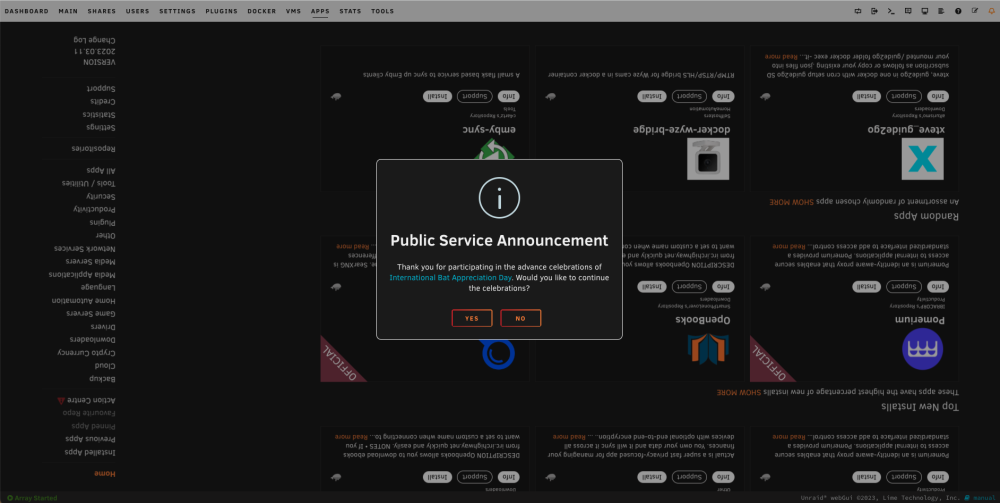
🦇🦇🦇 @Squid 🥳
-
Thanks to everyone who submitted questions!
-
-
They touch on this briefly here:
-
The pod is up now and the full youtube video should be up within a couple of days! Thanks to everyone for submitting questions and for listening.
-
thanks. I’ll remove the link.






