





JustOverride
Members
-
Joined
Everything posted by JustOverride
-
I've got to say that I been playing around with Truenas, and ARC and L2ARC is really awesome. The using spare RAM as cache is really awesome. Hope we get something like this in Unraid.
-
Really? Wow, I don't see where that toggle came from then. Either way, then there is a lot of room for improvement.
-
We currently have 'all' or 'started' VM's and dockers views. Can we add an option for only pinned/favorite VM's/dockers to show? I looked around and wasn't able to find a plugin or something that does this, unless I missed it.
-
I understand that it could be bad to allow a VM to start without the array because the Unraid license model (as some of you pointed out). However, if Unraid sees it has a PRO license active then it should not be a problem. Perhaps, make a new license "PRO+" and then we can simply pay for the additional features we want. A "system pool" can and should be added for VM's and Docker to be able to run independently from the array (a lot of users already run their systems this way). At the end of the day, if it can be done great, if not that's fine. This is merely a feature request. If not I'll just have to run a separate system, but its not something I'm looking to do. So if ultimately the problem has to do with licensing and the possibility of Unraid being 'cheated' out of licensing, then just add a new license that allows for this. Is there something else I'm missing?
-
I agree. Honestly I don't see why VM's can't run without the array, I really don't. I thought about getting a separate machine, but that would defeat the point of consolidating equipment.
-
+1 All these options should be the default as it would be more secure. Then instead a toggle for anyone having issues or running older hardware.
-
Working on my array at the moment, upgrading/changing disks makes me wish that stopping the array does not mean I will lose internet if the computer isn't being reset. This makes me want to actually have additional hardware to run the internet, but then one of the point of unraid was to consolidate hardware. I really don't see why this haven't been added if the VM (really all I care about is at least pfsense or any other internet-like VM) does not have any dependencies from the array. If the reason money related, or something like that, I wouldn't mind paying for "plus" features and maybe additional features can be added in the future. Just don't make it a subscription and I'll be happy. +1
-
I believe this is showing you what the size of the cache drive is. Anyone feel free to correct me on this. I do not see anything wrong with your setup, and will work as you expect it to. Note, you will be able to still write to the drive after the 1T, it will simply start to write to the array as the cache would be full.
-
1) UNRAID is capable of delivery those speeds as long as your setup is configure correctly with the right hardware. UNRAID is not the limiting factor. 2) The Mover, moves data from the cache drives to the array. I'm not sure what you mean by "need to access it through data drive". It will simply move it from the cache drive to the array.
-
Great job! Hope it gets baked into UNRAID.
-
This will be fixed in Unraid v6.10.
-
Is this a fix that will be coming to unraid, or should I just change the name of the share?
-
Updated 6.9.1 -> 6.9.2 without issues....except
-
It was "kinda" working. While it would work sometimes, upon close/re-opening origin or restarting the computer, it would suddenly not find the game and prompt for a re-download/install of the game. During the install you have to key in the path as it also won't just let you select it normally. They are REALLY against it, don't know why.
-
Well it can be used for online stores like uplay and epicgames which don't support the mapping of a network. However, there was another reason. I just honestly forgot.
-
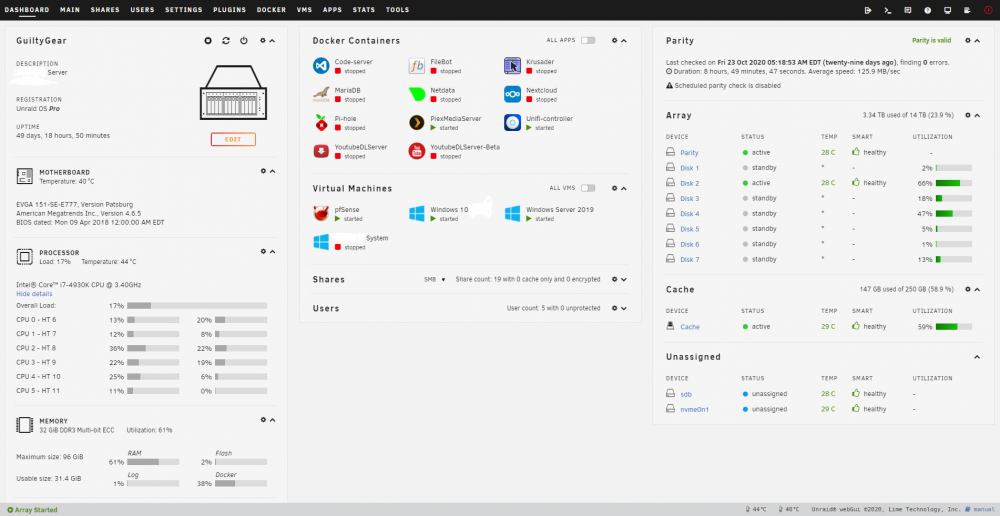
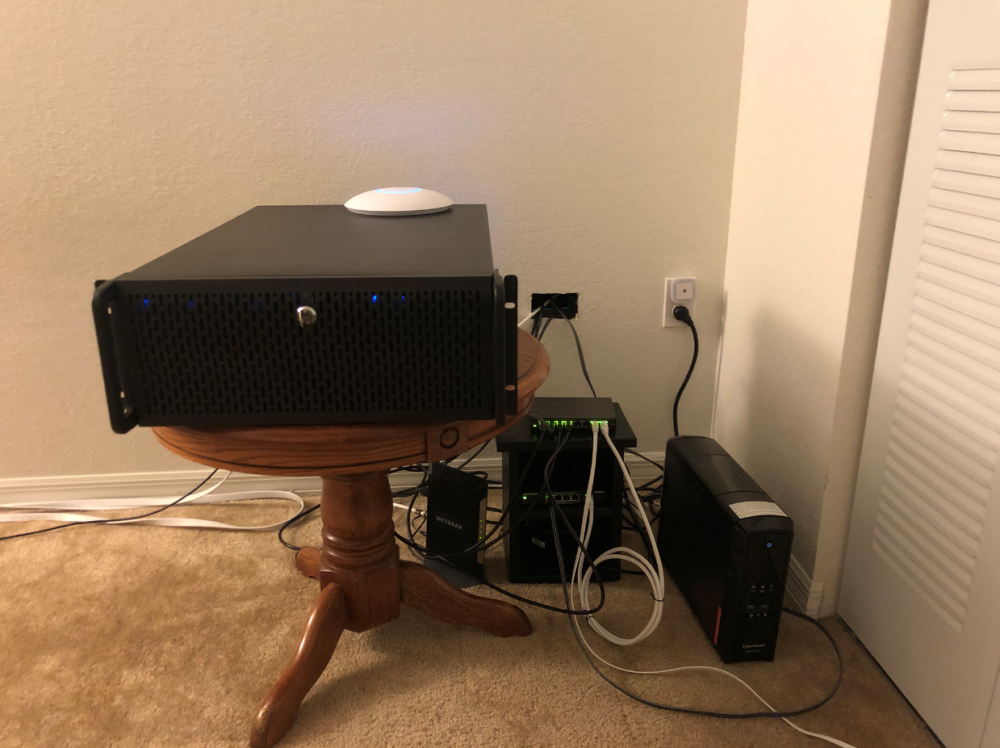
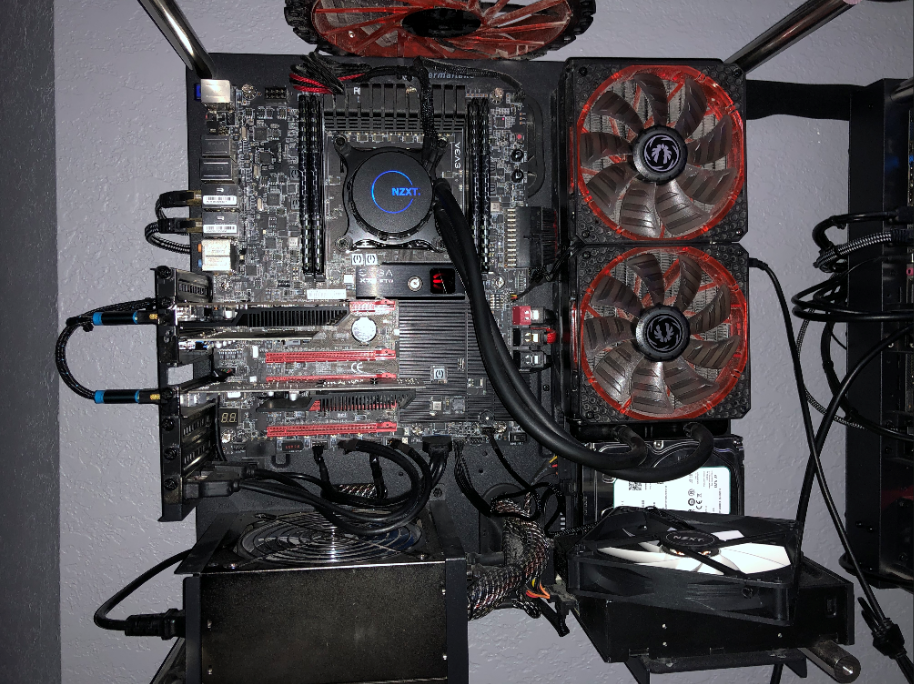
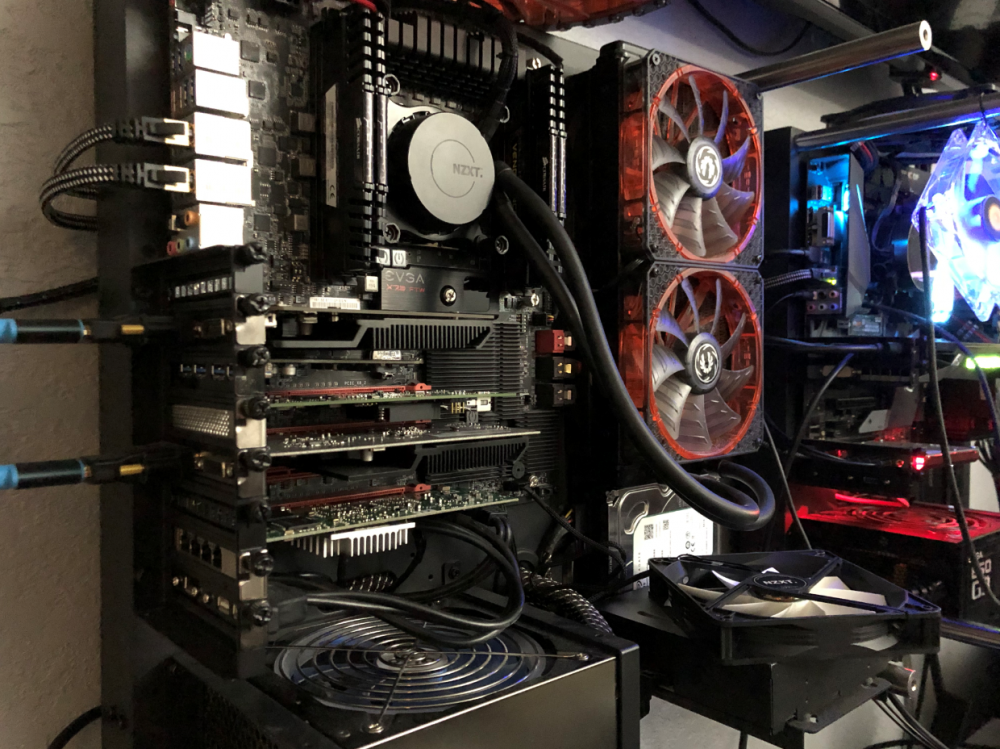
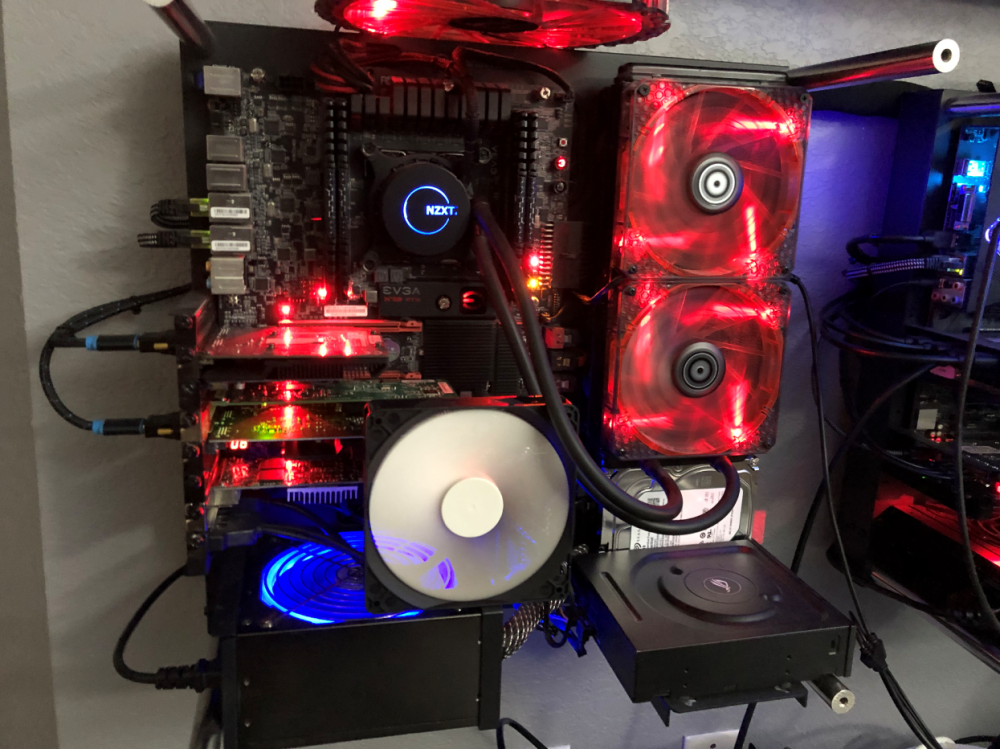
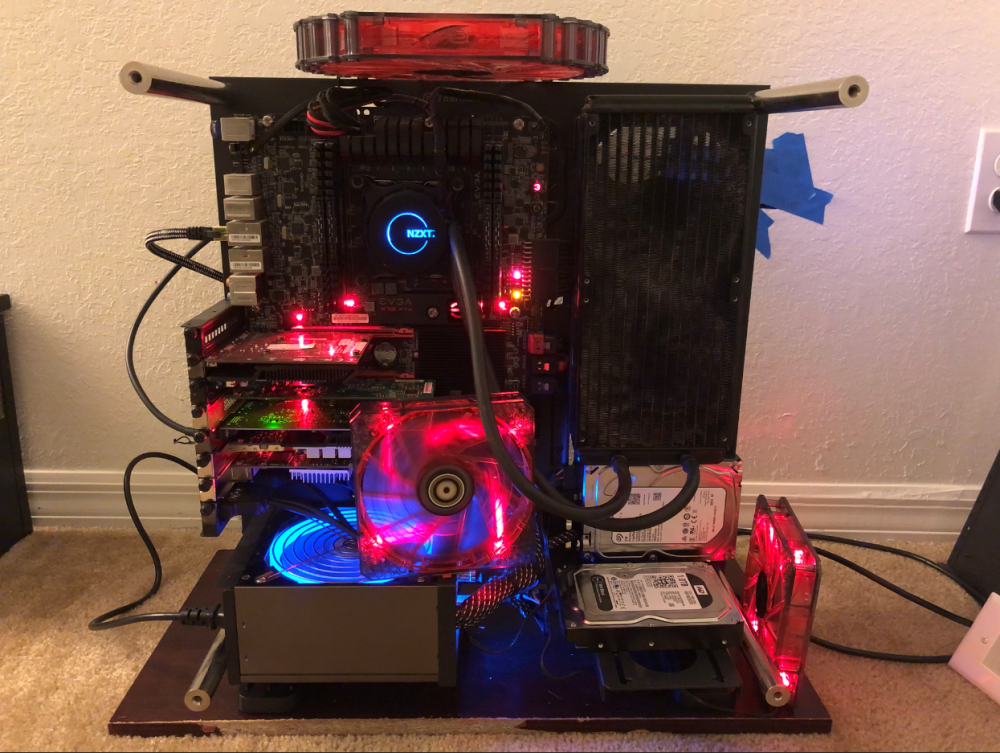
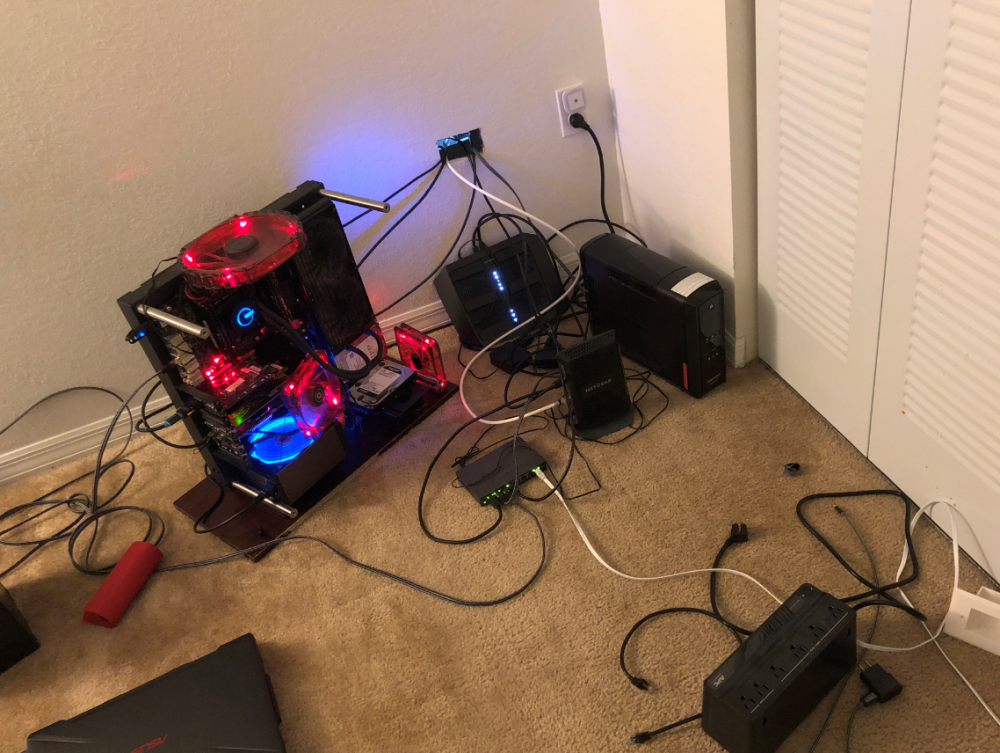
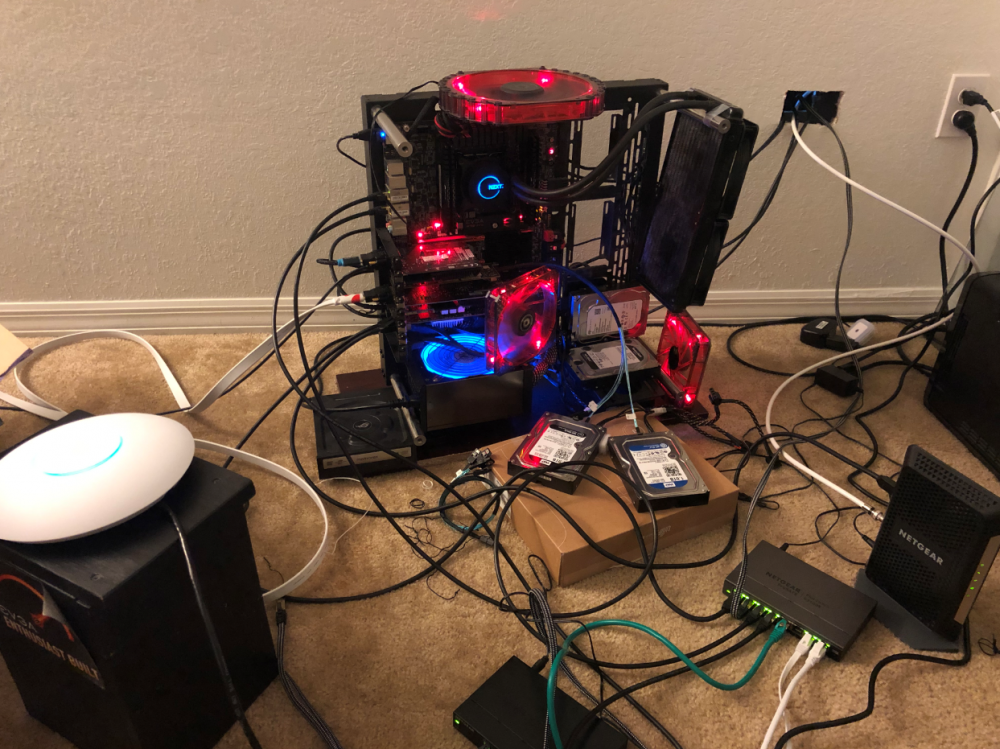
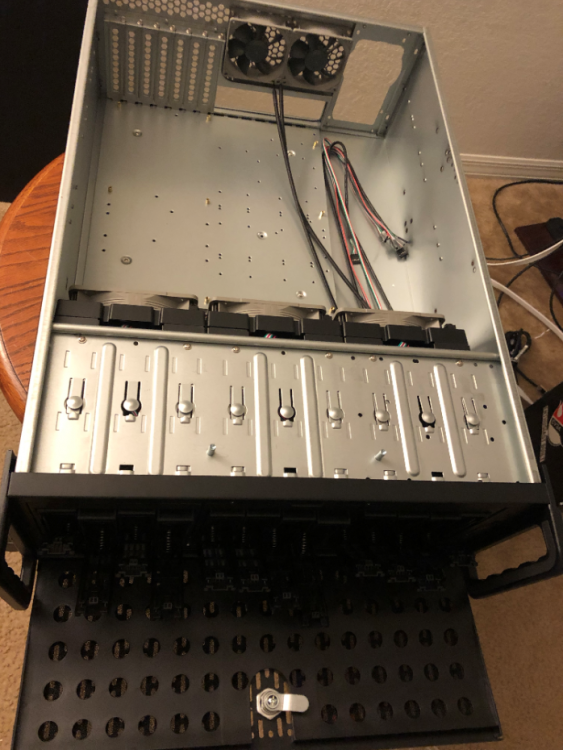
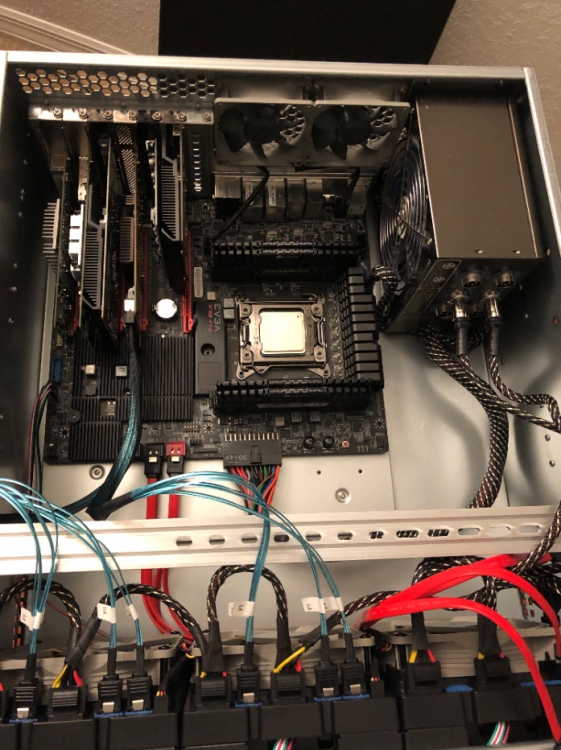
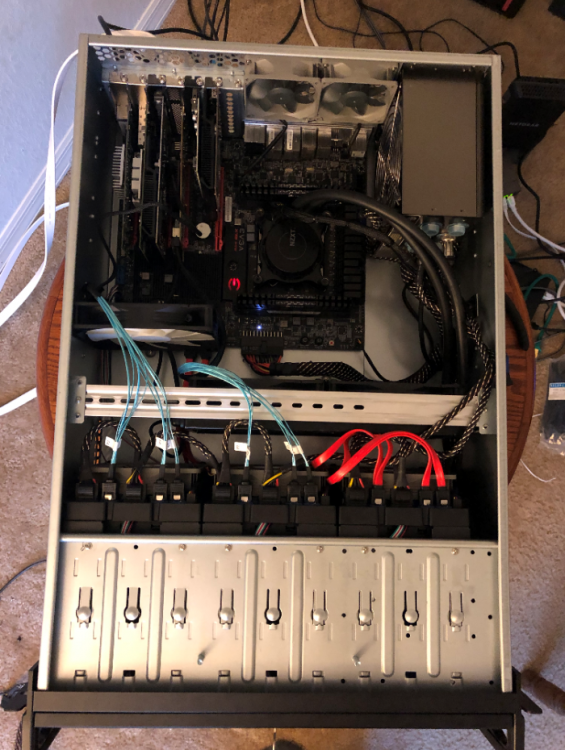
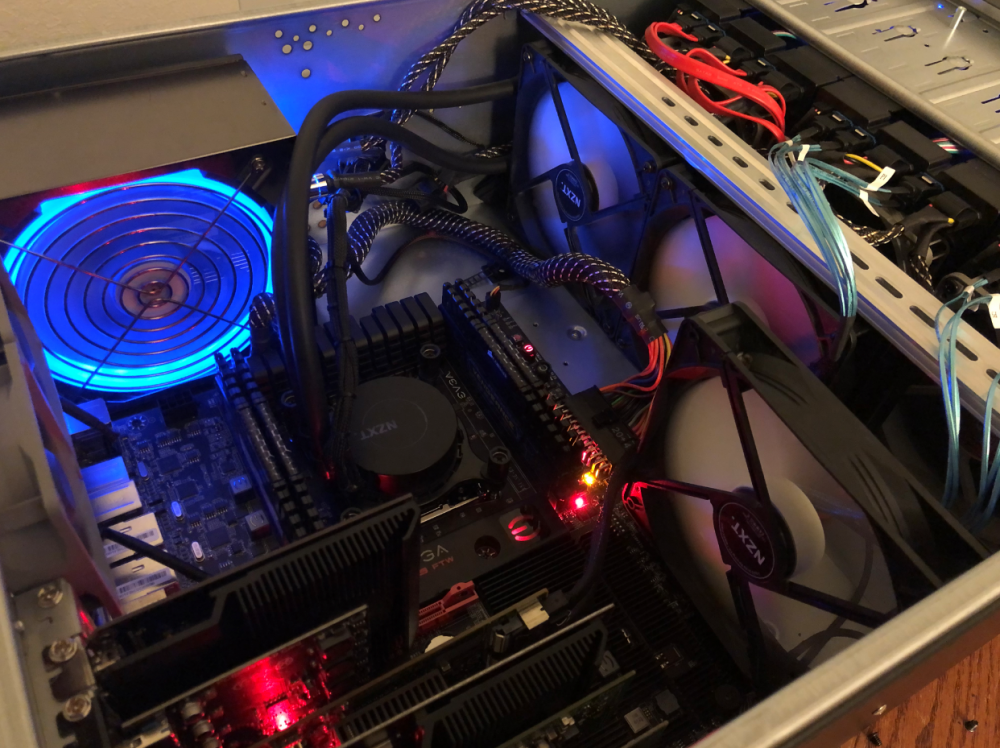
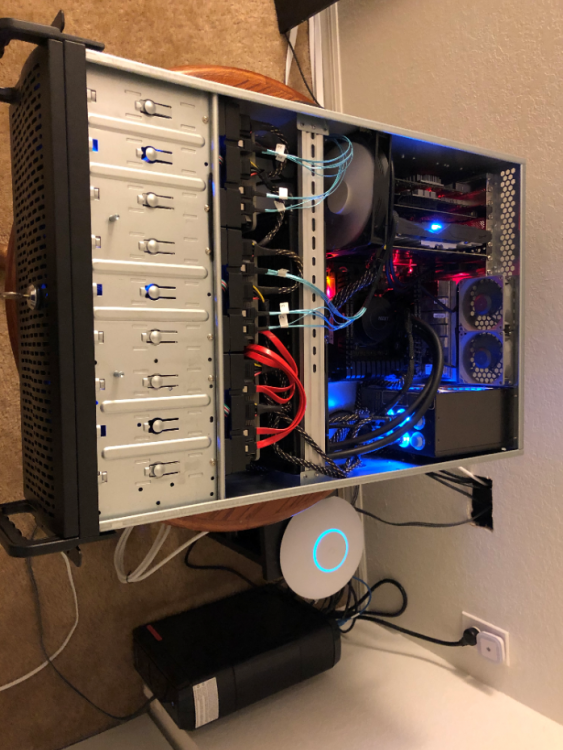
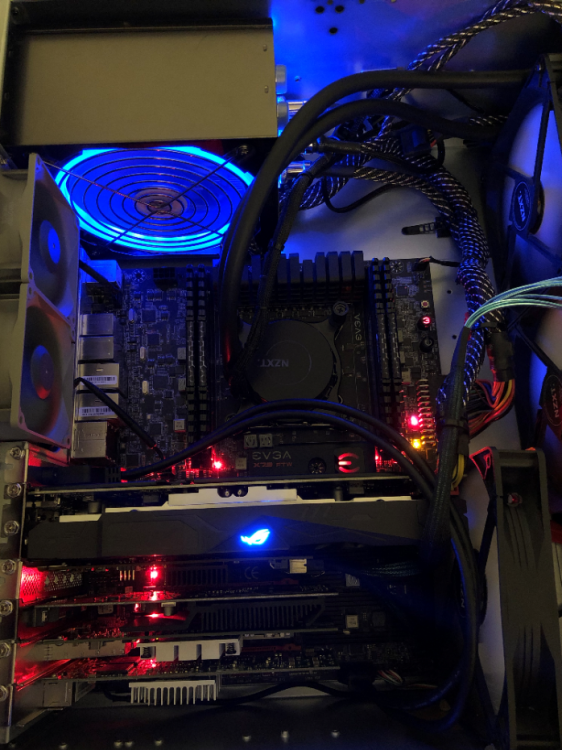
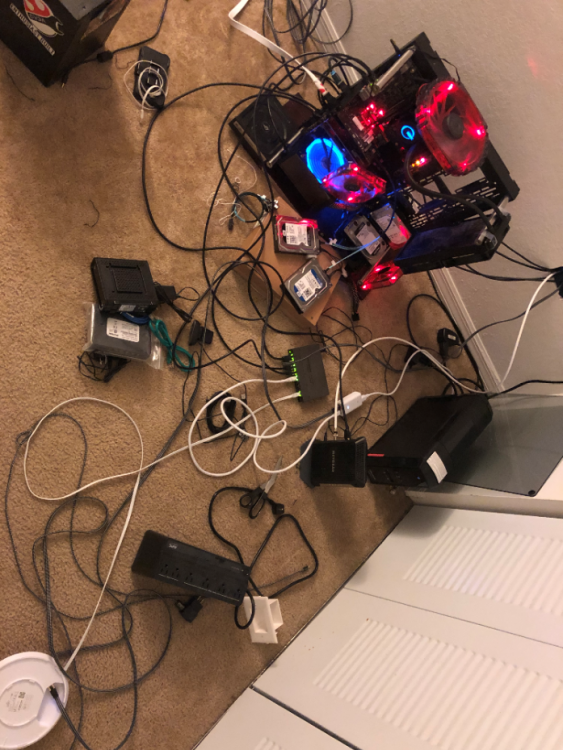
It was my older gaming computer. How it all began....... ---------------------------------------------------------------------------------------------- Let me know what you guys think.
-
I hope this gets fixed on UNRAID 6.9. My WSDD still disabled.
-
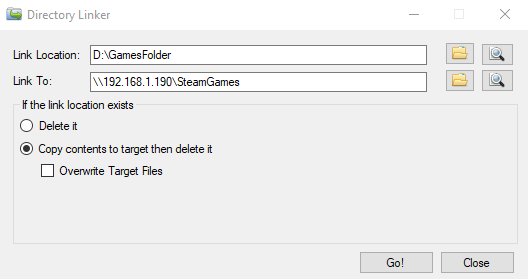
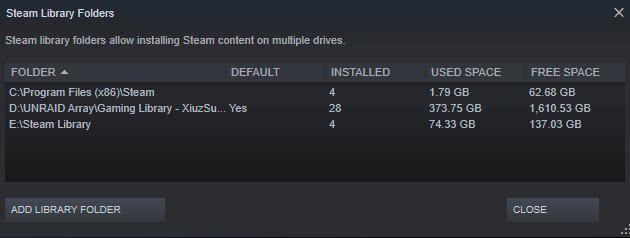
This guide will help you setup an UNRAID share to be used as an steam install folder with a higher success rate than other options. Things you will need; a) Another drive other than C:\. (otherwise you would need to create a "fake" drive via a regedit. b) Download this program to make a hard link, Dlinker. 1) If you haven't already, create a share on UNRAID that you wish to use for the installation and storage of your steam games. Lets call it SteamGames 2) Create a folder on another drive other than the default steam install drive (this is usually in C:\). So create a normal folder on D:\GamesFolder that we're going to use to point to the server. 3) Using the program we just downloaded, Dlinker, fill the information as shown below. 192.168.1.190 <- This should be your UNRAID server's IP address. SteamGames <- This should be your UNRAID share gaming share's name. Then press 'Go!'. 4) On steam, navigate to View -> Settings. Go to the Downloads tab on the left. Then click on 'Steam Library Folders'. Add the folder we created earlier, D:\GamesFolder. 5) THAT'S IT! You may begin installing and running games normally. Things to Note : - DO NOT delete the created folder D:\GamesFolder as this will also delete any files/folders to the linked share in UNRAID. There is A LOT of misinformation online about deleting this type of hard link. What I found to work best, and safest is to temporary disconnect the connection to UNRAID by unplugging the ethernet cord (or stop all network connections) and deleting it normally. This way you will not lose any information in your share. - If unraid is offline, your games won't show, but you can still use your steam normally and play any games that were store in other locations or your local drive. - Some games, won't want to install with this setup. Personally, I have only encounter this issue with 1 game using this approach. This was with 'World of Final Fantasy'. In this case, I just installed it to C:\, then moved it to the array and haven't ran into any other issues. I have over 250+ games.
-
There isn't a way to specify a core for this function. Additionally, when the issue happens, the core that is at 100% may hoop to another core.
-
I'm still on the 6.8.3 since its just on my main system and can't risk data corruption. Sorry.
-
Would love to test it, just don't have a test system yet.
-
+1 from me too! Mainly for pfSense, but also because ALL of my VM's are on a separate unassigned drive. I think the majority of users have their setup mostly this way due to the inexpensive SSD's cost and the large performance gains.
-
Welcome to anyone who's ever done an XML modification group lol
-
Yea you're right. I guess I'll have to look for another way to have a "recently read/access cache" some other way. Either way, I think the mover should be updated with some of the functionalities mentioned above. This would open many doors for UNRAID.
-
Visiting the CPU Isolation page triggers the warning at the top "CPU Isolation: A reboot is required to apply changes" even though no changes were made. Literally, just click on the settings triggers this warning and only way to get rid of it is to reset.




