





Yusseiin
Moderators
-
Joined
-
Last visited
Everything posted by Yusseiin
-
Welcome Chris! 🚀
-
I have managed to get this working using the serve option. I have done the same setup has you. n8n and tailscale docker. in n8n i have put the network has container with tailscale docker Than in tailscale docker i went to the console and i have run tailscale serve 5678 And then i am able to access n8n via https with the .ts.net link. You need to have the serve and the https enabled on your tailscale account when you send the command the first time it will trigger the "enable page" has you can see here https://tailscale.com/kb/1312/serve
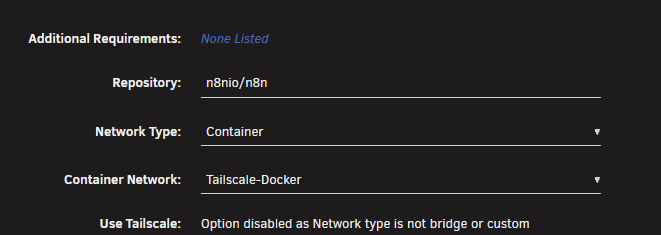
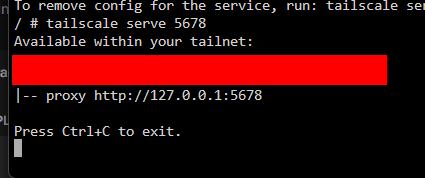
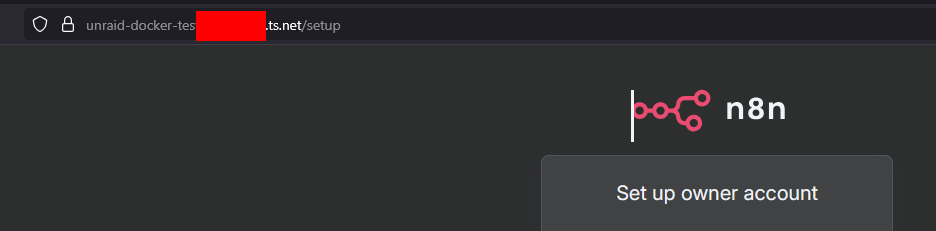
-
Let me try to add tailscale to my n8n instance and see if it is working. I am using a reverse proxy to serve n8n via https so i do not have your problem. I will try to add it to my instance and see if it is working
-
If you see only the "console" button that is because in the app image there "Web UI" part, that is under advanced view, is empty. This does not mean that your n8n is not accessible, you can still reach it using the tailscale container ip, and if you are using Magick DNS using the dns name from tailscale. Are you using Unraid 6 ? because in Unraid 7 you can install tailscale directly inside n8n in the app image.
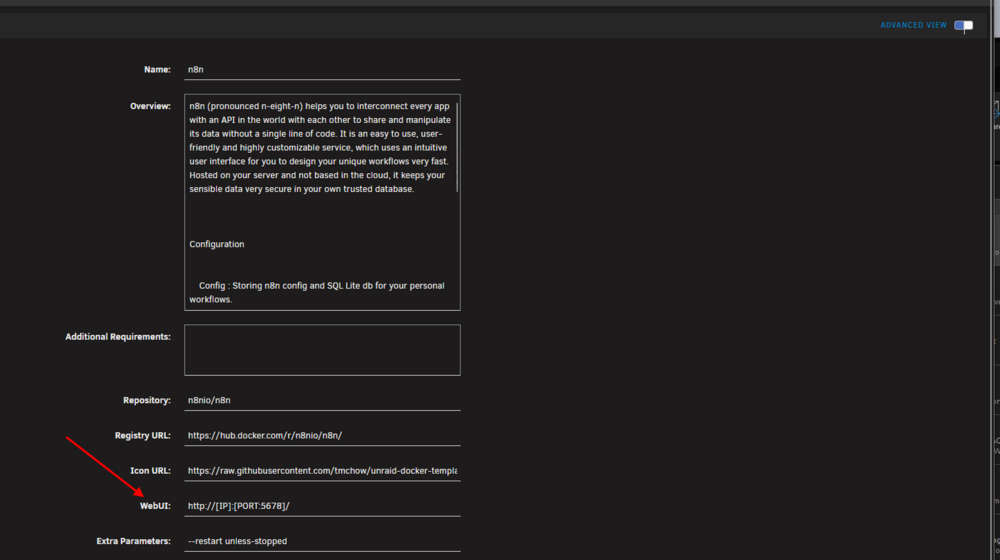
-
Grazie della condivisione, lo aggiungo nella guida
-
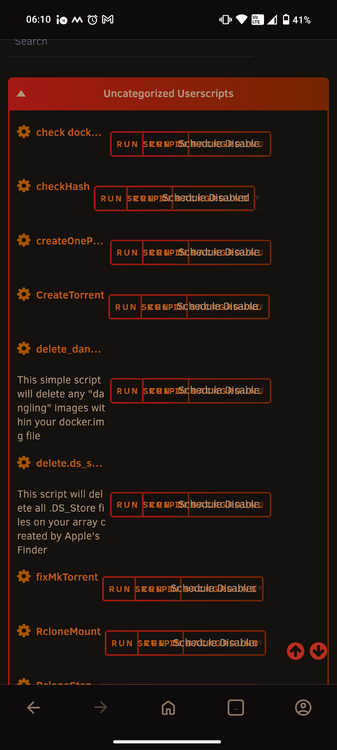
User scripts enhanced is not usable in mobile
-
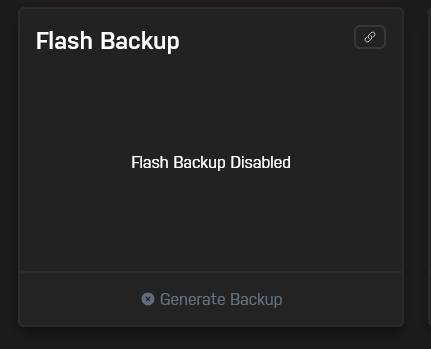
Same here in Unraid 7.2. In Unraid Connect it says that the backup is disabled but there is no "Enable Backup"
-
I have the same machine-id like yours if this is needed for some throubleshoot. Let's wait for JorgeB :)
-
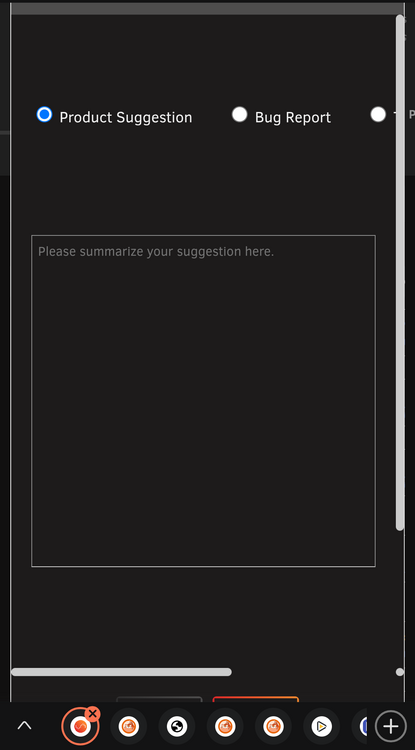
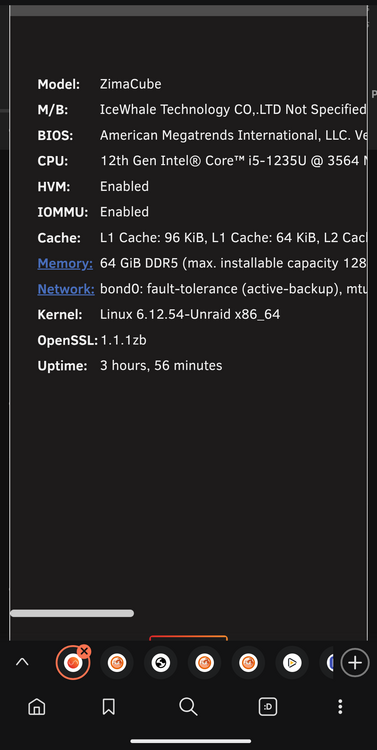
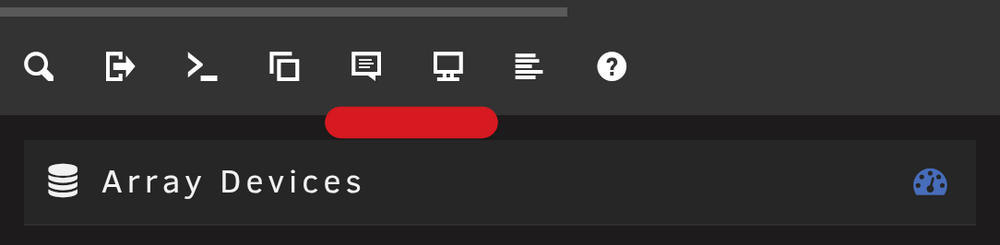
Hi, i have update to 7.2. In mobile i cannot use the "suggest" section and the "sistem information" section they are going out of the screen portait or landscape does not change. Even if i force desktop mode they are not usable.
-
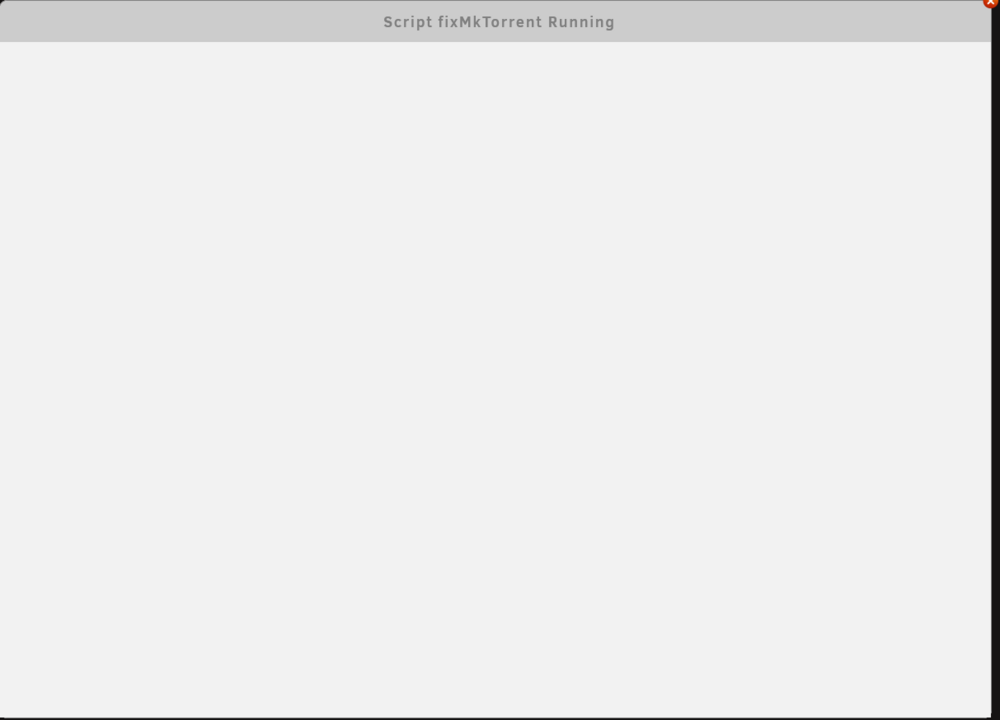
Hi all, in Unraid 7.2 i cannot see anymore the "log" of the script until this is completed. It will just show an empty blank page without the status of the script. I
-
Ho update this morning. In mobile i cannot use the "suggest" section and the "sistem information" section they are going out of the screen portait or landscape does not change. Even if i force desktop mode they are not usable
-
I do not know if it is "simler" than immich but you can check Photoprism.
-
Ottimo :)
-
Li genera dove hai eseguito il comando, in C\User\Marco
-
Devi interrogare i vari programmi e capire se gli serve o no, dalla scheda tecnica solitamente o da github se sono open source
-
Se all'app a cui stai facendo reverse proxy servono li attivi se no no. Tipo Kavita ha bisogno del websocket
-
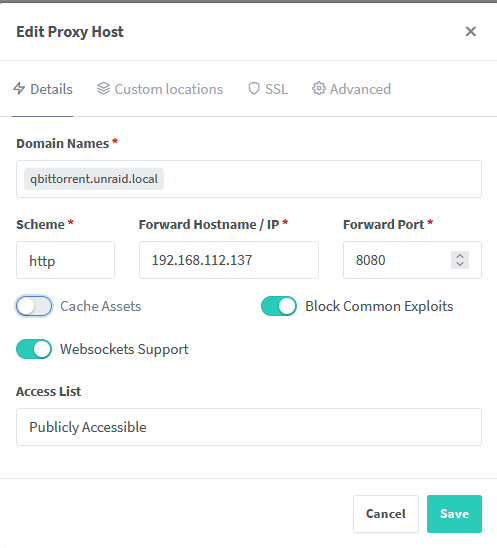
Cache assets = nginx fa da gestore della cache, ovvero tiene in memoria le informazioni del sito Block common exploit= nginx cerca di bloccare i tentativi di attacco dall'esterno più comuni, alle volte questo può dare noia Websocket = metodo di comunicazione che usano alcuni siti per delle robe loro. E si può abilitare/disabilitare se serve
-
Controlla bene come l'hai impostato, ma se punti alla porta della webui di qbit funziona senza problemi.
-
Dovresti tenere lo stesso .home.local anche per i sottodomini o se no fare una seconda regola nei DNS Records con unraid.local che punti all'ip di unraid e poi nei sottodomini puntare ad unraid.local Per vuetorrent non saprei, io uso Qbit senza skin e funziona senza problemi alla fine punti alla porta e lui fa il reverse proxy.
-
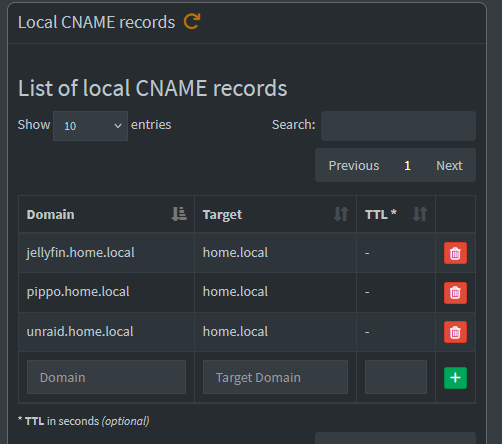
Il certificato va creato per ogni dominio e se non usi una wildcard (*) anche per ogni sottodominio. Ad esempio: unraid.local jellyfin.local home.local pluto.local Di questi devi creare per ognuno un certificato e non devi fare CNAME tra di loro, ma basta che li metti in DNS Records. Se fai invece: home.local jellyfin.home.local unraid.home.local pluto.home.local Quà ti basta creare un certificato wildcards solamente per *.home.local, se invece non fai la wildcards devi creare per ognuno un certificato. Poi fai il DNS Records "home.local" che punta ad Unraid e fai i CNAME che puntano a home.local
-
Controlla Nginx perché avrai messo male qualcosa di la
-
Per ogni dominio devi imparare l ip di unraid. Con dominio intendo un unaid.local, jellyfin.local, pippo.local. Se fai sotto domini ad esempio jellyfin.unraid.local devi impostare il cname che punti a unraid.local
-
Devi anche crearli su Pihole come scritto nella guida
-
Ottimo ora funziona :)
-
Non Non so perché non te lo imposti, ma prova a forzarlo tu a mano sul PC




