






-
price: 659 EUR Minisforum EUMINISFORUM S5 All-Flash NASThe MINISFORUM S5 features an Intel® Core™ 3 304 processor, supports up to 5× M.2 NVMe SSDs (up to 40TB), and comes equipped with 10GbE + 2.5GbE dual LAN and dual USB4. With 15W fanless cooling, this review: https://www.youtube.com/watch?v=DY7uemVoa0E review (JP): 4
-
Looks interesting Minisforum EUMINISFORUM S5 All-Flash NASThe MINISFORUM S5 features an Intel® Core™ 3 304 processor, supports up to 5× M.2 NVMe SSDs (up to 40TB), and comes equipped with 10GbE + 2.5GbE dual LAN and dual USB4. With 15W fanless cooling, thishttps://store.minisforum.com/products/minisforum-ai-nas-s5-304 https://www.fanlesstech.com/2026/09/minisforum-s5-is-official.html looks beatiful, the massive aluminim fanless case.

-
I bought this one for < 20 Eur. Brand new one. 16GB Transcend JetFlash 180I (industrial-grade USB flash drive with SLC mode, ECC https://us.transcend-info.com/embedded/product/embedded-flash-solutions/jetflash-180i ).
-
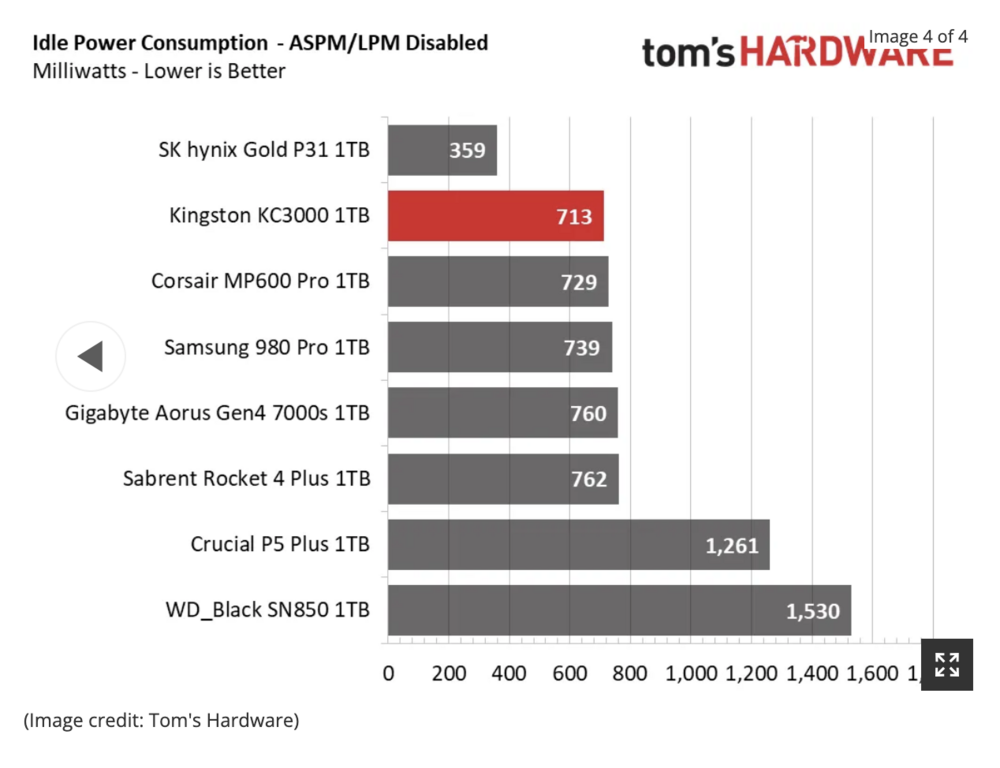
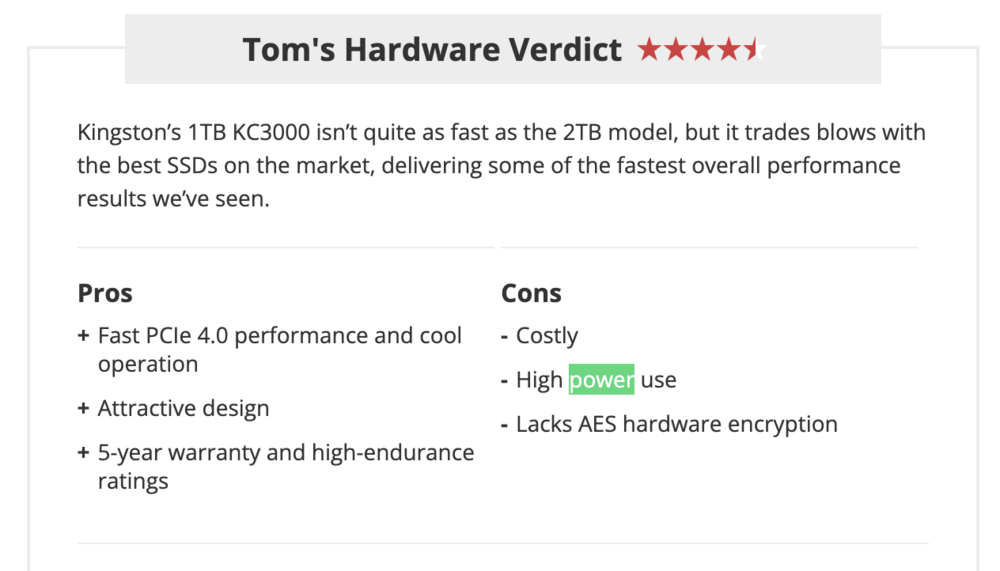
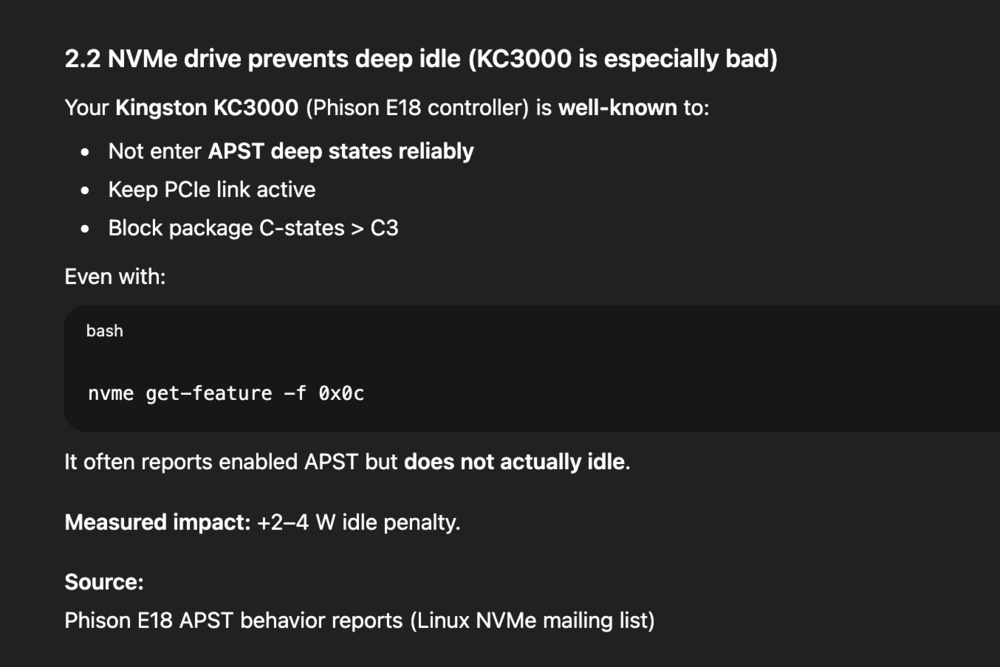
@silicon4079 Have you tried in BIOS not to change [HD Audio, Serial Port] to Disabled? I didn't disable them. also I would like to try change SSD, some SSDs have somehow bad power management. I think Kingston KC3000 is not good choice for power efficient buid. they didn't test it with ASPM enabled :( https://www.tomshardware.com/reviews/kingston-kc3000-m2-ssd-review/2 // UPDATE 15:33 CET Also ChatGPT confirmed my assumptions: ->
-
hehe, me too! I bought it more than a year ago, but until yesterday I hadn't used it because I already have most things covered with Shelly. But I started adding zigbee devices I already have too ...
-
Regarding Zigbee, there may be a better option (or an alternative) to the USB stick. You can use an Ethernet (PoE) version of a Zigbee coordinator instead. One such device, which has good reviews, is the SMLIGHT SLZB-06 (though it belongs to another thread).
-
wooow, awesome results, thank you! Is HDPlex power supply quiet? Do you hear any coil whine sound under some specific load ?
-
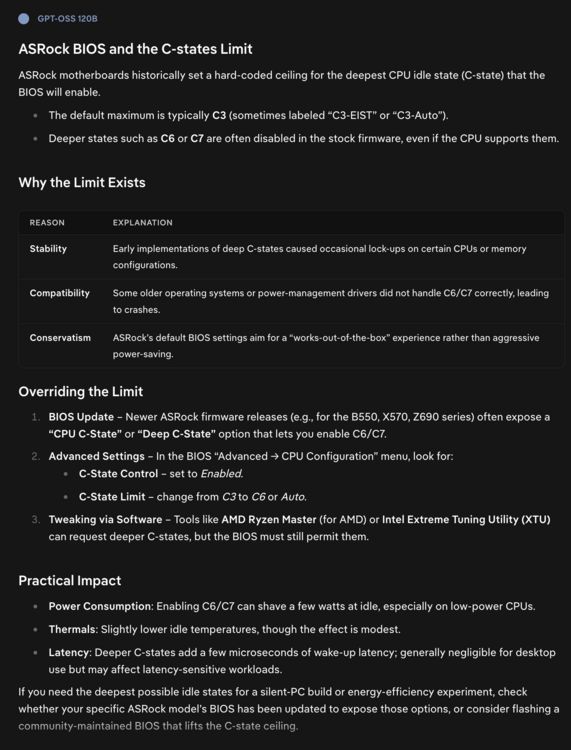
ASRock is known for its BIOS, which is limited or hard‑coded to use a maximum of C3 (or so).
-
-
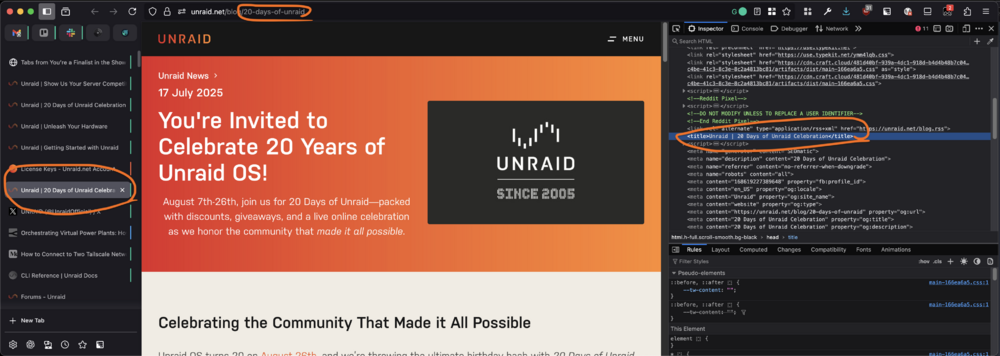
the blog post has small typo :) (or it's an easter egg?) in URL and also in page title
-
Thank you!
-
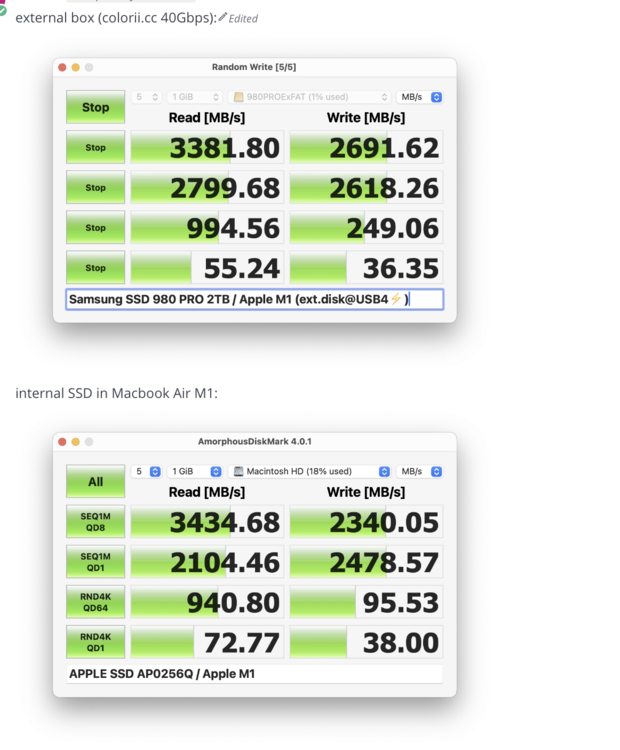
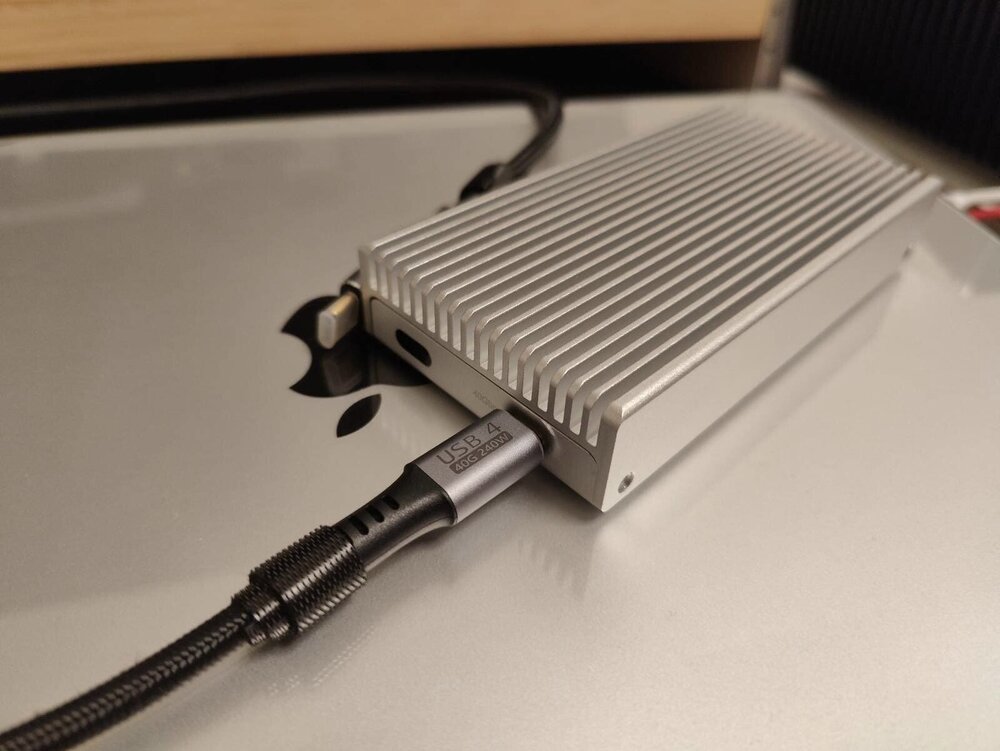
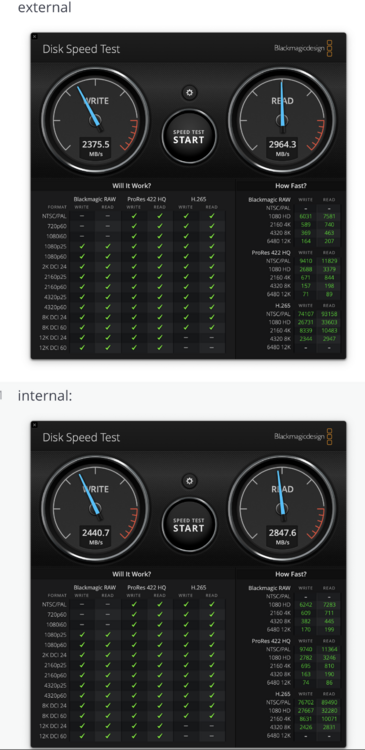
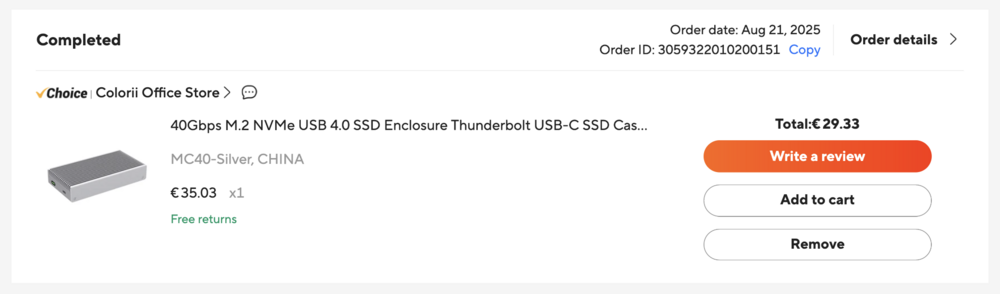
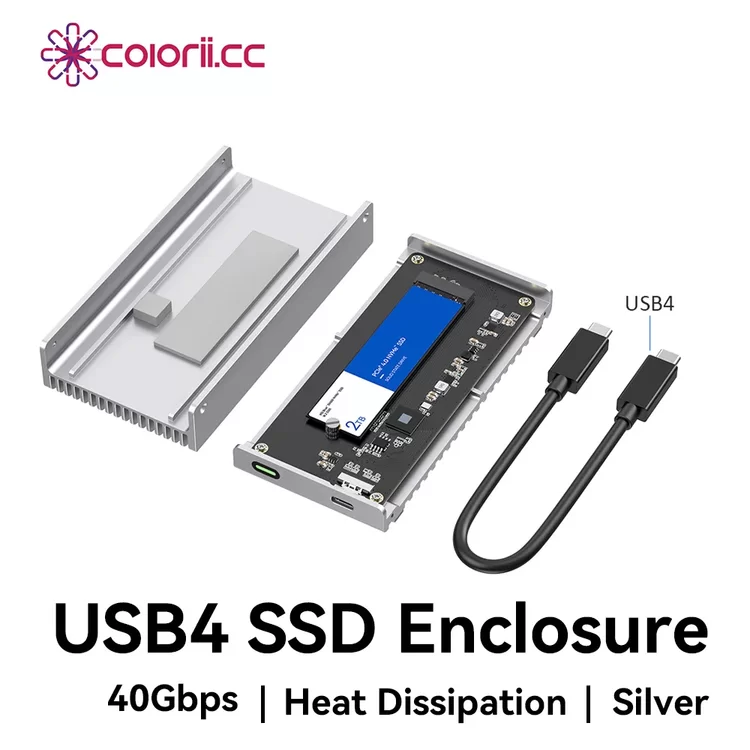
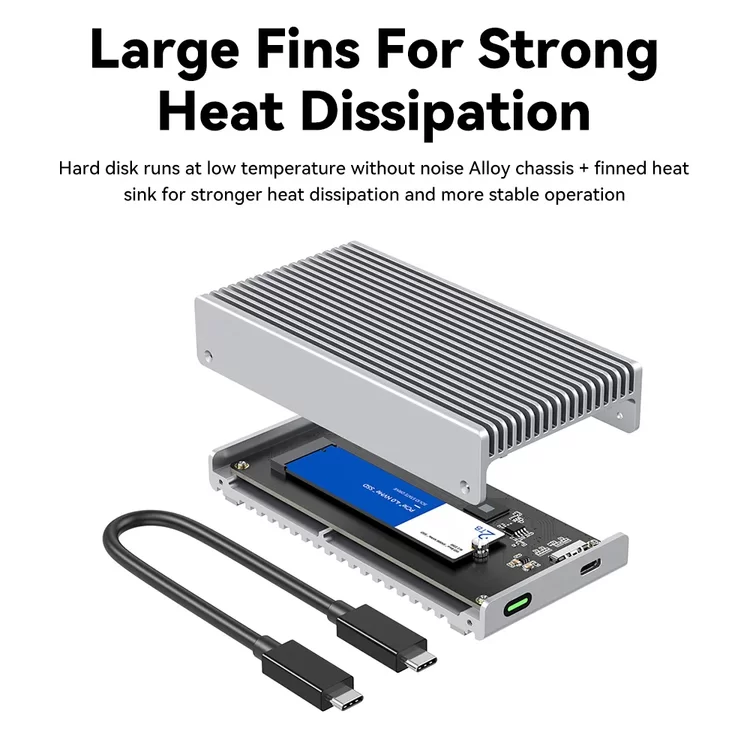
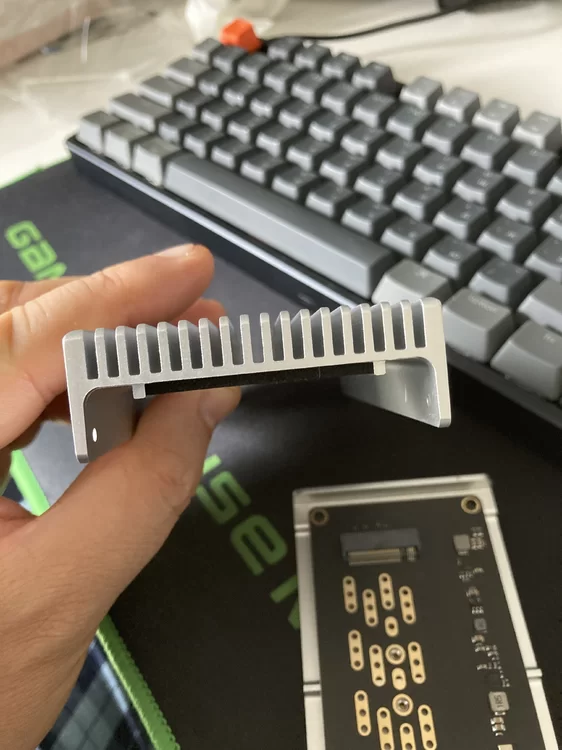
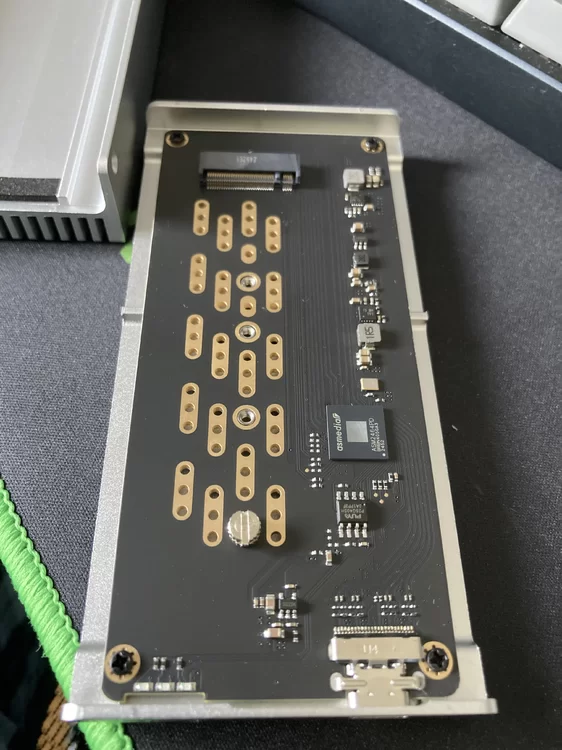
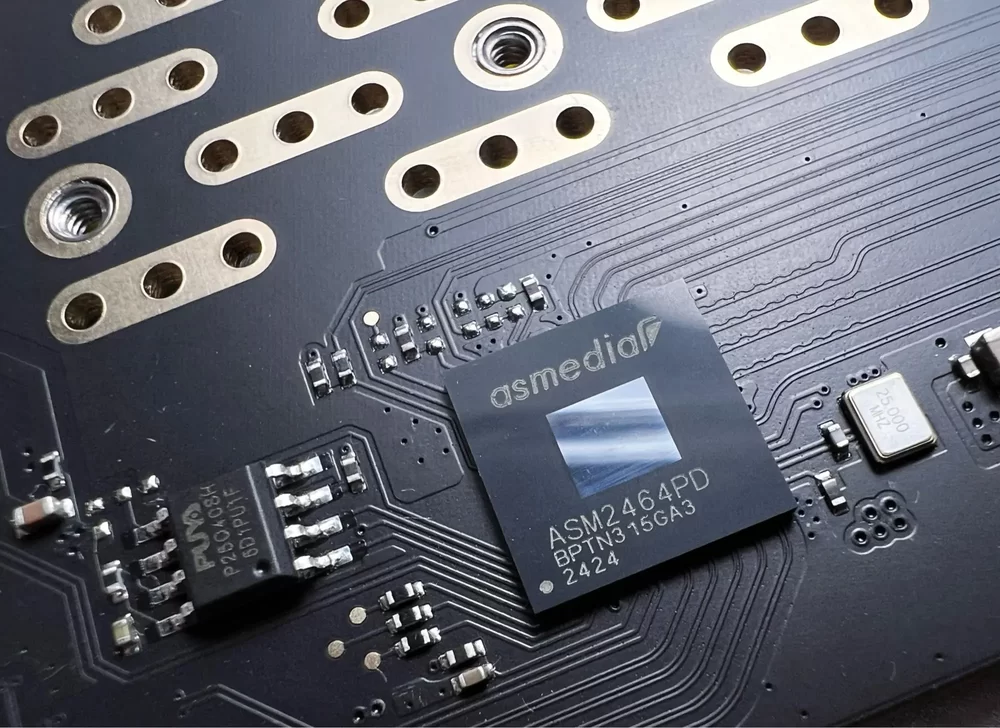
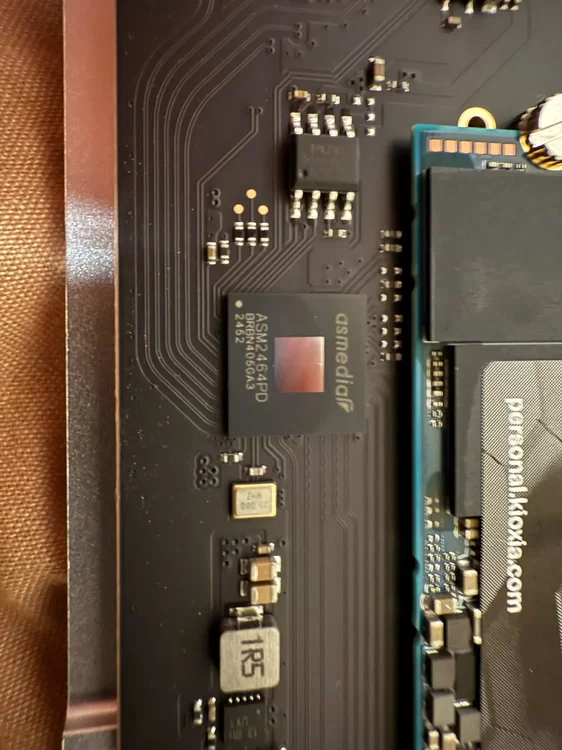
If someone wants external M.2 over USB4 / Thunderbolt with real speeds 2500+ MB/s I have one interesting tip: https://www.aliexpress.com/item/1005008555989592.html I already have 2 pieces. This external box is an honest piece of aluminium, quite thick and heavy. But I haven't tested it with Unraid yet. I just tested it with Macbook Air M1 Specs: ASM2464PD M.2 enclosure compatible with M.2 PCIe Gen 4.0x4 NVMe M Key,NVMe B+M Key in sizes 2280/2260/2242/2230 up to 4TB, NOT compatible with M.2 SATA SSDs, M.2 PCIe AHCI SSDs, M.2 PCIe devices. Supports system multi OS, Windows, Mac OS, Linux, Android. Plug and play, no drive and power supply required.See my photo: See my disk speed benchmarks with Samsung 980 Pro 2TB (M.2 SSD): . other screenshots/photos: click to see:
-
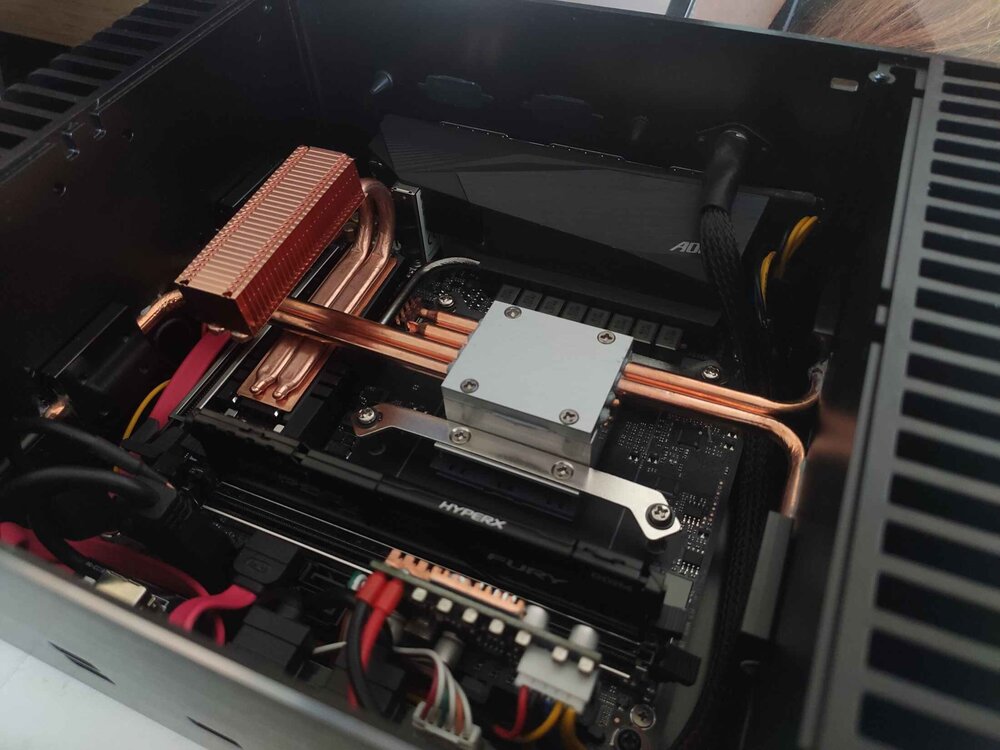
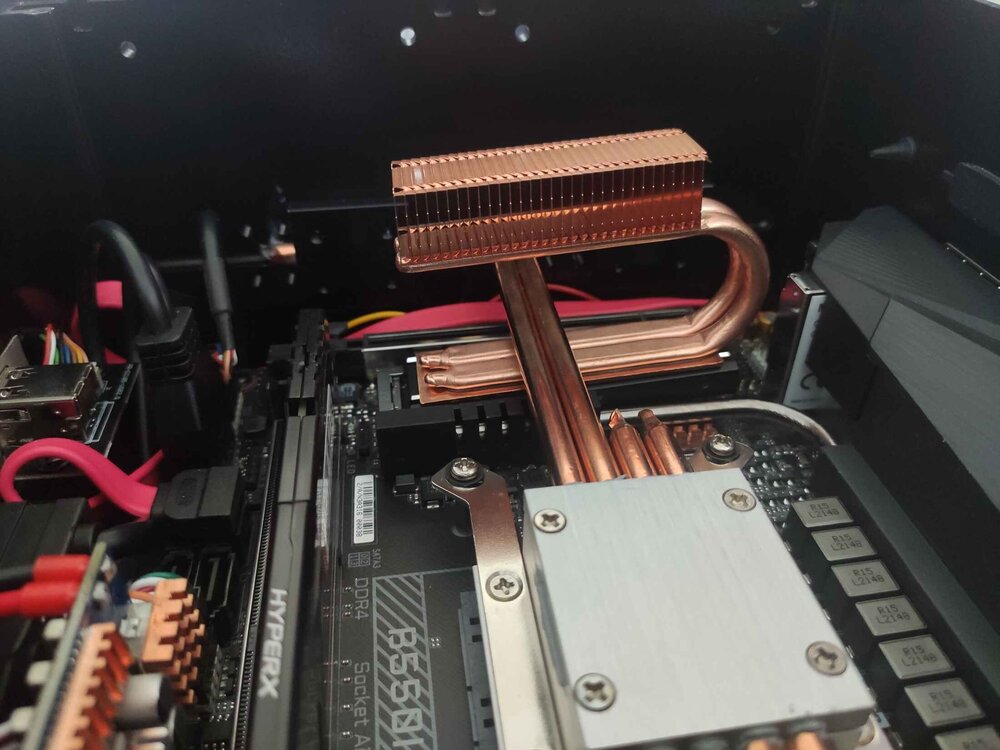
temps under 50°C for m.2 SSDs are fine. If you want to reduce temperature, I recommend some copper heat-sink, this one I have: https://www.aliexpress.com/item/1005005432958676.html - very good - I managed to mount this cooler in such a way that it makes contact with the PC case (aluminum). https://www.aliexpress.com/item/1005003190037927.html - if you have enough free space above the SSD https://www.aliexpress.com/item/1005009212107726.html - I have also this one because the fanless case and heatpipes from the CPU: see another photo of my specific use case: Or maybe: https://www.aliexpress.com/item/1005006050863397.html BTW Samsung "Pro" models are known that have good power management. You can find power states via this command: sudo smartctl -a /dev/nvme0it will print: Supported Power States St Op Max Active Idle RL RT WL WT Ent_Lat Ex_Lat 0 + 8.49W - - 0 0 0 0 0 0 1 + 4.48W - - 1 1 1 1 0 200 2 + 3.18W - - 2 2 2 2 0 1000 3 - 0.0400W - - 3 3 3 3 2000 1200 4 - 0.0050W - - 4 4 4 4 500 9500full output: example of full output of smartctl -a
-
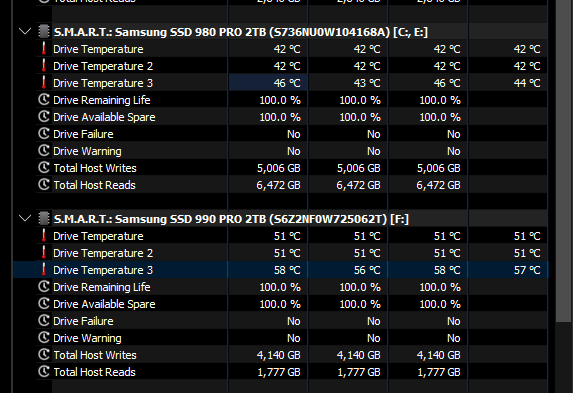
I have very good experience with Samsung 980 Pro 2TB (or 1TB) with enabled ASPM it has very low idle power consumption and it produces no heat (or very low heat). But I have also one newer model 990 Pro in my desktop and it is +10°C Both are cooled passive in fanelss desktop PC see: https://www.tomshardware.com/reviews/samsung-980-pro-m-2-nvme-ssd-review/2#power-consumption-and-temperature this is more comprehensive: https://www.techpowerup.com/review/samsung-990-pro-2-tb/7.html find 980 Pro there: 👇
-
@dinosaurthug I'm sorry that your first experience with Unraid wasn't at all what it should have been (everything without problems as usual). I'm very glad that you managed to solve this challenging and tricky hardware problem. I think many people would have been discouraged, but you patiently pursued your goal - even you are not IT experienced! Hats off. Now, your awesome journey with Unraid (and self-hosting) can continue!





