SpencerJ
Administrators
-
Joined
Everything posted by SpencerJ
-
Hello @Stijnr22 and thank you for the translation work and PR. @bonienl will review the PR and I'll merge. Once merged, you will see the changes made in an updated language pack in Community Apps that you can download. IIRC, you can also manually installed local language files (from your translated branch) via Tools->Language.
-
Oops- my bad. This one did slip through the cracks. All set!
-
It’s a personal choice. No right answer. I prefer Brave myself.
-
We are curious...
-
Great to put a face with a name/voice @SpaceInvaderOne 🙂
-
I will DM you.
-
Vérifiez-le! De nombreux prix, dont des produits dérivés et des licences Unraid ! Merci Père Noël @superboki
-
This^. We also don't have much attacker info. This warning was issued due to various (mostly new) users coming here in bad situations and we felt it was best to try and reiterate the best practices in the OP.
-
Gracias!
-
Should be fixed.... not sure wth is going on lol. https://unraid.net/blog/unraid-server-to-server-backups-with-rsync-and-wireguard
-
Instructions to Redeem Your Activation Code First, follow the Unraid Getting Started guide to set up a server. Once your server is up and running: Login to your Unraid server's webgui. (http://tower or http://tower.local from Mac by default) Sign in to your Unraid.net account (or create one) from the top-right of the webgui and select "Purchase Key" (Unraid 6.10) or, for Unraid 6.9 and older, navigate to the Tools -> Registration page in the webGui and click "Purchase Key." Select the corresponding license you purchased via activation code, enter the activation code and complete the activation process. Your registration key will be emailed to you with instructions for installation! https://unraid.net/blog/gift-of-unraid
-
All set Moussa
-
Account gelöscht und Inhalte anonymisiert
-
https://unraid.net/services Ibracorp might be interested: https://discord.gg/VWAG7rZ https://www.patreon.com/spaceinvaderone
-
All set!
-
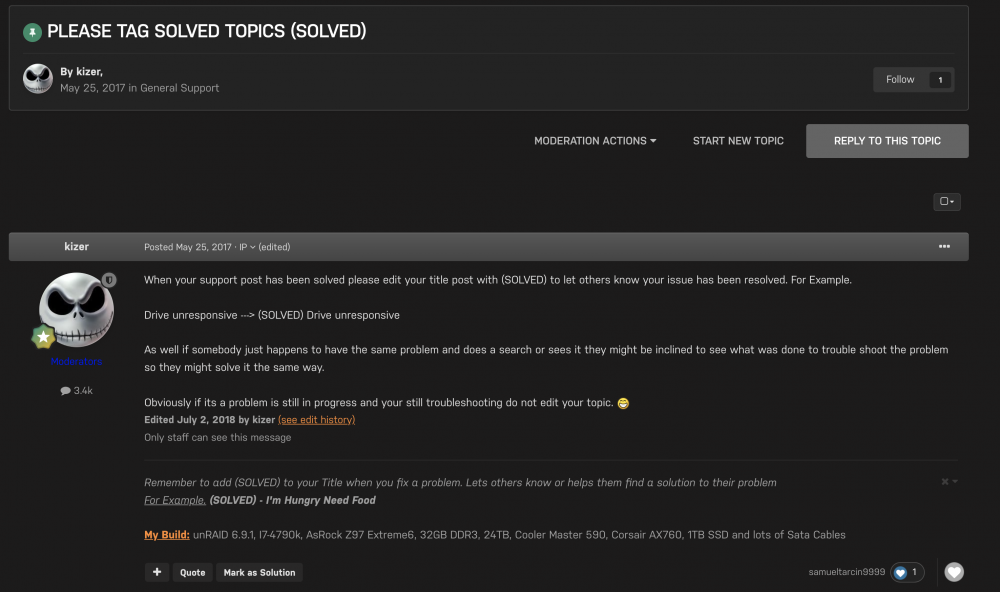
Per a suggestion by @ich777, I have enabled "Mark as Solution" as an option now for Post Authors and Moderators! Cc: @kizer
-
All set!
-
Could you explain this a little more? I’m not sure what you mean.
-
Replied via support. Please provide us the USB GUID in the support ticket
-
Sure thing. @Torsten_UN- please send us a ticket to https://unraid.net/contact with a screenshot of the issue and I will assist.
-
https://unraid.net/contact
-
Hello, Please see the "Activation Code Instructions" section here: https://unraid.net/how-to-buy-promo Thank you for purchasing!
-
I will check in- I believe there are plans to make an FAQ style entry in the wiki to answer many of these questions.
-
As @JorgeB mentioned, your key file is not valid. Where did you get it from? Did you purchase via a third party?
-
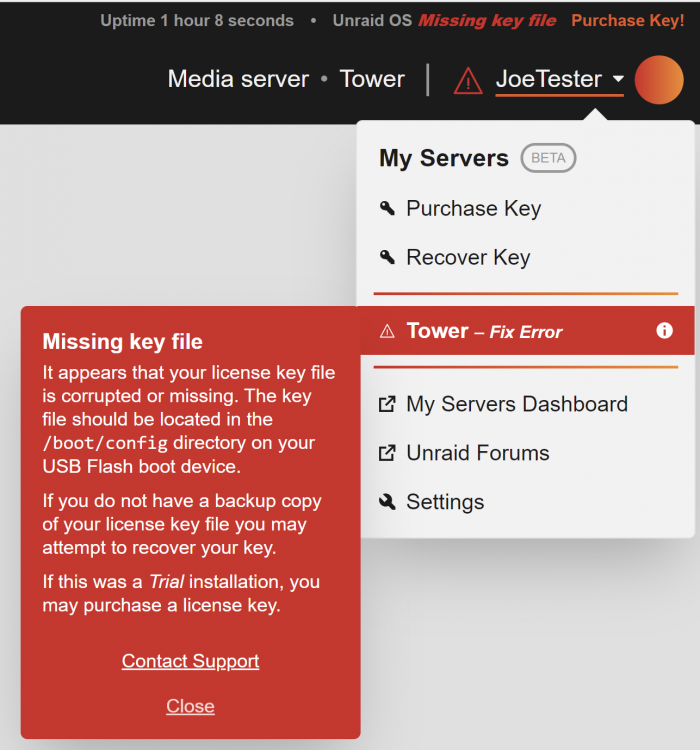
First, ensure you have a recent backup of your USB (Main->Flash-> Flash Backup) Another option to try is: -Have your keyfile (.key file) handy on a different computer. -Shutdown server, remove flash and install USB into the other computer. -Open the USB folder and drag and drop the .key file into the /config folder. -Then, safely eject/remove the flash and reinstall in your server and reboot. If the issue still persists, your flash drive may be corrupted and you may need to transfer your license to a new USB. We can assist with this by contacting us at unraid.net/contact If you start a new Unraid trial on a new flash device, please send in your new USB GUID and we can transfer the license for you.