





Mr_Jay84
Members
-
Joined
-
Last visited
Everything posted by Mr_Jay84
-
Is this working with 6.8.3?
-
From Will Becker on YouTube "I have your fix maybe!, at least, this fixed it for me. Open a unraid terminal window, go to /mnt/user/system/custom_ovmf/ and then do a "ls -a" command, which showed me that there was a .fd file in there that matched the error. Mine was named Macinabox_CODE-pure-efi.fd so I ran "rm -f Macinabox_CODE-pure-efi.fd" , then deleted everything else associated with macinabox like the MacOS iso, the domain folder for it, the appdata folder for macinabox, deleted macinabox docker, deleted its template, and now im trying again." This worked. Thanks to Will.
-
Could any one shed any light on the following error Execution error operation failed: unable to find any master var store for loader: /mnt/user/system/custom_ovmf/Macinabox_CODE-pure-efi.fd This after install the latest version of macinabox
-
Its for setting LL to boot with guest account access as its being used with Organizr Auth so that the basic user can add books/authors to be downloaded but keep them out of the LL admin account. EDIT: the developer has stated this "You need to add the userid to lazylibrarian inside the docker, not to the docker itself. If you are using the linuxserver docker then lazylibrarian is started using the file /etc/services.d/lazylibrarian/run this file is where you need to add the userid." Unfortunately when I try and 'vi' into the file I'm prevented.
-
Would there be a way of using a script to add --userid=xxxx to the start up? Alternatively how would I do it in the docker itself? Ill just re-add it when it updates.
-
Hoe do I go about adding --userid= to the start up command?
-
I have the same issue, i have to use seabios as with OVMF I get pxe-e09 could not allocate i/o buffers errors.
-
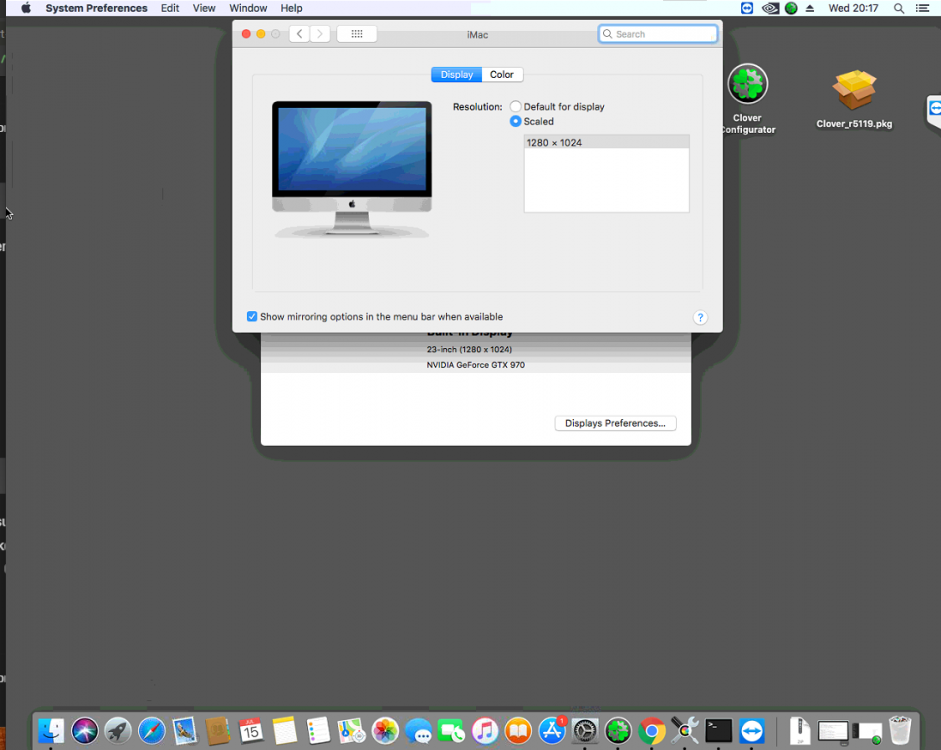
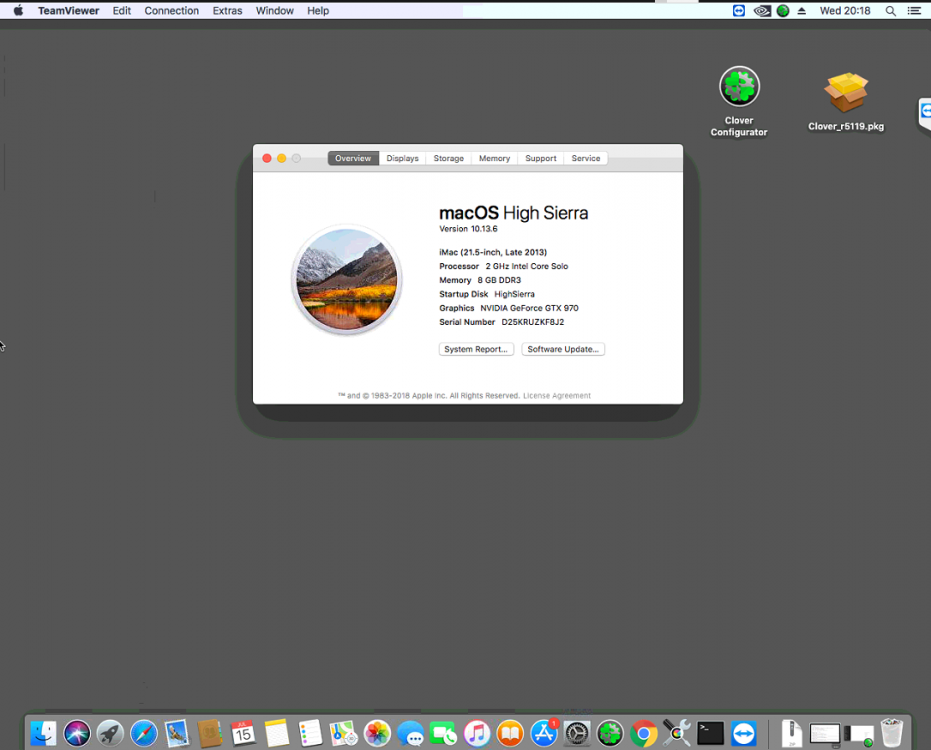
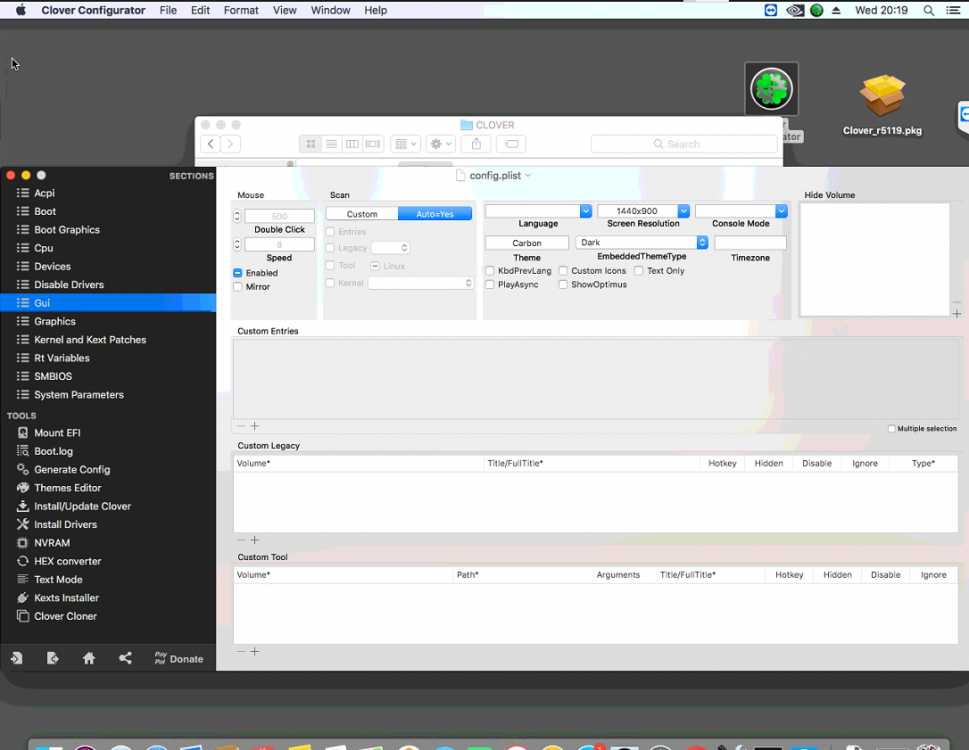
I'm having the exact same issue with my High Sierra installation with a GTX970. Anyone know how to fix this?
-
Is there a way to change to change the username (login) for already mounted shares or do I need to delete them all and start again?
-
I'd like to request Mayan too! Paperless is good but I need something with multiuser support.
-
Thanks for the response binhex!
-
Does anyone know how to use a webgui with this??
-
Which docker is the official one?
-
Is the anyway of moving the IMPI summary to the lower part of the Dashboard page?
-
Where can i find the /system folder for the docker? I'd like to find the css folder.
-
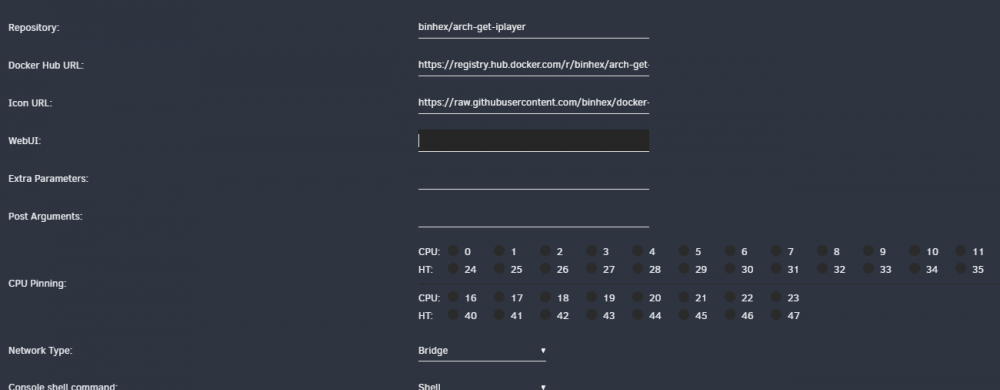
How is the WebUI activated as its currently blank on mine?
-
Upon installing I have a "403 Forbidden: settings/server/wizard.html"
-
I tried that however it deletes the originals.
-
Is there a way to set this to auto scan and add contents of a specific folder?
-
Will there be an update to this docker to support 0.3.12?
-
I have this message "There is a newer version available (0.3.12) — Pull the latest Docker image and rebuild your container to update" Is there an updated container?
-
This just wiped out all my Radarr, Medusa, Emby and Ombi installations. I Have had to start from scratch again. No idea what happened after a scheduled backup.
-
I just removed the values in the docker setup page. Works perfectly now 😃
-
Is there a way to set the web root in the Unraid UI as with a web root set in Medusa gives a failed trace back? I can access Medusa normally via the browser using the web root, it's just the Unraid UI that has issues.
-
When loading i'm presented with this 403 Forbidden: settings/server/wizard.html Any ideas? Run the docker in host mode solves this.




