





squirrellydw
Members
-
Joined
-
Last visited
Everything posted by squirrellydw
-
upgraded from 6.11.2 with no issues. Thanks for making it smooth
-
so for the off topic question but how do you like the Emporia system?
-
So I plugged my server into a watt meter to see how much power it uses and was surprised to see it’s using about 210 ish watts. Based on what I have ( see my signature ) I was just wondering if that is average, high or low? When I plugged everything I have running into it, it was around 250 ish. Anything I can do to lower the wattage the server is using? It’s not a huge issue but if I can save a few bucks why not. Think it’s only costing me about $25 a month. Thanks
-
thanks, I thought I deleted that mess. I'm using a Mac so for whatever reason it unzipped it automatically and it was in a folder. So I had to zip to again or I just did something wrong \
-
Here you go wagflix-diagnostics-20220617-0903.zip
-
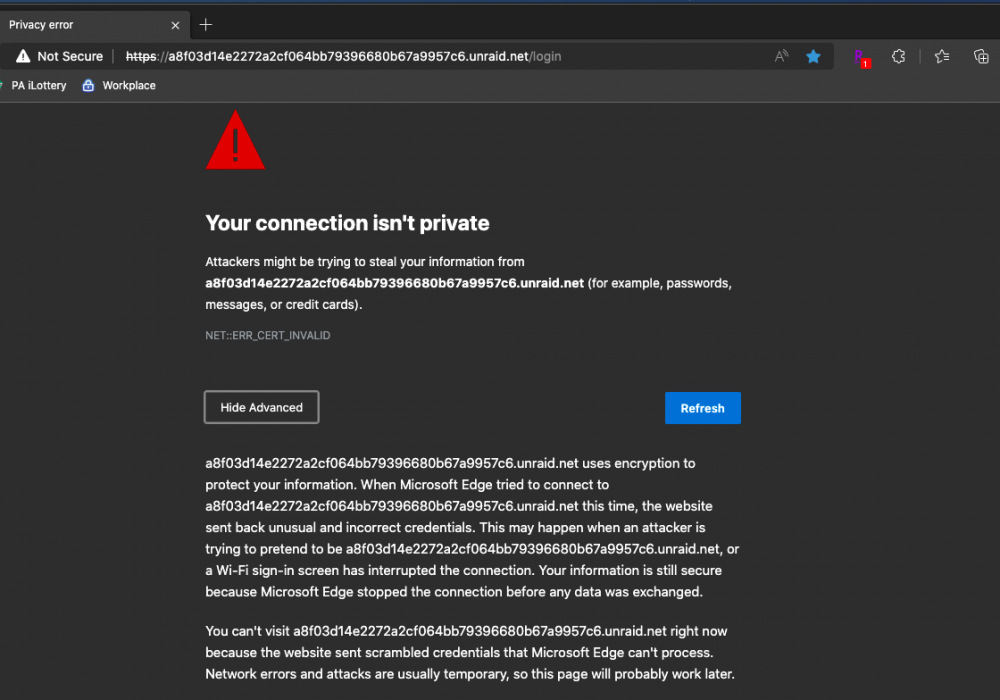
I'm using a Mac with the Edge browser and I tried Chrome and same issue. How do I fix "Your connection isn't private". There is no link to click or anything, I can get to fine with Safari but that browser doesn't show my drives under the Main tab, I think its a known bug. Thanks
-
I just upgrade to 6.10.1 from 6.10 and I can no longer see any drives under the MAIN tab, I can see them in the Edge Browser. Any idea? Im using a Mac
-
I figured it out. The docker doesn’t open to the web ui. Had to go to ip plus 10443
-
Can you tell me what settings you used for Scrypted, mine says it's started but the page isn't loading
-
It's OK, I just went with HomeBridge, if they can't keep it updated that says alot.
-
Why isn't this updated to version 4?
-
Anyone running Homebridge, any issues with it?
-
@protectli why don’t you offer pfsense as in install option when configuring the hardware?
-
Lmao. I didn’t even see that. I was looking at the pre installed options. Thanks for not beating me up
-
community edition pfsense on protectli??? I've never heard of this
-
Looking to finally upgrade my router, Should I go with a Netgate running PFSense or a Protectli running OpenSense? I'm looking for more security then the current ISP router has and would like to run WireGuard. Just not sure what one is better and easier to use.
-
OK, I will do that tonight. All the disks say healthy
-
Here you go wagflix-diagnostics-20211202-2226.zip
-
Parity check says I have about 840 errors? Do I have a drive dying? syslog attached syslog.txt
-
How do I setup a VPN from my house to my parents house? What do I need, VPN router or can I use something else. Would like to keep it below $500 if I can and have it support 200mbps to 400mbps
-
What Branch is the most stable version?
-
How do I restart the Nvidia plugin from terminal? I don't wanna reboot the server right now
-
thank you, upgraded without issue
-
For some reason I can not longer access the webui? Any idea what to try or what you need to help me. It says it's started but it just opens to a blank page saying it can't connect
-
Couple of questions. 1. What's the difference between Secure and Private shares? 2. Under SMB User Access, if I change it to read only will that change anything for Plex, Sonarr, NZBget, etc or just if I need to access the shares? 3. Are there any shares that should be public or should they all be set to secure/private. Sorry for the dumb obvious questions, I just wanna make sure any changes I make don't cause issues with the programs I have running. I don't access my server through share's very often.


