





bonienl
Community Developer
-
Joined
-
Last visited
Everything posted by bonienl
-
Settings are stored in cookies, make sure your browser does not delete cookies when closing.
-
This plugin allows the user to run the GUI with or without plugins. Click on the 'X' icon to switch between modes. Note that plugins are only disabled for the GUI, but not other tasks or jobs they have created themselves. The idea of this plugin is to quickly test the GUI in case something doesn't work and determine whether a plugin is causing this.
-
This is new in 6.12.2 and only becomes visible when upgrading to the next version, e.g. 6.12.3.
-
You need to read the Dynamix variables. This is done as given in the code below $docroot = $docroot ?? $_SERVER['DOCUMENT_ROOT'] ?: '/usr/local/emhttp'; require_once "$docroot/webGui/include/Wrappers.php"; extract(parse_plugin_cfg('dynamix',true)); After this the variable $display is available as a global variable.
-
A true enable / disable of a plugin is not possible. Plugins may install and activate all kind of things. The purpose of Dynamix Safe Mode is to quickly validate GUI operation without the need to reboot the system.
-
This involves the GUI only, any other activities a plugin may do, such as cron jobs, background tasks, package installations or scripting are not touched. This requires the plugin to be uninstalled to remove them.
-
True, that’s why I say “mimics” safe mode, because for complete disabling you would need to uninstall the plugin. The idea here is when the GUI has “issues” you can quickly disable the plugins to see if that resolves it without rebooting your system in safe mode.
-
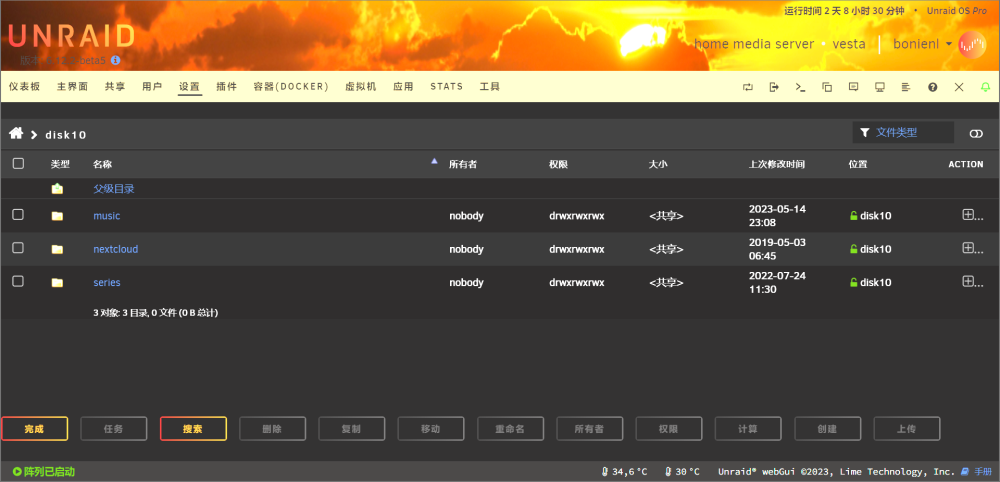
Please update the chinese language pack to the latest version. Or remove the language pack and install again, this will automatically update to the latest version.
-
I made the new plugin "Dynamix Safe Mode" Should become available in the Apps store later today.


-
This will be solved in the upcoming version 6.12.2
-
No problems with Chrome here. Clear your browser's cache.
-
It looks like the networks already exist at the time the custom networks are created, giving a conflict. Try the following - Stop all containers - Open a terminal window - Execute: docker system prune -a - Restart the docker service
-
ssh is restarted because your system looses network connection halfway. Jun 25 17:36:33 narvi kernel: bond0: (slave eth0): link status definitely down, disabling slave Jun 25 17:36:33 narvi kernel: device eth0 left promiscuous mode Jun 25 17:36:33 narvi kernel: bond0: now running without any active interface! Jun 25 17:36:33 narvi kernel: br0: port 1(bond0) entered disabled state Jun 25 17:36:33 narvi dhcpcd[1345]: br0: carrier lost Jun 25 17:36:33 narvi dhcpcd[1345]: br0: deleting route to 192.168.1.0/24 Jun 25 17:36:33 narvi dhcpcd[1345]: br0: deleting default route via 192.168.1.1 Disable bonding in the network configuration and see if that solves the issue. It might also be that the plugin "tips and tweaks" interferes. Uninstall this plugin and retest.
-
Install "Fix Common Problems" and it will tell you.
-
The percentage is calculated based on the smallest disk size on which the share exists (or may exist). The percentage relates directly to the utilization levels set. The critical level is by default 90%, which means 10% left.
-
Both absolute values or percentage values can be entered, but as explained earlier the GUI displays the value as a percentage
-
Internally absolute numbers are used for the free space value. The GUI translates that to a percentage, which is displayed in the browser. You can simply enter 100GB as a value which is then used (but displayed as a percentage)
-
The plugin checks the content of the syslog, you would need to reboot your server to clear the reported occurrences.
-
Unraid 6.12 has improvement security, as part of this services are restricted to valid interfaces. Your invalid configuration of the past is now simply not allowed anymore.
-
Have you tested with Unraid starting in safe mode to exclude any plugin issues?
-
Version 6.12.1 works fine for many users. Please post your diagnostics so we look into your problem.
-
Try the following: Edit the container and make a dummy configuration change so it can be updated. Then start the container.
-
One more observation: your system gets initially an IPv4 link local address (169.254.xxx.xxx). Upcoming version 6.12.2 addresses this situation.
-
None of the services can bind to the IPv6 address (I x'd the address) Jun 24 01:02:35 Pikachu sshd[1764]: error: Bind to port 22 on 2406:e001:1:df07:5ebb:2cff:xxxx:xxxx failed: Cannot assign requested address. Jun 24 01:02:37 Pikachu ntpd[1797]: bind(22) AF_INET6 2406:e001:1:df07:5ebb:2cff:xxxx:xxxx#123 flags 0x11 failed: Cannot assign requested address Jun 24 01:02:54 Pikachu rpcbind[6026]: cannot bind 2406:e001:1:df07:5ebb:2cff:xxxx:xxxx on udp6: Cannot assign requested address Jun 24 01:02:56 Pikachu nginx: 2023/06/24 01:02:56 [emerg] 6198#6198: bind() to [2406:e001:1:df07:5ebb:2cff:xxxx:xxxx]:80 failed (99: Cannot assign requested address) DHCP is also complaining about not getting an IPv6 address Jun 24 01:02:35 Pikachu rc.inet1: can't obtain IP address, continue polling in background on interface br0 Jun 24 01:02:35 Pikachu rc.inet1: dhcpcd -b -q -n -t 10 -h Pikachu -6 br0 Do have any lines in your go file or somewhere else which disables IPv6? I would need diagnostics to see more details
-
I don't know if MAC is case sensitive but the name is resolved as Jun 23 09:03:19 URTower avahi-daemon[7900]: Server startup complete. Host name is URTower.local. Local service cookie is 2756917247.






