





kri kri
Members
-
Joined
-
Last visited
Everything posted by kri kri
-
Yep, I was able to find it, was just letting you know. Thanks again for the containers.
-
Thanks for the V2 docker. The previous docker when you selected a folder, /locations would be the default selection. Can this be updated?
-
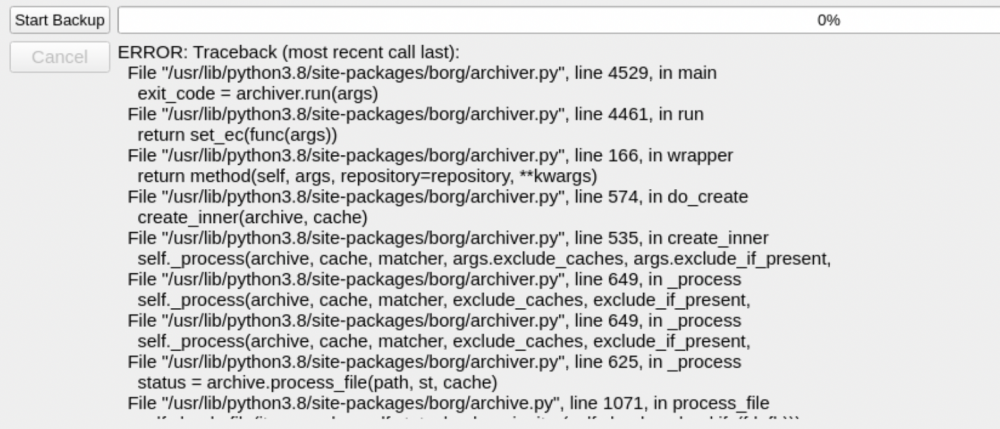
I am getting the following error when running a backup. edit: I was able to fix this, I had to create my backup folder on my unassigned disk. On a related note, is there a. way to kick off a backup when an unassigned disk mounts?
-
Thanks for making this. Is there any way to specify a number of external backup locations? I am thinking multiple external drives mapped using unassigned devices.
-
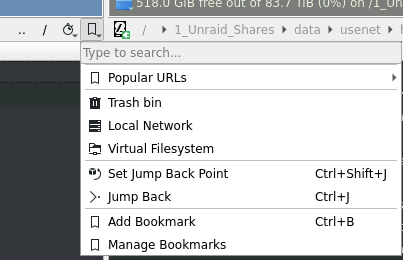
Don;t know - I found this menu today and I would assume its for creating bookmarks / shortcuts to folders?
-
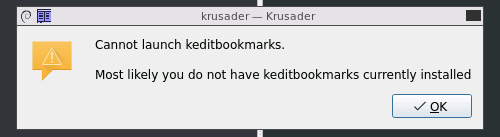
Can you add keditbookmarks to the Krusader docker?
-
There is this, but I don't know how to set up the docker. Would love if someone was able to get it into CA apps GitHub - Taxel/PlexTraktSync: A python script that syncs the movies, shows and ratings between trakt and Plex (without needing a PlexPass or Trakt VIP subscription) https://github.com/Taxel/PlexTraktSync
-
Anyone know how to change the color theme in the Text Editor? I see the color options but I can't select anything other than the default.
-
What naming templates are people using?
-
I did start a new appdata folder and install a couple days ago, but I can try again if you updated something. It is not a huge deal really, but I will test.
-
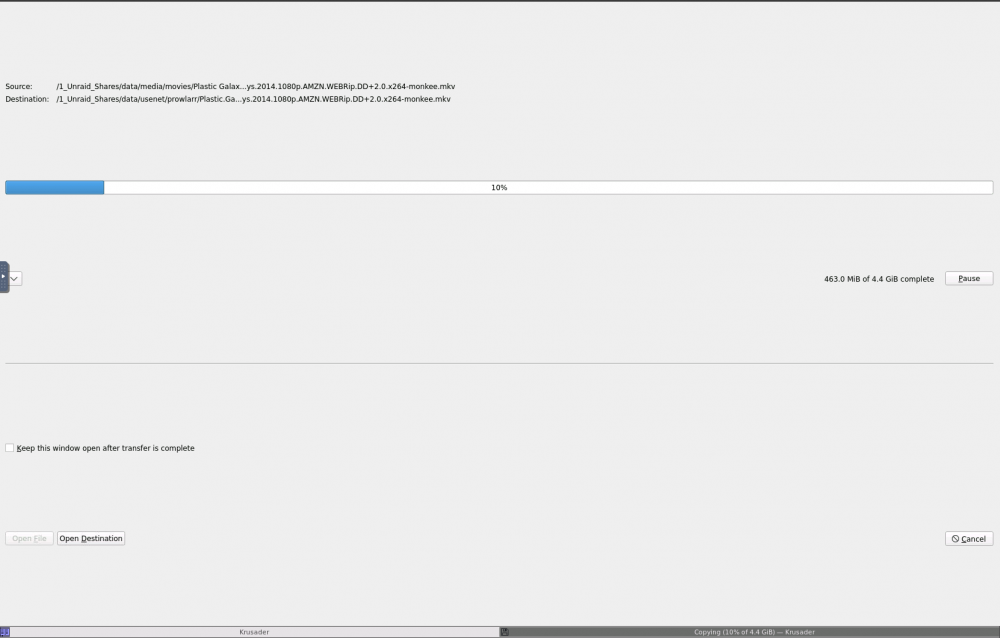
Hopefully this helps. It looks like its creating a tab at the bottom when doing a file copy/move. I can switch to the other tab at the bottom. I assume this is a setting, I would prefer to see the copy up at the top.
-
Stupid Krusader quetion - when doing a file move/copy, is there a way to just have it not create a new tab that takes up the entire session?
-
Looks cool - should there be an appdata folder?
-
Can this repo be updated to 3.2.0? Thanks!!
-
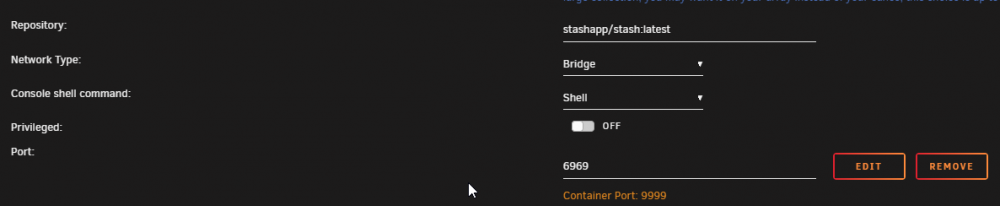
I don't use DLNA, but this is my mapping
-
Not OP, but try my post above.
-
I would join the Stash discord, lots of devs and people willing to help.
-
Which version of the docker are you running? I can see the DLNA feature under the stable build .8
-
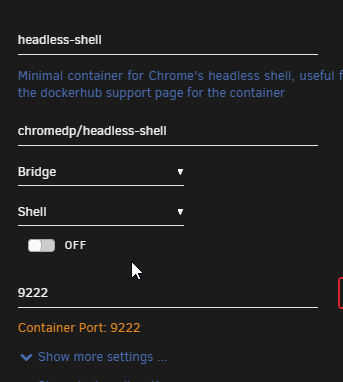
This is how I have mine set up, and its working for me.

-
I am looking for a script to clone a github repo to a folder in my appdata folder. Can someone help me? Figured this out, super easy. My example: git clone <REPO> /mnt/user/data/ETCETC
-
Same for me, even using the direct link on the subscribe page doesn't work
-
Sorry if this is a dumb question, but how do we know if its "safe" to update our unraid version if we use this plugin? Wait to see if an update has been pushed to CA apps?
-
I would love to see this added as well.
-
Tdarr has much more control over how the files are handled, but its more complex than unmanic. I would honestly just test yourself - use test files obviously and see which one you like best. Generally, I had to stop using unmanic because I kept getting file sizes larger than the original file. Tdarr has worked well, its just a little more complex like I said.
-
Would like to request an enhancement - can you add bulk-downloading to the Pinned apps section as well? My reasoning is that I pin my main set of dockers I use all the time. I know I can re-install from previous apps, but previous apps has all the one-off dockers I tested and don't use. I also know I can remove them from previous apps, but hey thats work!






