blaine07
Members
-
Joined
-
Last visited
Everything posted by blaine07
-
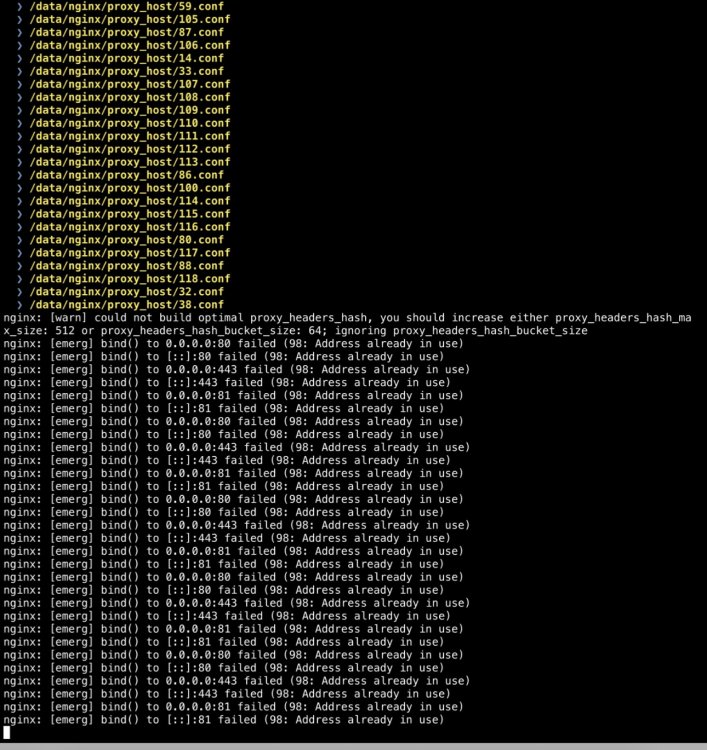
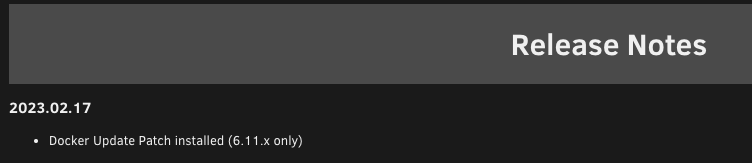
This, see pic, has been made a part of "fix common problems' plugin too. Is installing the patch in this thread, plus whatever implementation "Fix Common Problems" has built in going to cause problems both being applied? (I am assuming that's what this change-log is referring to?)
-
Color me stupid if I missed it; or am not searching right. Trying to setup Redis uptime check with Uptime Kumas new feature. What is the Redis default username? I have a password defined in template but having trouble locating username? Any ideas?
-
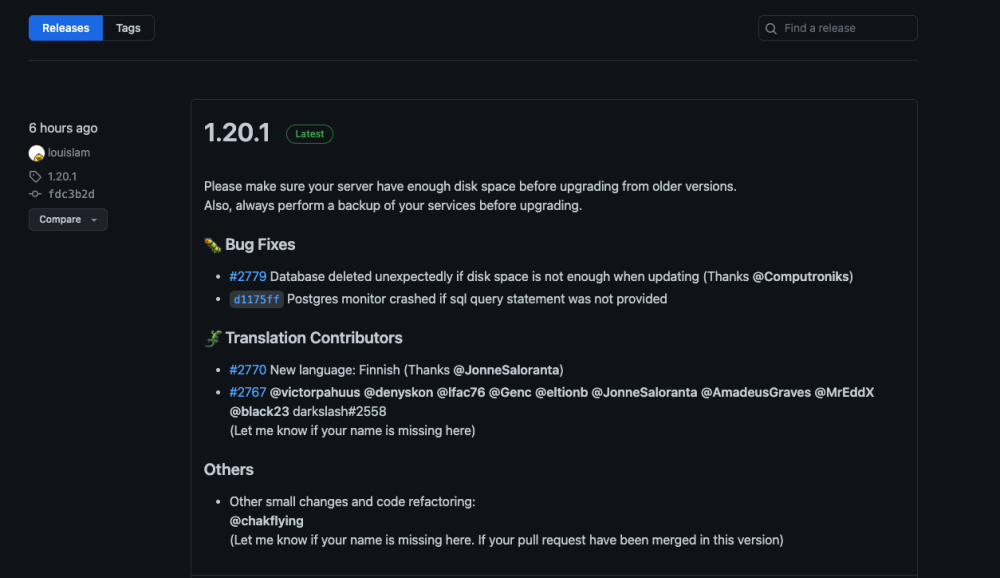
Those of you with update issues; did you see this? https://github.com/louislam/uptime-kuma/releases
-
I really would like to try this but borderline my level of comprehension. Would someone be able to YouTube a setup video?
-
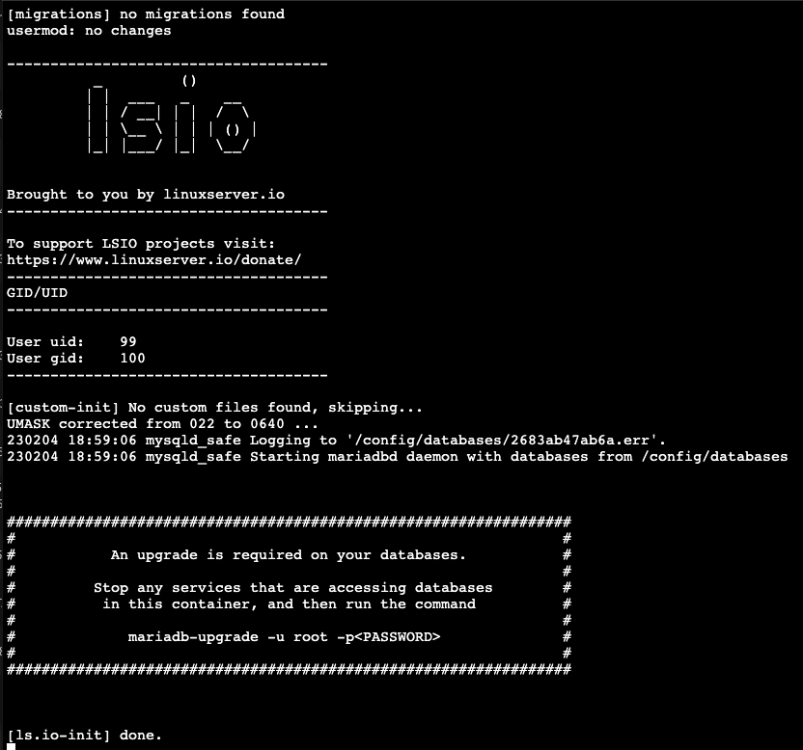
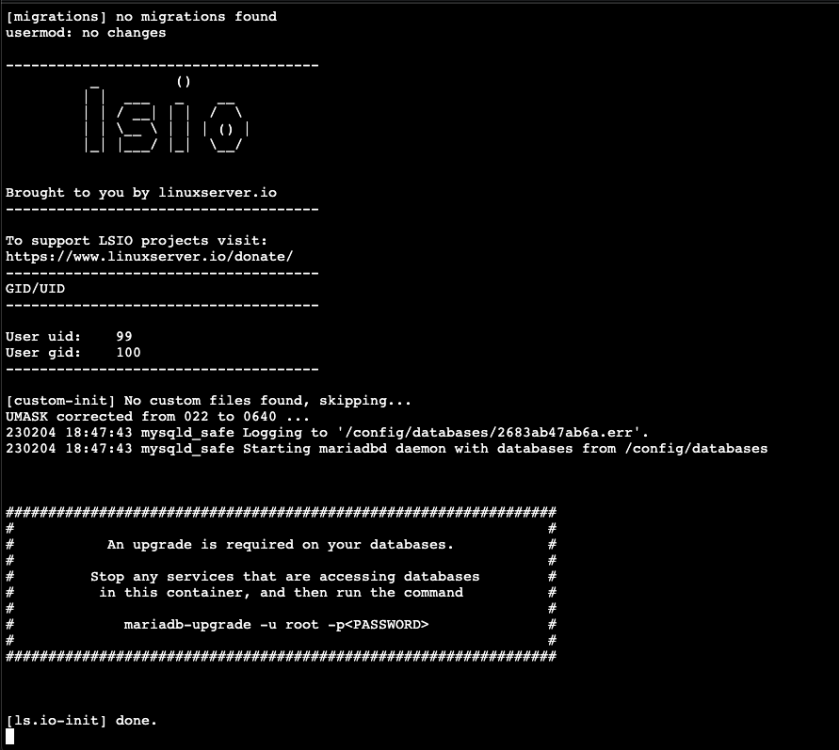
Is this container not kept updated with docker? I see this in logs; i have tried to run it but can't seem to figure out the proper way to handle this? Any help?
-
Sorry for the confusion; thank you! I apologize...
-
As above mentioned, seeing this in log too and not sure if I should attempt to manually do anything, or not?
-
Hey Sanjay, please skim the contents and the Original Post. I think you’ll have no problem locating the answer. 🙂 (No, it doesn’t survive Server Reboot)
-
Will it be updated with unraid or with AppStore plug-in thing in unraid?
-
Thanks for sharing!
-
Well, anyone have verdict on 25.0.3; is it safe to upgrade? Everything good?
-
I’ve been wanting to play with this. Maybe sometime this weekend or upcoming week I can find time to play with this! Thank you!
-
Random Q; with unraid has anyone figured out to prune/shrink DB size?
-
So it appears my huge backup and maybe all my issues were caused by recently famed Kasm(& I evidently installed around same time as I went v2 to V3) everyone has been talking about lately. Evidently it’s huge. Later today I’ll switch back to V3 and give this a go again. Finally got a clean backup on V2 though today. 🤞🏻
-
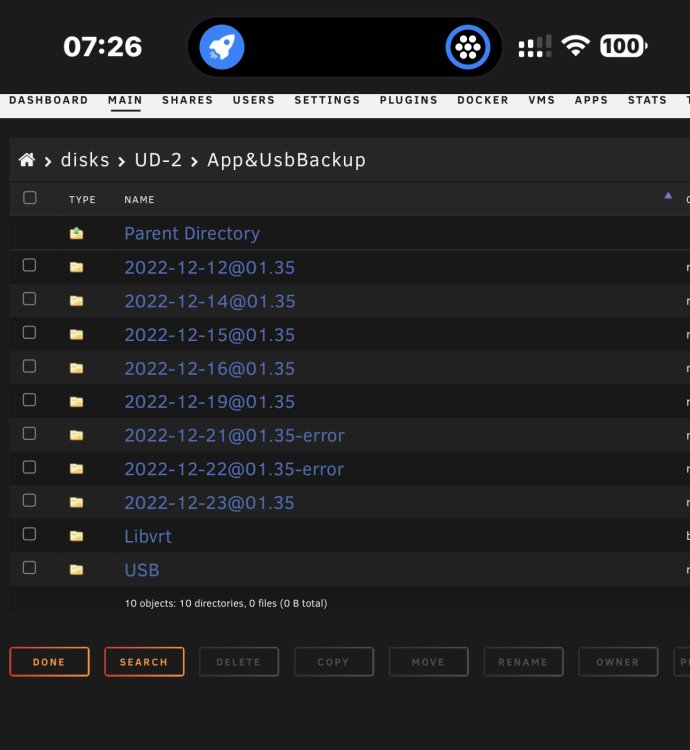
I did find two more logs that may help mate: Just ran across the logs in the file and thought maybe it would help. Also notice backup images are HUGE. Like 70gb compared to a normal ~15gb. (No disk isn’t out of space) Log 1 Log 2 Hopefully this is somehow helpful 🤞🏻
-
Cron jobs are irrelevant; they’ve never “crossed times” before now. This backup has always finished by 330-0400. I’m not sure what’s taking so much longer than normal either though 😞
-
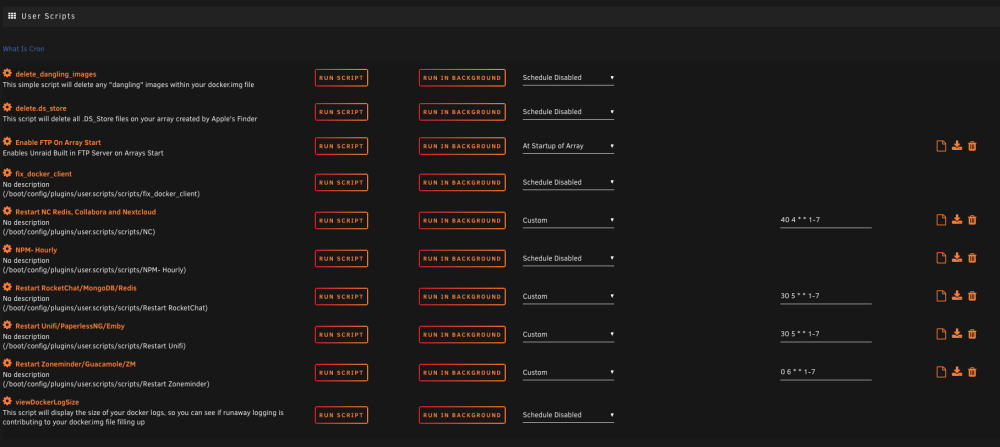
So i kinda remembered why containers may be running already once I am cancelling backup and going it's going to start containers back up like before backup started. A long time ago I had issues with containers so I have a few cron restarting certain containers BUT I have always ran my backups at 135am and the cron have NEVER conflicted with Appdata being backed up until now, it's always completed backup before any cron jobs I had were set to run. Cron Jobs(Your getting a picture because I don't know how to show you any other way, sorry): Backup Logs: HERE If you need clarification; let me know.
-
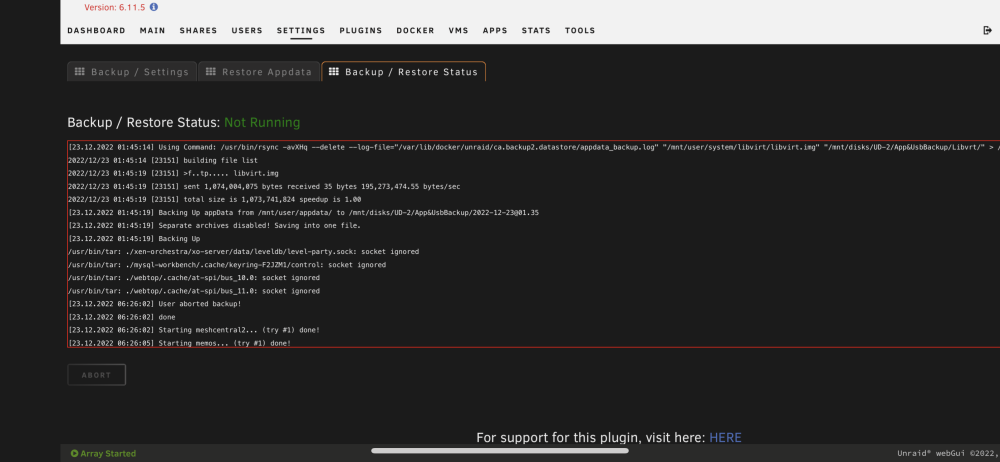
Here is where I got with last nights backup:
-
I couldn't even tell you which ones weren't running prior to backup kicking off to be honest. No, I do NOT have docker auto update enabled though. I would say only 10-15 weren't running previous to it kicking off. Backup starts at like 230AM; its usually done when I get up around 4-5ish. Today at 530(hey I over slept don't judge me) I noticed nothing was running. I finally had to come to backup status tab and "STOP" it because it was still trying to do whatever. You should see me telling it to stop itself towards end of log.
-
Hopefully there is nothing user identifiable? Pastebin of LOGS
-
I disabled Verifying as mentioned above; then this time it ran backup didn't/couldn't finish at all and containers never restarted...ever. 😞
-
Today I got errors about my backup— pardon my idiocracy but where exactly do I need to check to see what went wrong? Never had backup issues before so this is a new game of hide and seek for me 😩
-
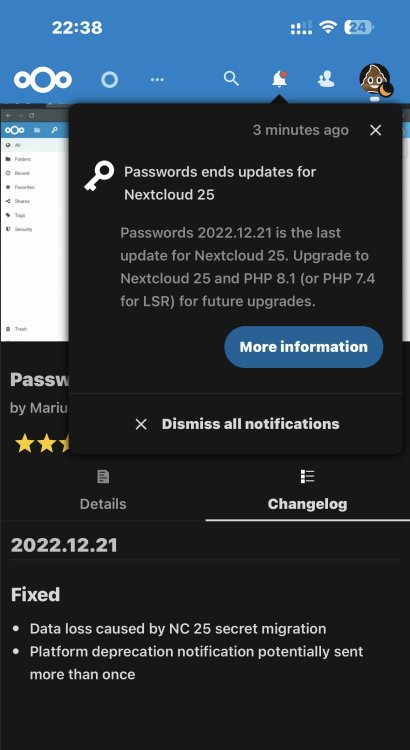
Can someone tell me what this is about? I don’t understand how I wouldn’t get more Password App updates; I am on NC 25.0.2, latest Unraid with PHP 8. What does this mean?
-
It probably won’t work saying that will it?
-
@mgutt I removed the post arguments as we discussed and it’s “back at it again”. Any last ditch efforts? It’s network related I just am unsure what else at this point to do?