





mbc0
Members
-
Joined
-
Last visited
Everything posted by mbc0
-
Thank you! Incidentally, I have lost 3 of my shares, only 1 would re-mount successfully (TVShows) but the other two mount but are immediately unusable (Movies & Transcode Cache) so I have attached a diags in case it makes things easier to diagnose? unraid2-diagnostics-20210221-1751.zip

-
Really? even with 10gbe? ok, will change it tonight, I have jumbo frames on all my client machines as well (everything goes through a fibre switch) should I remove jumbo frames on ALL devices or just between the 2 unraid servers? Thank you
-
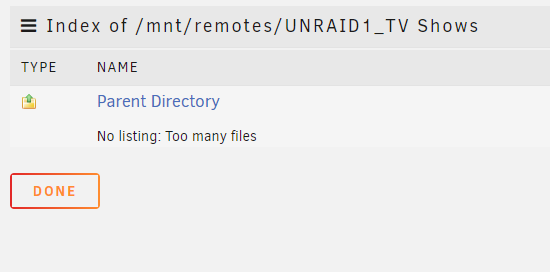
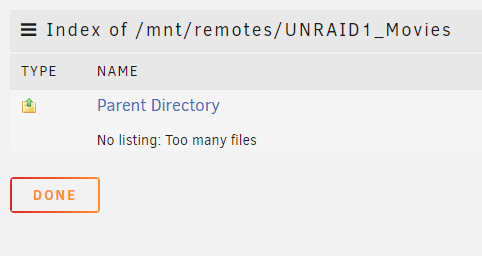
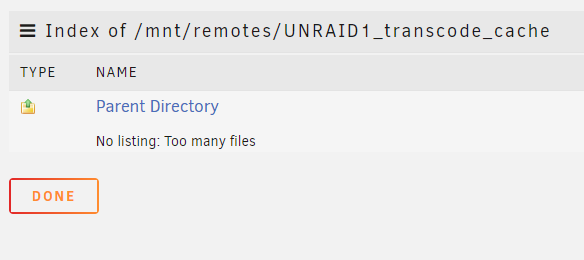
Hi, So overnight I lost 3 of the NFS shares, is there anything anyone can suggest please?

-
Yes, I have a 10gbe fibre connection between the servers
-
Currently all mounts are intact! 🙂

-
Hi, Both servers are on 24/7
-
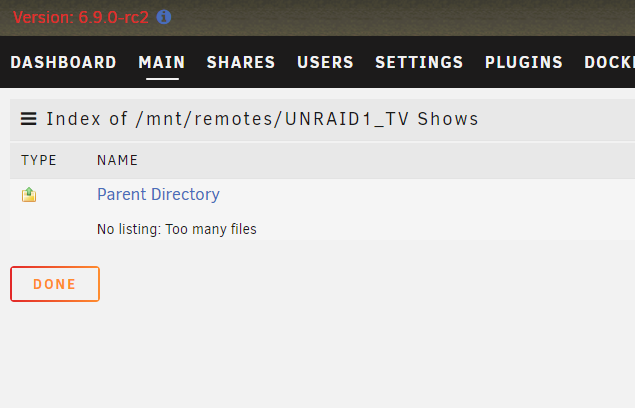
Not sure if it is related or not but I also have difficulty with some mountpoints between my 2 unraid servers. They work for a couple of hours and then go stale. I have 2 unraid servers both running Version: 6.9.0-rc2 and SMB shares between them go stale daily, is this a known problem or is there any better way of sharing files between servers?

-
Many Thanks unraid1-diagnostics-20210216-2141.zip
-
Hi, I am trying to mount a Windows 10 share on both my unraid servers but although the share adds successfully they wont mount? I just get mounting for a few seconds and then back to mount again, there is nothing in the log. 1, unraid1 & unraid2 users have been added to my Windows 10 machine with full access. 2, I have shared a drive and a folder with full access to each share 3, when I add the share I am clicking "load shares" and the shares are shown, I select either one and get the same mounting/mount scenario mentioned above. 4, this happens on both of my unraid servers running on Version: 6.9.0-rc2 5, I am able to access these newly created shares on other Windows machines on my network. 6, I have installed unassigned devices & unassigned devices plus installed. Any help would be greatly appreciated!
-
Thank you, I understand, I am able to reproduce it several times a day at the moment if I can be of any use testing! I will install tdarr on my other unraid server to see if I get the same results as it seems I am the only tdarr user struggling with this problem. Just to make sure you are clear, the way tdarr works is it copies the file from the user share to the cache, it then encodes that copied file on the cache drive then replaces that encoded file back to the user share. I could understand this issue more if tdarr was encoding directly on the user share to be honest but no matter what it is definitely causing this issue.
-
Ah, I see! That makes tdarr pretty much unusable then! 🥴 So from what I understand, until this issue is detected/fixed within unraid there is nothing I can do?
-
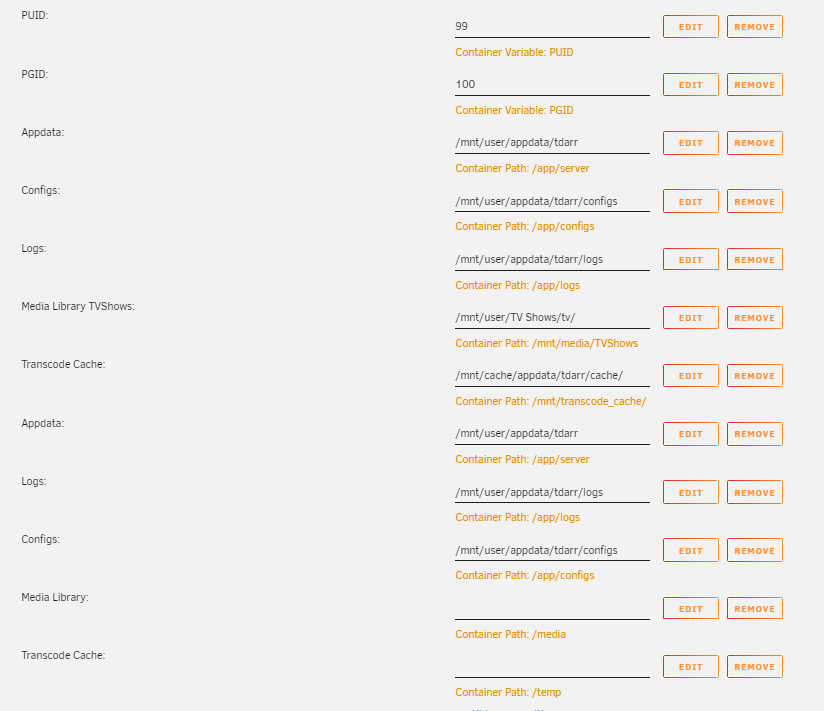
I thought I had hopefully resolved this, I only get the issue if running tdarr and keep finding all my shares missing causing me to reboot. I had tdarr's media folder set to /mnt/user but changed it to /mnt/user/tvshows etc I managed 36 to find the shares gone again. Can someone please take a look at my diags in case it is something else? I really still do think it is tdarr but there are no paths set in the docker to use /mnt/user Many Thanks unraid1-diagnostics-20210216-2141.zip
-
This happens if the ARL is not completed in the template or if it is expired/incorrect
-
You are a star! thank you! I was looking to roll back to the previous version but could not find a way
-
Hi, Latest update of this docker has broken web based players, any ideas? https://emby.media/community/index.php?/topic/91817-most-of-my-movies-wont-play-exept-with-emby-player/ Thank you 🙂
-
I just replaced the (in my case) Netherlands.ovpn with the new nextgen Netherlands.ovpn from PIA and all works perfectly. Hope that helps
-
I just replaced the openvpn file and all came back for me yesterday,
-
You must use the ip of privoxy to connect
-
ah, ok, thank you
-
Hi, I see Deemix's repository has been taken down? is there a new repository anywhere?

-
I guess there is no way of narrowing down from diagnostics? I run 20+ dockers that do that 😞 I know I could stop dockers and re-enable them one at a time but seeing as this problem last occurred a month or so ago, It would be a nightmare to find it!
-
I am also suffering from this issue, I can confirm 100% the mover was not running when it happened last as I was using the server the moment it happened and the mover finished 6-7 hours prior.
-
Thanks for the response, I can confirm that the mover was not running as that runs at 2am and finished around 6-7 hours ago. Is there anything I can do to help diagnose this? Thank you
-
Hi, My shares have disappeard right in front of me whilst using the server, I captured the diags right after it happened, I am not running the suspected faulty docker (tdarr) if someone could please let me know what is happening I would really appreciate it! unraid1-diagnostics-20200907-0955.zip
-
OK, can't believe this but me setting up a cache pool has coincided with an update from avast that has dropped my speeds to 230mb/s! I tried a transfer from VM to VM (unraid1 to unraid2) and speeds were spot on, looked through all my Windows programs and stopped them one by one and as soon as I stopped avast speeds are back to 1000mb/s So sorry to have wasted yours and anyone else's time but hope this helps someone else at some point!



