





Michael_P
Members
-
Joined
-
Last visited
Everything posted by Michael_P
-
Indeed, but I can say that I've done pre-clears on a half dozen drives or so and not once has unraid allowed them to be added to the array without clearing them again. I just basically use the plugin as a stress test at this point, but if anyone has any insight as to what exactly I'm doing wrong, I'm all ears
-
In my experience, when I pre-clear new drives and add to the array, no formats, no changes just straight from pre-clear to the array - every time it starts clearing again. I've never had a "cleared" drive add to the array without having to clear again. From cold spares to drives that dropped for one reason or another and I've pre-cleared to make sure they're good, each time it's needed to clear them again when adding to the array
-
FWIW - pre-clearing never works right for me either, always clears again when I add a drive
-
Looks like it's on its way out. (I would not use that drive) ATTRIBUTE INITIAL NOW STATUS Reallocated_Sector_Ct 0 8 Up 8 Current_Pending_Sector 0 16 Up 16 Offline_Uncorrectable 0 16 Up 16
-
Tried UrBackup?
-
You could just create a separate DB and save come complexity. If it's all running on the same hardware, there's no performance gain to have 2 docker instances running, just my opinion
-
Just curious, why 2 DB servers?
-
Short answer, yes - if it's not an encrypted array, it should start by itself and begin providing services. If you assign a static IP to the server, you won't need routing to get to it so you'd be able to access it from the LAN should you need to (you'd need to assign a static IP to your client machine too).
-
Take whatever disk you're using in your W10 machine and move it into your Unraid server as an unassigned device, then assign that to the VM and it should boot like it never left (assuming it was your boot drive and the boot manager is set up correctly).
-
Yep, you can either move the whole disk, or do an image backup and restore into the VM.
-
It's a Bad Idea™️
-
OK, in your case moving to a GPU for transcoding will most likely improve your experience, and yes - it is possible
-
Need more info. What's the video file's specifics, 1080p? 4k? h.264? h.265? What's the bitrate? WiFi or wired? What the client you're using?
-
If you're on 6.8.3 try this https://forums.unraid.net/topic/108643-all-docker-containers-lists-version-“not-available”-under-update/
-
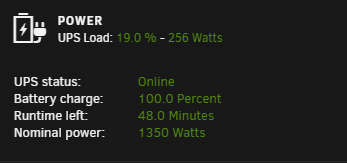
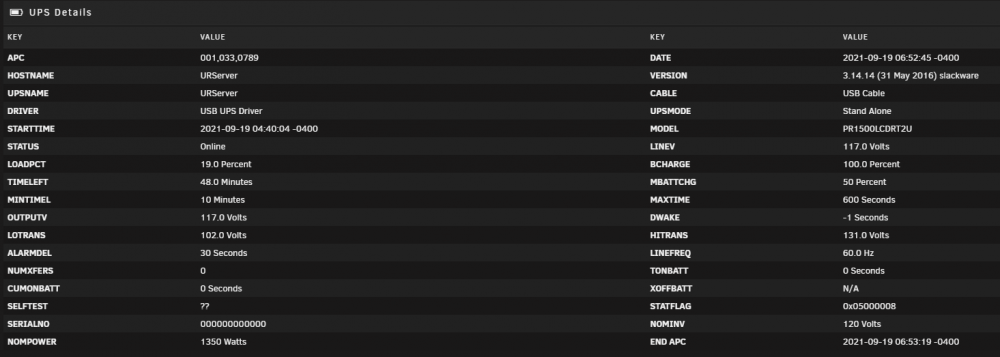
My PR1500LCDRT2U communicates fine and shuts down the VMs and the server itself properly
-
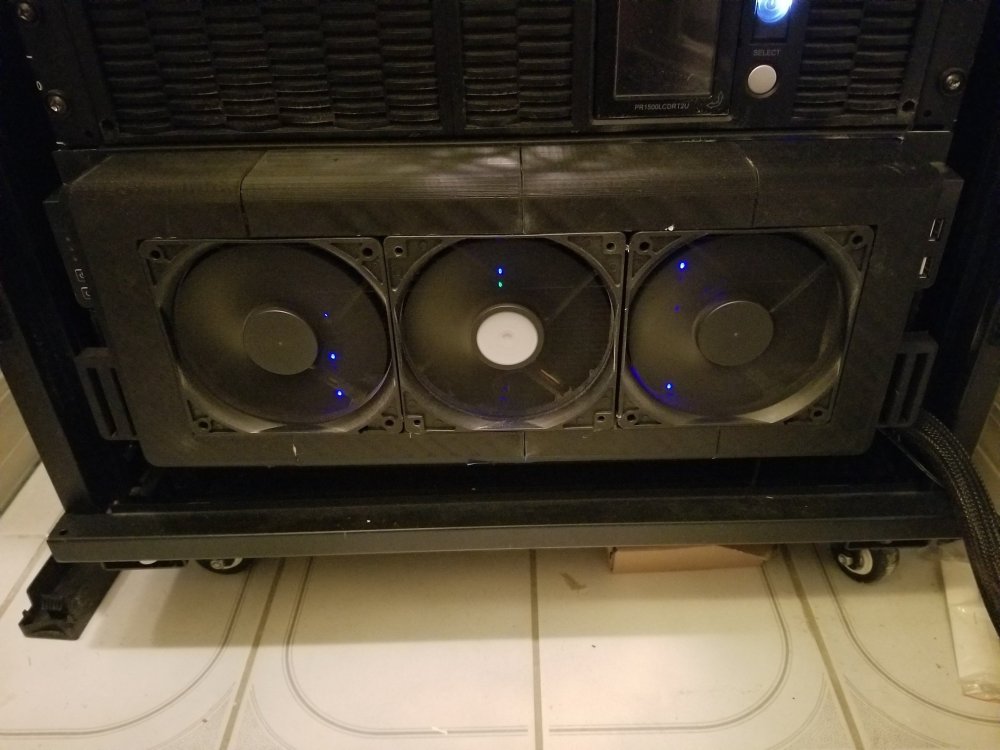
Cool air in from the front, hot air out the back.
-
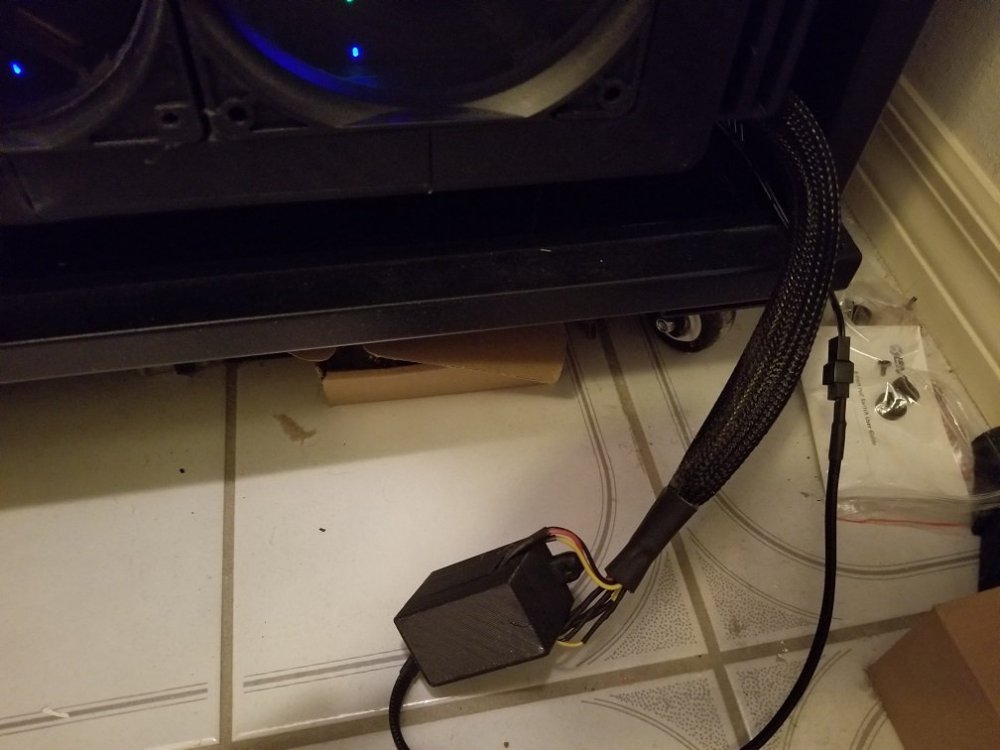
Here's the 4 STLs if you wanna print 'em. If I wanted to improve on it I'd probably include some interlocking tabs to help with alignment when gluing, but it works as is so meh I added tabs on it so it lines up with the 4224's handles to either zip tie or velcro (I went with velcro), powered it via an umbilical cord to an externally powered fan hub Bezel Cut 1.stl Bezel Cut 2.stl Bezel Cut 3.stl Bezel Cut 4.stl
-
I printed a custom front fan shroud for my 4224, keeps my drives in the high 30's during parity checks (granted, my internal fan wall filled with Noctua fans is always at 100%, so can't help ya there)
-
The MariaDB Docker has changed, here's the fix to update to the "new" container
-
His last diagnostics still had a drive falling out so there's that to deal with That looks to be disk 7
-
Eliminate the splitters, avoid splitting if at all possible as power can sag and cause the drives to "reset". Make sure you're using multiple paths to the PSU and not hanging all the drives off of one wire
-
Looks like in 6.9.2 the GUI method is broken, so treat it as a single drive or do it manually via the console
-
Still a lot of resets, did you check/replace the cables?
-
It's 1 disk as far as the OS is concerned, treat as such
-
If you chuck the iGPU at Plex, the 11700 won't even start to breathe heavy until you REALLY get up there in concurrent streams




