





Mainfrezzer
Members
-
Joined
-
Last visited
Everything posted by Mainfrezzer
-
Das sollte eigentlich sofort auftauchen. Sollte auch reichen indem wenn man den VM Dienst neustartet ip route add default dev wg0 table 100 ip rule add prio 100 iif virbr10 table 100 das muss im Terminal ausgeführt werden und halt jedes mal wenn der Server neu startet. Man kanns auch in die Wireguard config schreiben. Einzige Problem dabei ist, dass Wireguard vor dem Array startet und da könnt der dann meckern dass das Interface halt nicht existiert. Edit: Das folgende sollte in der Go-file ausreichen, falls nicht, die Zeit von Sleep höher setzen. (sleep 30; ip route add default dev wg0 table 100; ip rule add prio 100 iif virbr10 table 100 ) &
-
For xfs, its not plug and play on windows, as it doesnt have the drivers for it, but it will work with linux. btrfs is the same story, but im not absolutely sure about the linux part, there might be distros that dont, who knows (and thats just for the single drives from the array, pools are a completely different story)
-
Ich hab mich jetzt mal mit Homeassistant beschäftigt, was eine Folter. Die Unraid-Variante ist einfacher einmal die .xml irgendwo, am besten unter /tmp erstellen. <network> <name>virtbr10</name> <bridge name="virbr10"/> <forward mode="nat" dev="wg0"/> <ip address="10.0.20.1" netmask="255.255.255.0"> <dhcp> <range start="10.0.20.2" end="10.0.20.254"/> </dhcp> </ip> </network> (kann natürlich und eventuell muss abgeändert werden damit das Wireguard-Interface für Dockercontainer, bei mir wg0, stimmt) virsh net-define PFAD/ZUR/XML virsh net-start virtbr10 virsh net-autostart virtbr10 Dann hat man unter der VM die Auswahlmöglichkeit virbr10 zu nehmen, welches die VPN Verbindung ist. EDIT: Ganz vergessen. In der Go-Datei oder sonstwo muss dann noch ip route add default dev wg0 table 100 ip rule add prio 100 iif virbr10 table 100 Eingebracht werden, sonst hat das Interface keine Verbindung.
-
Mit VMs, schwierig(er). Denke mal dass das sehr möglich ist, aber da müsst ich mich durch die Konfiguration wühlen. Das einfachste wären, wenn man Wireguard selbst auf der VM installiert, ansonsten könnte man auch das hier versuchen. https://github.com/bigmoby/addon-wireguard-client hab aber selber keine Ahnung von dem ganzen Homeassistant kram. Bei dem Addon ist aber eventuell das Problem dass das komplette routen von Traffic nicht "simpel" mit 0.0.0.0/0 zu funktionieren scheint.
-
That is very bizarre indeed. I tested a bit, and given that you can actually reach the router as you said, that seems to be working as it should. There must be something going on with the clients. I can reach everything from the remote network with the exception of another server that has its own routing table for that specific ip range.
-
Sorry took so long to come back to you, had to reverse setup the whole thing because apparently telekom routers dont have routing tables. i could recreate your issue, your static routing must be wrong. Are you absolutely sure that your router, where the host resides has the Wireguard IP range routed back to the Wireguard Host?
-
What does the wireguard config on unraid(or whatever the Wireguard host is) looks like? without the keys of course
-
Well its a usb drive and it dropped offline. Nov 18 07:58:39 unraid kernel: usb 2-1.1.2: reset SuperSpeed Plus Gen 2x1 USB device number 6 using xhci_hcd since then its spamming the log with errors and then it dropped again Nov 18 07:58:40 unraid kernel: usb 2-1.1.2: reset SuperSpeed Plus Gen 2x1 USB device number 6 using xhci_hcd rinse and repeat Only recommendation is to not use usb drives because of the unreliability
-
Das ist nen stink normales ATX Netzteil. Wozu brauchs da nen Adapterrahmen?
-
given that you have terminal access without ip, i assume thats via a monitor? just type "slim" and the gui starts, for an easy mode. Otherwise, nano /boot/config/network.cfg and change the ips there, if you wanna stay on static (otherwise, you can just delete the file aswell)
-
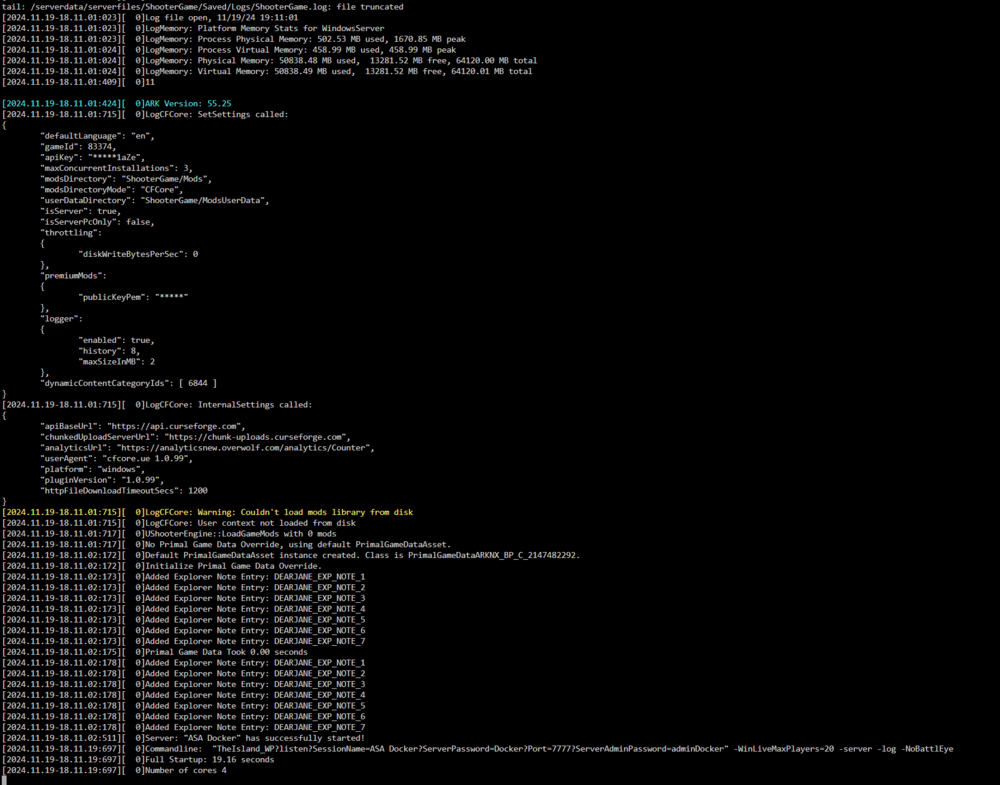
okay, this is rather peculiar. Since you asked for the log and i stupidly deleted the files already, i had to reinstall the asa server and it wont work anymore. Seems like they updated the dedicated server right after and its broken atm because the dedicated server version wont even start on my pc. 🤣 So yeah, that took longer than i wanted to because i had to copy the whole game onto the server. (they actually updated the dedicated server while im prepping this text, so they fixed their broken update) I did install it as the website says, unzip it all in the win64 directory. But i didnt change the log to tail. Heres the log of the Ark-Api thingy 11/19/24 19:23 [API][info] ----------------------------------------------- 11/19/24 19:23 [API][info] ARK:SA Api V1.17 11/19/24 19:23 [API][info] Brought to you by ArkServerApi 11/19/24 19:23 [API][info] https://github.com/orgs/ArkServerApi 11/19/24 19:23 [API][info] Website: https://ark-server-api.com 11/19/24 19:23 [API][info] Loading... 11/19/24 19:23 [API][info] Cache files downloaded and processed successfully 11/19/24 19:23 [API][info] Cache is still valid loading existing cache 11/19/24 19:23 [API][info] Reading cached offsets 11/19/24 19:23 [API][info] Reading cached bitfields 11/19/24 19:23 [API][info] Initialized hooks 11/19/24 19:23 [API][info] API was successfully loaded 11/19/24 19:23 [API][info] ----------------------------------------------- 11/19/24 19:23 [API][info] UGameEngine::Init was called 11/19/24 19:23 [API][info] Loading plugins.. 11/19/24 19:23 [API][info] Loaded plugin Ark:SA Permissions V1.02 (Manage permissions groups) 11/19/24 19:23 [API][info] Loaded all plugins 11/19/24 19:23 [API][info] AShooterGameMode::InitGame was called 11/19/24 19:23 [API][info] SERVER ID: 204977789
-
you can do it yourself with a bit of reading into docker. Well, technically you dont even need to since you "only" need to modify the start script within the container, but that would be a pain on recreation. But all you would need to do is change the "ArkAscendedServer.exe" to "AsaApiLoader.exe" in the start-watchdog.sh and start-server.sh and if it works well with wine, youre golden. But ultimately you wanna build your own container with the modified scripts so you dont need to alter them everytime. https://github.com/ich777/docker-steamcmd-server/tree/asa i gave it a quick shot and it seems to work, but i didnt test
-
the filebrowser, if its limited to your screenshot of it, actively hinders you to copy/move from disk to fuse mount point and vice versa, you need to copy/move the data between the disks themselves
-
Mhmm You could check the smart data to see which disk has the highest amount of data written, if the parity drive has been in use for the same amount of time. Are you sure, with the read only flag?
-
The Unassigned Devices plugin should list you the drives with their respective filesystem on the main page
-
Since you only got one parity. the order doesnt really matter, luckily. You need to check which of the drives have an actual file system, those are your data drives and the one without a filesystem, thats your parity.
-
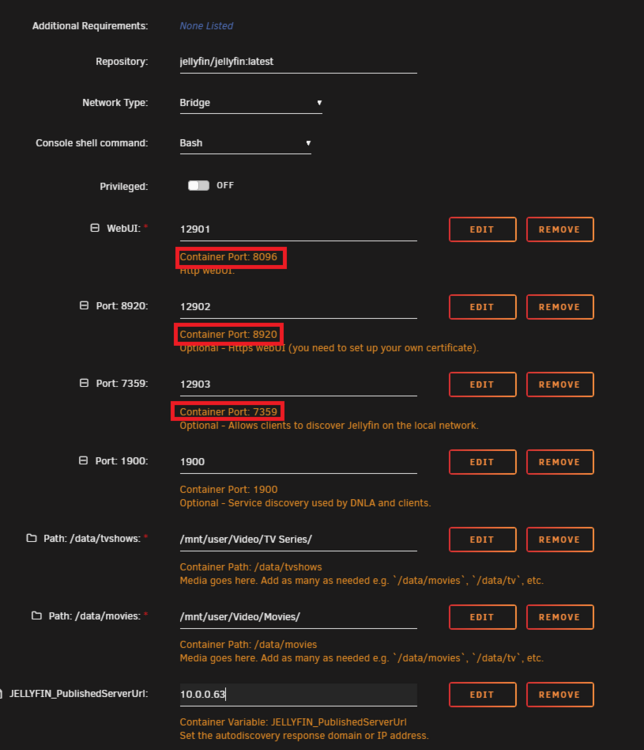
It is, as long as the template didnt get broken by choosing host mode, because it rewrites the port mappings. its important that the container ports stay the default while you can change the textbox freely, in bridge mode.
-
The template is more or less broken because youre running in host mode. Changed exposed ports in host network mode doesnt work. (you need to modify the container itself to work with it) You need to swap the container ports () back to what theyre supposed to be and then change the network at least to bridge Edit: Regardless of Hostmode. In your appdata for the Jellyfin container you should find the network.xml for the http and https port you can actually map the correct ports for host mode, the auto discovery via port 1900 sadly not example to of the modified entries in the xml <InternalHttpPort>12901</InternalHttpPort> <InternalHttpsPort>12902</InternalHttpsPort> <PublicHttpPort>12901</PublicHttpPort> <PublicHttpsPort>12902</PublicHttpsPort>

-
Was sagt denn Jellyfin im Protokoll? Ich geh ja mal davon aus dass die Echtzeitüberwachung an ist für die jeweilige Bibliothek.
-
Apart from your cach drive thats failing, its also your unraid usb, by the looks of it. "/boot" is the usb stick itself. Since its read only, its most likely on its way out. Only thing you can do it make a backup, get another usb and boot from that one.
-
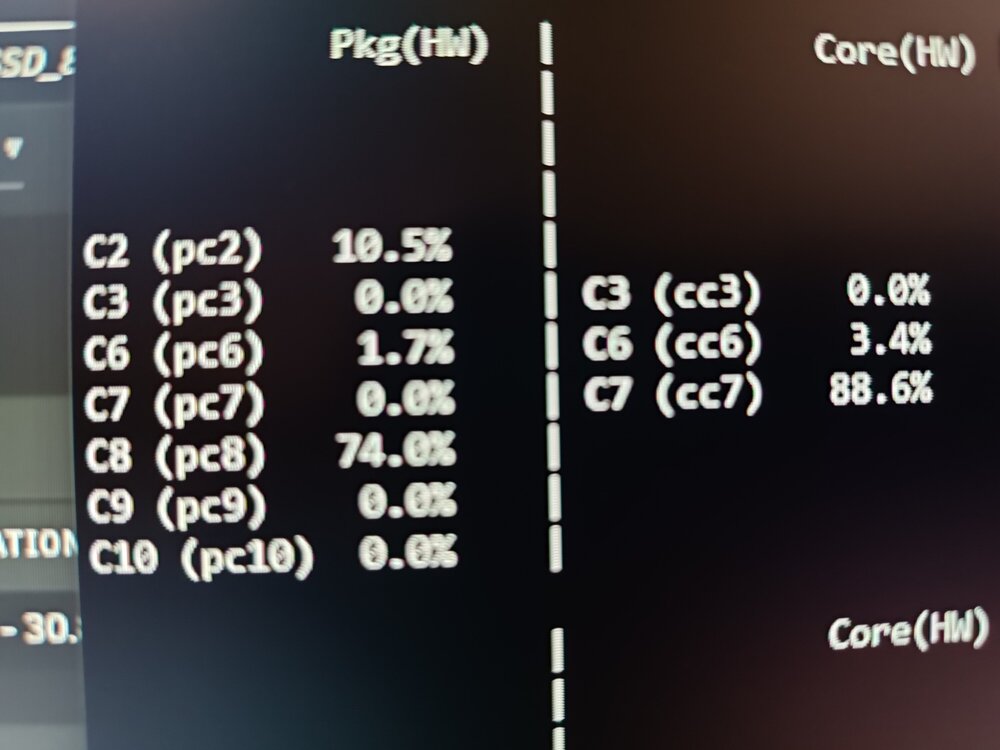
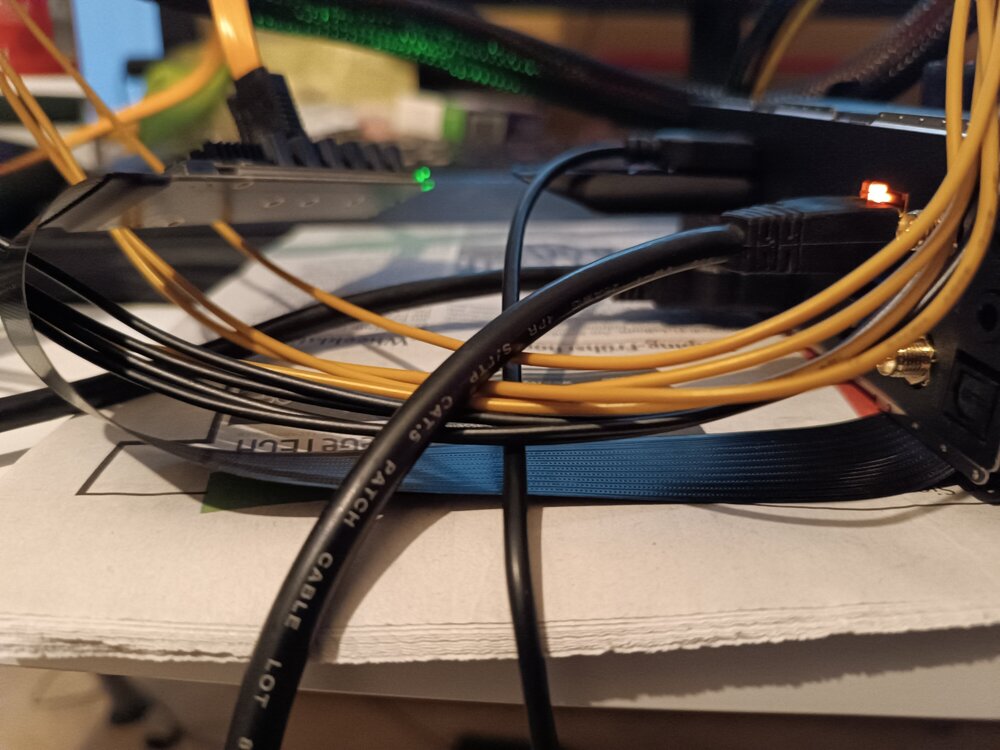
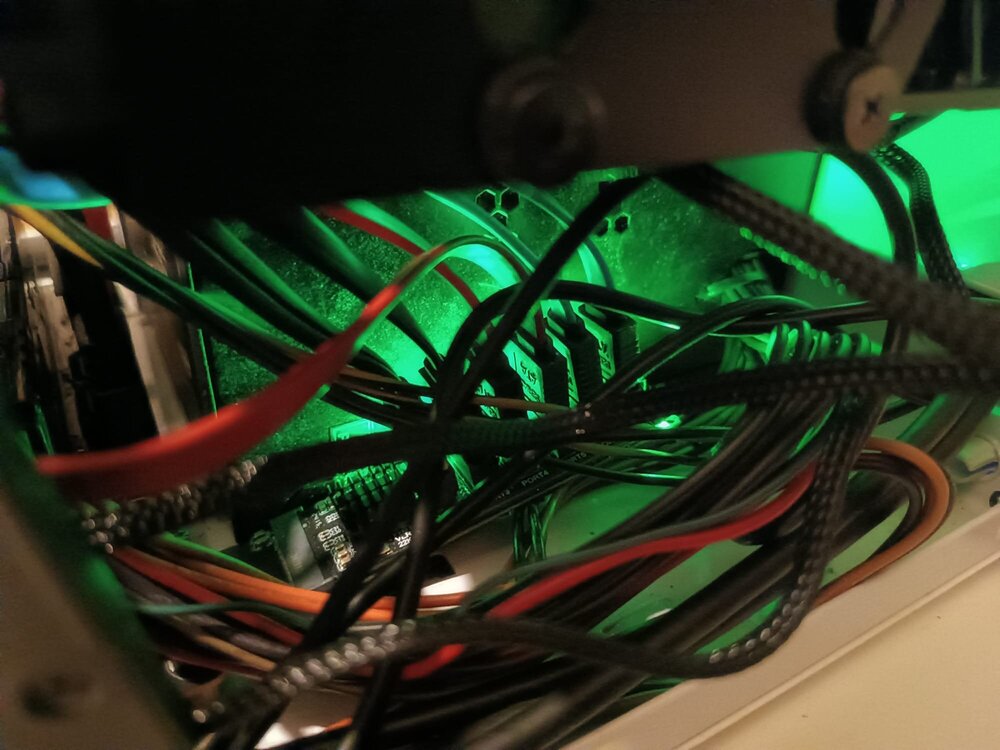
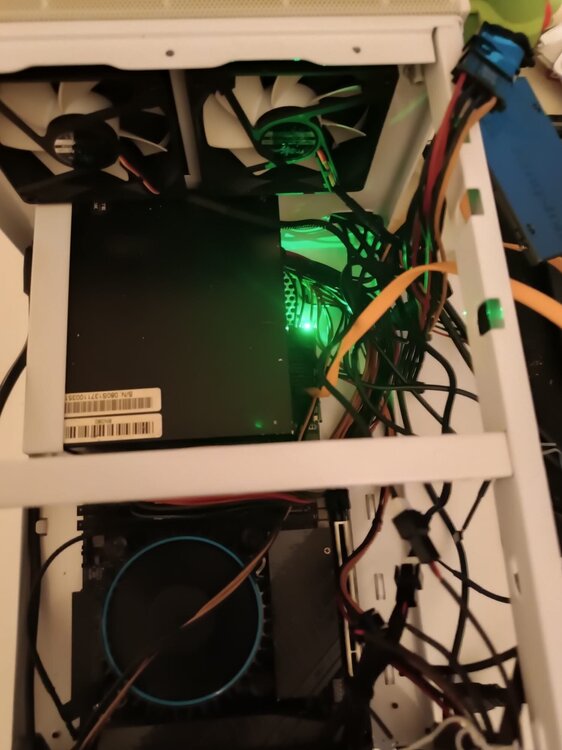
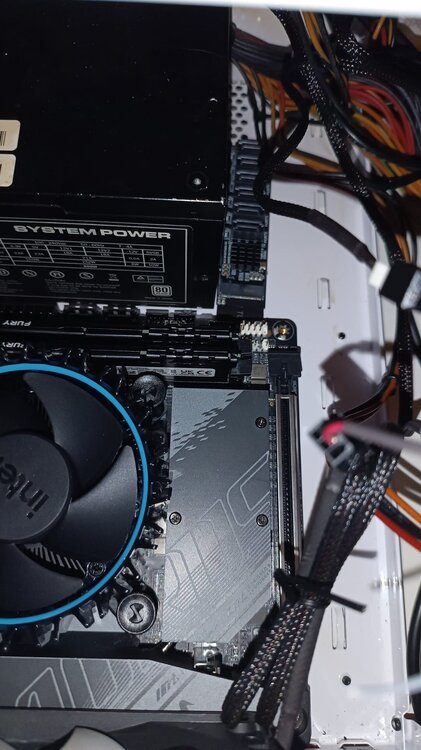
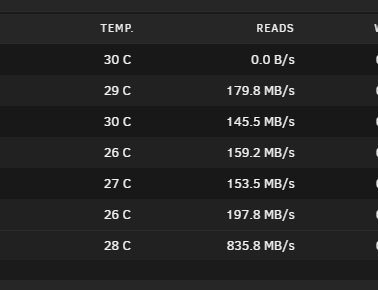
Ich schreib gerade vom Telefon von dem her wird die Formatierung für den po sein. Ich hab mir die A Variante mal via express Lieferung zukommen lassen und die funktioniert. Für das board selbst, vom layout her, absoluter mist, da muss ich echt auf die B Variante aus China warten aber es klappt. Edit: Den Durchsatz kann ich leider gerade nicht testen, hab nur mistige SanDisk Sata SSDs zur Hand die langsamer als ne Festplatte sind. Edit Edit: Ich war mal sehr gewagt und hab das Kabel ein bissel strapaziert. Es funktioniert wunderbar ❤️ Edit Edit Edit: Die verdammte Fritzbox benötigt mehr Watt als der Server im Idle. Ich werd bekloppt.
-
Ich vermute den Übeltäter bei den PCI Devices # Runtime PM for PCI devices echo auto | tee /sys/bus/pci/devices/????:??:??.?/power/control Musste das für ein Realtek nic und bei dem 225 Intel Nic auf dem Gigabyte Board auskommentieren da ansonsten das Ding in den ewigen Winterschlaf ging statt mal wieder zu kommen # Runtime PM for PCI devices #echo auto | tee /sys/bus/pci/devices/????:??:??.?/power/control
-
You did a little mistake which is mentioned on the page. So =1GB is wrong. =1024M should do the trick^^
-
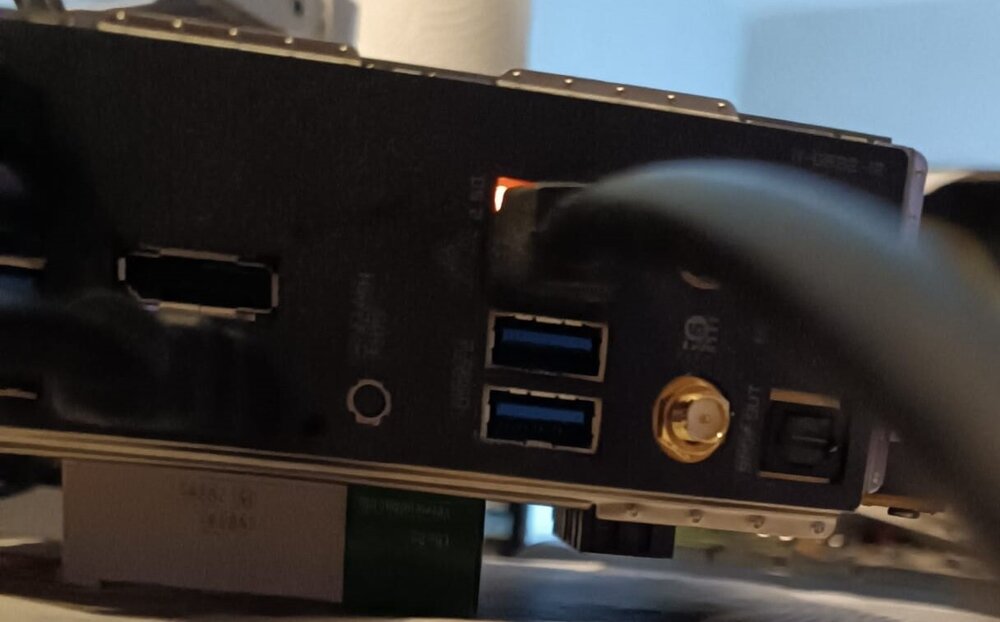
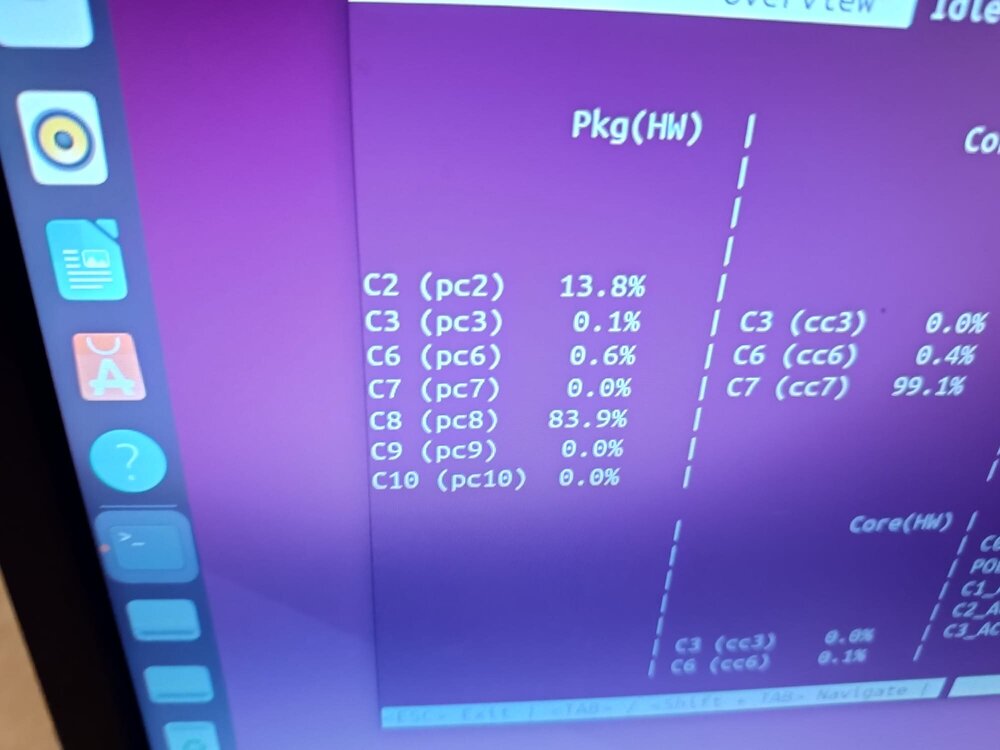
Macht kein Unterschied. Das Problem liegt direkt an dem ASM1166 und CPU Lanes, warum auch immer. (Wurd hier ja schon öfters im Forum erwähnt und auch nochmals hier https://mattgadient.com/de/7-watt-im-leerlauf-bei-intel-12-13-generation-die-grundlage-fuer-den-aufbau-eines-stromsparenden-servers-nas/) Am Chipset, wie hier, funktioniert es wunderbar. Werde jetzt abwarten, Kaffee trinken und mich darum kümmern wenn das Kabel aus China da ist.
-
So, ich war jetzt auch mal so schlau und hab jetzt mal geprüft ob das überhaupt klappt, jup.😅







