Veah
Members
-
Joined
-
Last visited
Everything posted by Veah
-
Contact support and they might assist. Otherwise a new USB drive will allow for a new trial.
-
Have a look in your router firewall settings too. There could be a deny rule blocking traffic from your workstation mac or ip. If your workstation is set to a static IP, try setting it to DHCP. If it works on a new IP address then you know something is stinkered up in your routing rules.
-
Could also be interruptions of some sort on your network
-
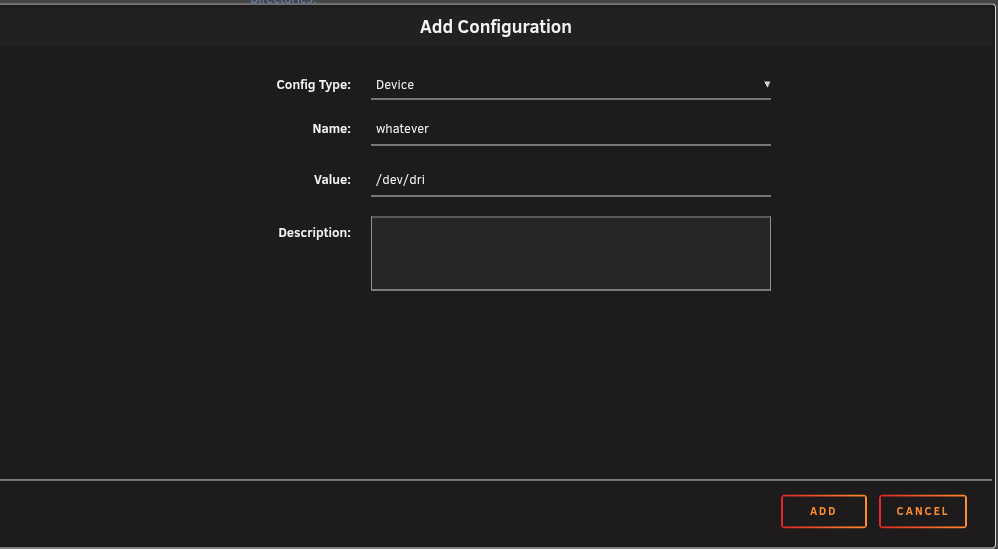
Have you looked at your browser? Clear cached info or try a different one.Do yourself a favor and pass on bonding. It has near zero real world benefits and is known to cause confusion. Install an Intel pciex nic that supports the bandwidth you are aiming for. Try to avoid USB nics. They can be helpful in a pinch as a temporary solution but they do not play well with unraid.That's plenty.These seem to be a popular, effective, and inexpensive option nonetheless. Also, I would not rely too heavily on AI slop. Seen plenty of threads around here that start with "AI told me to do this and now it's really broken. Please help."Stop parity and sort out the drive issueAre you using power splitters? Try to avoid or limit splits as much as possible. If replacing cables and do not do it, it could be your psu. Keep in mind that during parity check, all the drives run simultaneously so thats when most power draw happens. You should not have started a rebuild on a broken array. Get your drives working before you run a new parity check.Verify the LSI is in IT mode. Also check power and data cable going to the hdd. Have you otherwise tested the hdd?Worth considering the latest beta and skip the USB altogether. Version 7.3.0-beta.2 2026-04-01 | Unraid DocsThis beta adds dedicated boot pool support and fixes user-facing regressions reported against 7.3.0-beta.1, especially around Docker behavior, XFS sector-size compatibility, onboarding polish, and devLooks like unRAID 7.3 is on Linux kernel 6.18.20 which does have rtl8127/57 baked in.Food for thought: If you continue to run into weird or inexplicable problems, it could be your usb drive (sda) going wonky. All sorts of strange can happen when they start failing.To add my own contrast, my same build with the 71605 hba above was originally built on a Gigabyte strx4 with a 3960 Threadripper and was pulling 210W at idle. That led me to look for something more efficient that I have now.Huh. 200w just seems high. I've a 12600 with 8 spinners and a quad x710 nic. It idles at 35w. Add a couple drives and an hba puts me around 70w idling. My MB has 8 sata ports so no hba in it for now, but I use an Adaptec 71605 when I need one. Do your hdd spin down? I wouldn't know where to go beyond that.That's a lot of power for backups. You might consider a power friendly rebuild with an N100 or something similar for backups.I would not assume that. Certainly worth clarification from those in the know.This is a mb not posting correctly and then resetting to it's default settings. Typically after a somewhat long wait, it can come back up defaulted. Try and wait it out without the Nvidia in it. Be sure you have the latest BIOS update then run unRAID again with minimal changes to your BIOS settings. If you are to establish the system as stable like that, make a backup of your unRAID config then try again shutting down. Unplug it. Then place the gpu in slot 1. Pay close attention to the gpu power cable connection. Boot up PC, enter bios and check gpu is recognized. Then boot UR. Cross fingers.Thats room for lots and lots of linux distros.You have your backups.... Go for the latest. Go for beta 7.3 I am a huge fan of 7.0.1 for stability and 'just working' but 7.2.4 seems really good too. 7.2.4 or 7.3 beta is my suggestionIf a plugin giving too much trouble to update, get rid of it (if you can) and add it or it's equivalent after you upgrade.The new licensing to a tpm on motherboard is interesting. Saw no mention of the process going forward to transfer license from tpm to tpm when upgrading to new hardware.See about enabling syslog server to capture whats going on when it crashesif its just the integrated intel gpu, adding the device parameter should allow Plex to see it. Multiple gpu probably complicating things. Also check your integrated gpu is not disabled in bios.