





Kilrah
Members
-
Joined
-
Last visited
Everything posted by Kilrah
-
That's barely readable but it looks like you're not using my image this thread is about.
-
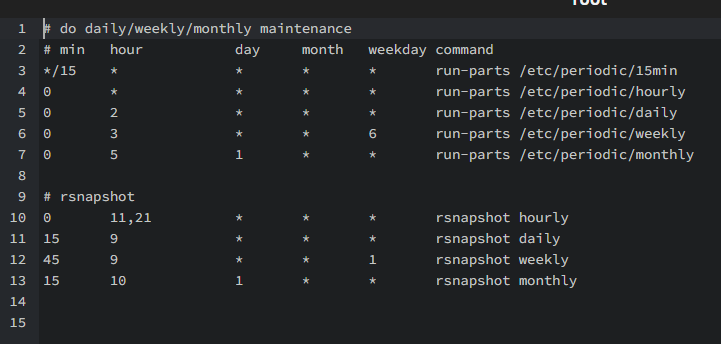
Those are for the underlying system, you have to add some for your rsnapshot tasks yourself according to how you've named things in the config
-
The start/stops won't have anything to do with the drive dropping, they just make the logs a pain to read. I'd mostly check drive power/data wiring.
-
Do you run things like kasm that are known to create children containers?
-
Simply update the container.
-
Never saw that, looks like it has to be manually enabled.
-
Since this image doesn't keep older tags try to either temporarily use nextcloud:30 as repository, run it so the data gets updated to 30 (check logs to see when it's done), then switch back and it'll get updated again to 31. Take appdata / DB backups before each step just in case. Alternatively use my image, I do follow releases pretty closely and keep the latest version of each branch available.
-
Update, should work again on v30 and 31.
-
Really not liking these plugins being deprecated lately. Sure USB manager technically allows similar functionality of "accessing a USB device from a VM" but in a more complicated way... that's more messy than it should for the "connect this device just that one time" with permanent bindings you'd then have to clean up after you're done etc... I've had both plugins installed for different kinds of uses, they both have their place.
-
It's incompatible with 7.1.
-
Update then.
-
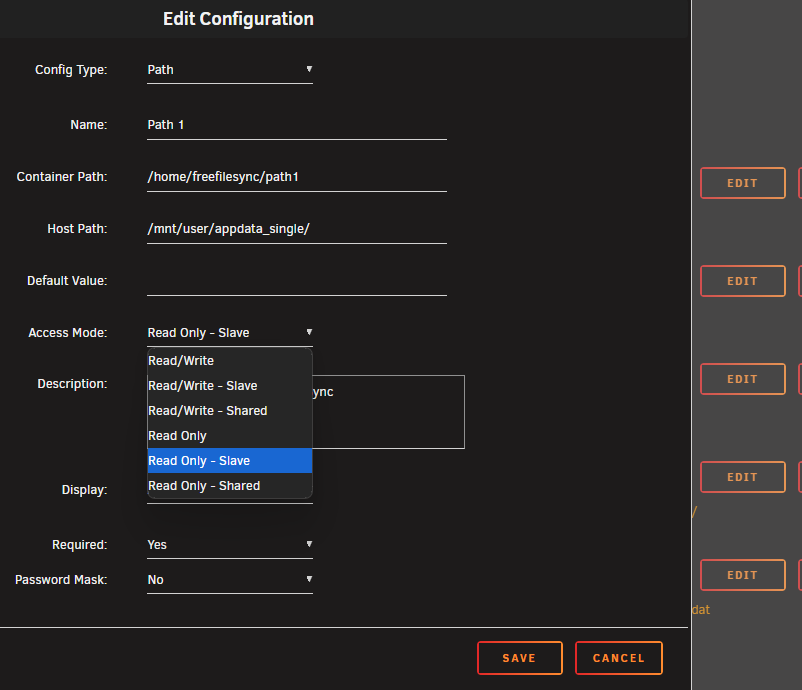
What unraid version? There was an issue with that a few versions ago that's been fixed. Also for such mounts make sure to click the Edit button and switch the access mode to the "slave" version.
-
They will list, but clicking on them gives "unsupported preview", and more importantly trying to download one results in "file not found".
-
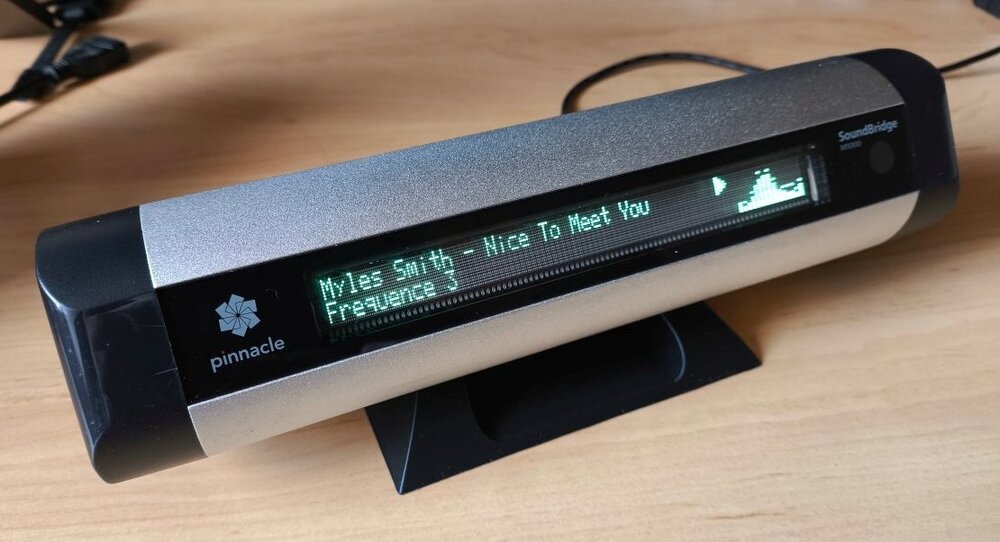
Heh, that's precisely what made me look for a container I could use with it after finding one for cheap
-
7.1 stores the dashboard layout on the server now.
-
Reconstruct writes anyway only happen when there is no concurrent array usage - i.e. if you read something while writing to the array it will use RMW, and since a parity check is a constant read...
-
Either the check already passed at the location being written and would have detected the error already if there was one, or it will do so later. I.e. doing a write with RMW doesn't change anything. Doing reconstruct write would actually unintentionally correct any error even if the check is non-correcting, which would be inconsistent.
-
It's most free in terms of TB, not in percentage, so it's not the one with most free space.
-
Yes because from the outside they would still be that.Your logs are full of a container restarting every couple of minutes, figure out which one it is, probably the culpritSomeone reported it on discord too
 Yeah it was my fault, I filled up the destination without looking thinking it was the source for some stupid reason...I don't know, but I've always seen the solution to that being to change the ports used by the unraid UI. Never seen your solution used so it's not likely it would be something that would have been tested for.Likely but IMO since CA is under the unraid org now there should be better synchronisation between that with the same status for the OS and all first party plugins.



